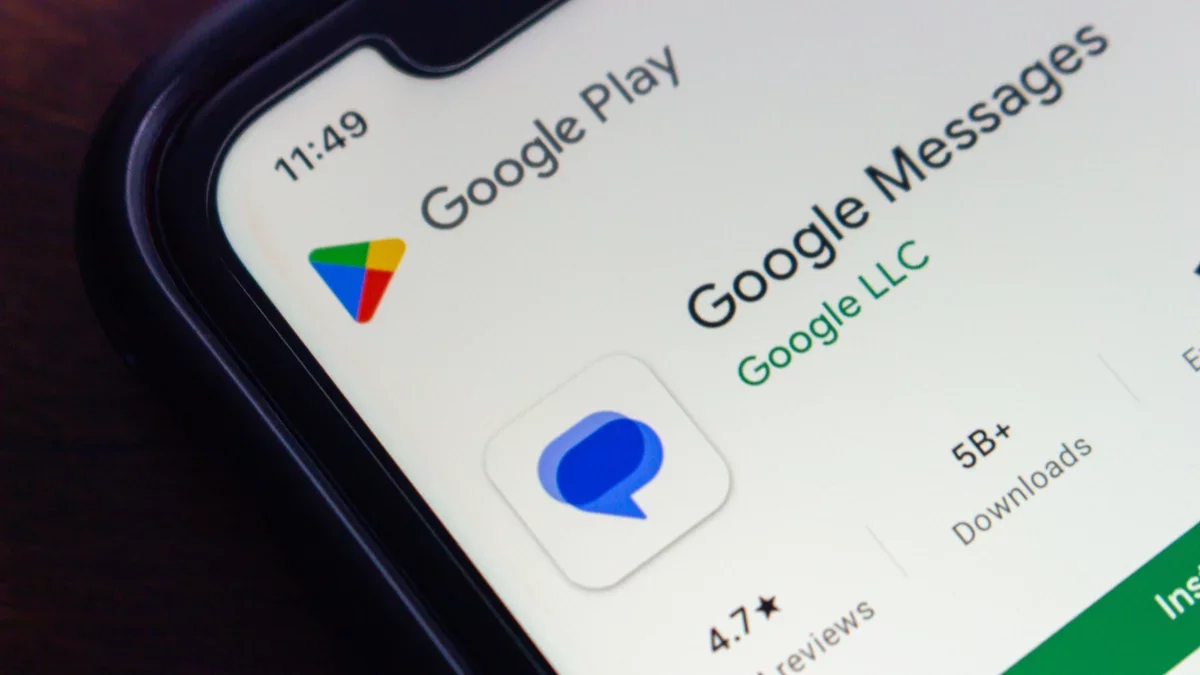
Android users can now utilize the exciting new feature of sharing their live, real-time location directly within Google Messages. This enhancement allows friends and family to easily track each other's movements over time, facilitating better coordination for meet-ups and enhancing safety.
Previously, real-time location sharing was limited to Find Hub, but it has now been seamlessly integrated into Google Messages. Before this update, users could only share a static link to their location on Google Maps. Other messaging platforms like WhatsApp and iPhone Messages already offered similar capabilities, making this addition a welcome improvement for Google users.
When opting to share your location, Google provides customizable options, allowing you to select a sharing duration of up to 24 hours, or you can choose to share for one hour, until the day ends, or indefinitely until you decide to stop. While your conversations remain secure with end-to-end encryption, it's important to note that this feature leverages Google Maps to process your location data.
If you haven't yet received this update, don't worry--it's likely on the way, as Google has published a support article outlining the new feature.
Steps to Share Your Real-Time Location in Google Messages
To start sharing your location, ensure you are signed into your Google Account. Open a conversation in Google Messages and tap Attachment > Real-time location. The first time you use this feature, you will need to tap I accept to confirm the updates to your Location Sharing settings. Select your desired duration and hit Send.
If you wish to share your location with someone who has already sent you their own, simply select the message containing their location, tap Share next to your name, set the duration, and click Send. To stop sharing your real-time location, select the message with your location and tap Stop > Stop sharing next to your name.