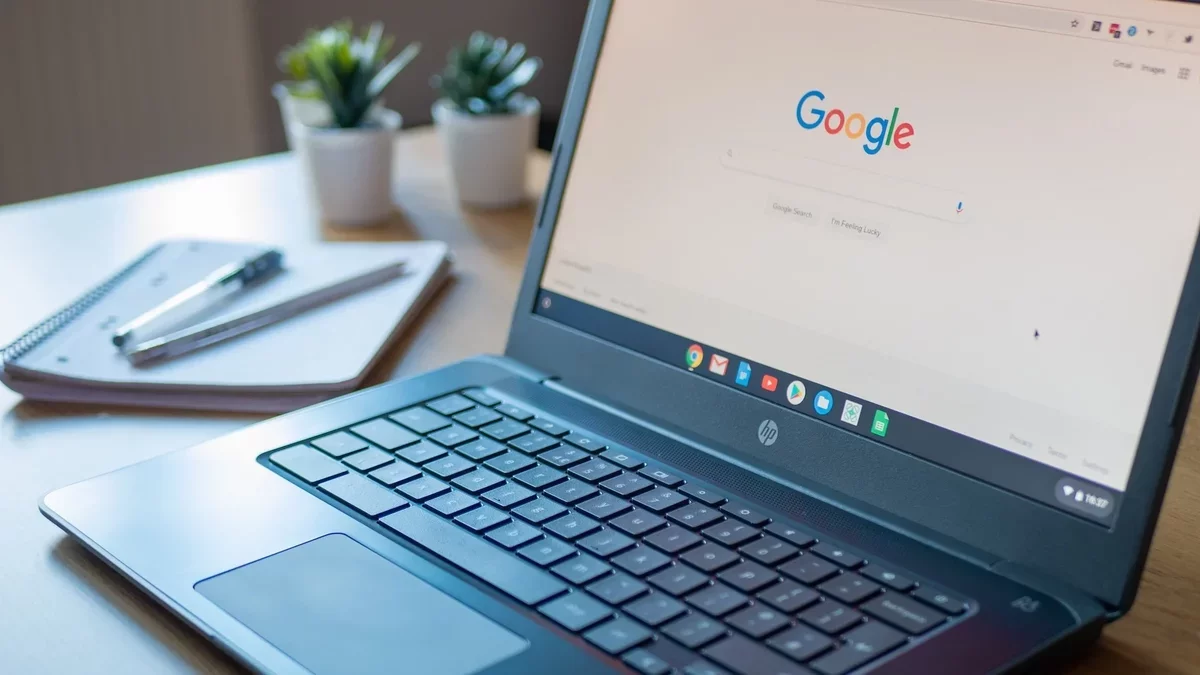
Chromebooks have gained popularity due to their user-friendly interface, featuring a simple layout of browser tabs and web applications with seamless cloud synchronization. As these devices evolve, they've integrated more functionalities beyond their basic Chrome foundation, including the ability to run Android applications. New Chromebook Plus models come equipped with a suite of pre-installed apps that enhance user experience. Here are five essential built-in apps that every Chromebook user should explore.
Recorder
The Recorder app stands out as a top choice for users. This intuitive voice recording and transcription tool operates similarly to the Recorder found on Pixel devices. Users can start recording effortlessly by clicking a button and speaking. After downloading a few AI models, the app can transcribe speech in real-time, providing summaries and titles for recordings. Additionally, it recognizes different speakers, labeling them based on their unique voice patterns. All recordings are easily accessible and shareable within the app.
Screencast
Screencast is an excellent tool for capturing screen activity. Users can include webcam video and microphone audio in their recordings, making it perfect for tutorials or presentations. The recording process is user-friendly, with icons for easy navigation and annotation tools available for on-screen drawing. Once the recording is complete, the app automatically transcribes spoken content, and basic editing features allow users to trim their videos before sharing them via customized links.
Text
For quick note-taking, the Text app serves as a straightforward local editor, akin to Notepad on Windows. It offers syntax highlighting for various programming languages and customizable font and tab sizes. With features like light and dark modes, it's perfect for distraction-free writing or coding, especially when offline.
Key Shortcuts
Key Shortcuts enhances productivity by providing a comprehensive list of all available keyboard shortcuts on ChromeOS. Users can customize many shortcuts, allowing for a tailored experience. This app not only serves as a reference but also empowers users to optimize their workflow by modifying shortcuts to better suit their needs.
Gallery
The Gallery app is a versatile tool for managing images, videos, audio, and PDFs. Users can edit images, watch videos, and listen to audio files offline. The image editor supports basic functions like cropping and annotating, while the PDF editor allows for text insertion and page annotations, including AI-generated summaries of documents.
These built-in applications significantly enhance the Chromebook experience, making it a powerful tool for productivity and creativity. As technology continues to advance, the integration of such innovative tools may redefine how we interact with our devices, paving the way for a more efficient and connected future.