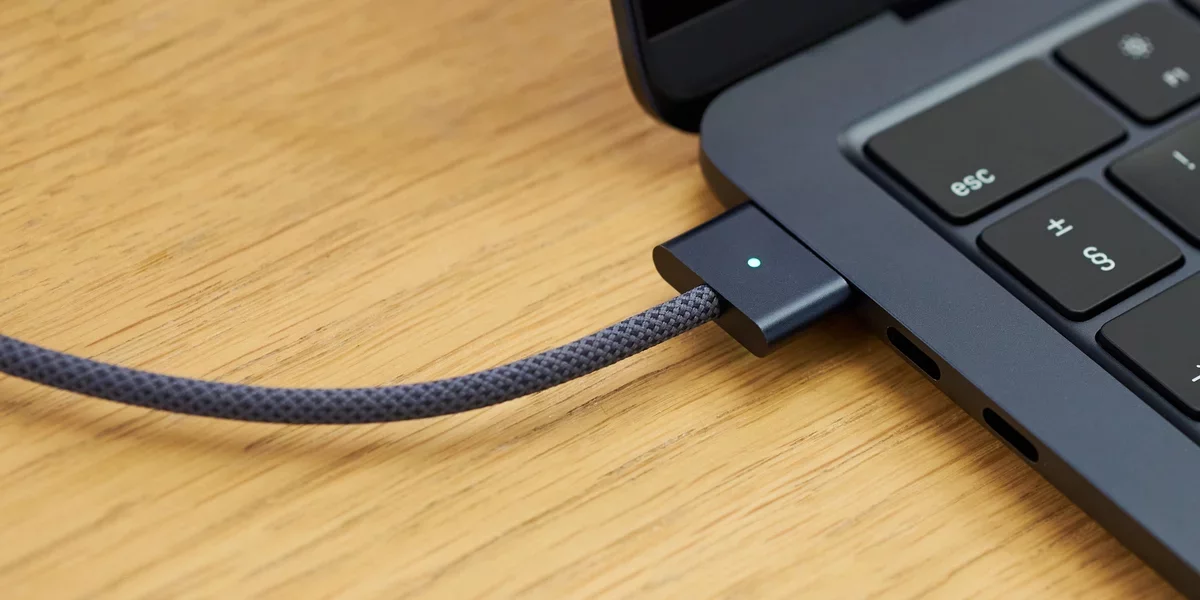
With the introduction of iOS 18, Apple unveiled a groundbreaking feature that enables users to set a charging limit on their iPhones. This initiative aims to prolong battery life by reducing the frequency of full charges. As batteries naturally degrade with each complete charging cycle, limiting the charge to 100% can significantly slow down this aging process, ensuring your device remains operational for extended periods.
Excitingly, this functionality is making its way to MacBooks as well. Currently undergoing testing in macOS 26.4, users will soon have the ability to instruct their MacBooks to cease charging once the battery reaches a predetermined level. This feature is particularly advantageous for those who keep their laptops plugged in for extended work sessions, allowing them to set a stop at 80% or any level up to 100%.
Battery Optimization: A Familiar Concept for macOS
It's worth noting that MacBooks already come equipped with a default battery optimization feature. This capability automatically reduces the charging speed when the battery hits 80%. By analyzing your usage patterns, macOS intelligently decides when to resume charging, ensuring your MacBook is optimally charged when you need it. For example, if you usually unplug your device at 8 a.m. after charging overnight, it may hold the charge at 80% until approximately 7 a.m., completing the last 20% just in time for your use.
To verify if this feature is active, click the Apple logo in the top-left corner of your screen and navigate to System Settings > Battery. Click the i icon next to Battery Health to confirm that Optimized Battery Charging is enabled.
This existing feature operates automatically based on your usage; however, the upcoming update introduces the ability to manually set your charge limit. This means that if you frequently work with your MacBook plugged in, you can choose to keep the battery level anywhere between 80% and 100%, rather than relying solely on the system's judgment.
Activating the Charge Limit on Your MacBook
The new charge limit feature will be available in macOS 26.4, currently accessible in the Developer Beta channel. It is advisable to avoid installing this beta version on your primary device, as potential issues could lead to data loss or other complications. Unless Apple retracts the feature, it is expected to be included in the general release of macOS 26.4.
If you have a secondary MacBook running the macOS 26.4 beta, you can enable the feature by navigating to System Settings > Battery, where the "Charge Limit" option will be visible under Battery Health. Here, you can set your desired maximum charging level between 80% and 100%.
Exploring Third-Party Battery Management Solutions
While Apple's built-in battery management features are sufficient for many users, third-party applications can offer enhanced options for managing battery health. These apps provide functionalities beyond simple charge limits, such as initiating charging at 50% and ceasing at 80%, or even stopping the charge if the battery temperature exceeds safe limits.