iCloud can do much more than sync data between Apple devices. From recovering files to managing storage, these features can make the service more useful for individuals and families.
Recover deleted files and earlier versions
Use iCloud's recovery tools to restore deleted files or retrieve earlier versions of supported content, including contacts, notes and documents. Deleted files can generally be recovered within 30 days; a current version is archived when you restore an older one.
Use a custom email domain
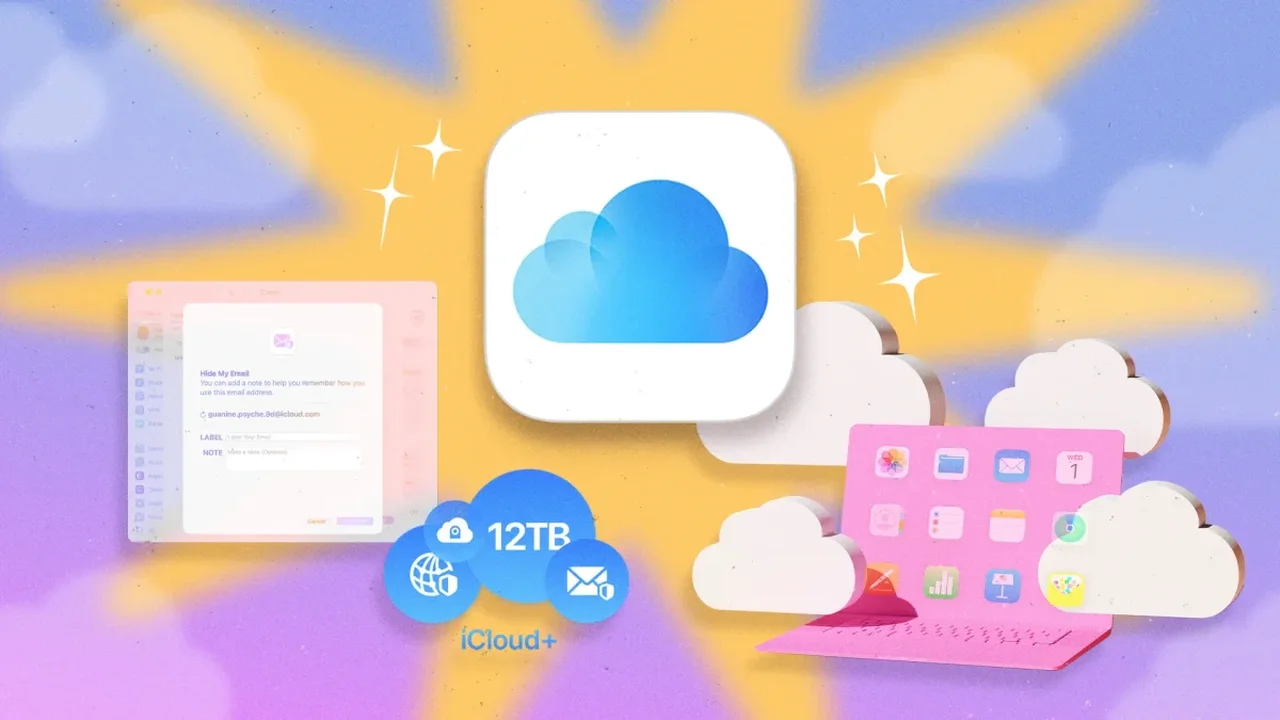
With iCloud+, you can connect a personal or business domain to iCloud Mail. A subscriber can add up to five domains and create up to 10 addresses per domain, making it easier to organize email for a household or small business.
Protect your inbox with Hide My Email
iCloud+ lets you generate random email aliases that forward to your main inbox. Use them for sign-ups or shopping, then deactivate an address if you no longer want messages sent through it.
Choose a legacy contact
Apple lets you designate a trusted person to access certain account data after your death. The feature does not include iCloud Keychain passwords or passkeys, so plan separately for those details.
Share iCloud+ with family
Family Sharing allows up to six people to use one iCloud+ plan while keeping separate Apple Accounts and private personal data. The available plans range from 50 GB to 12 TB.
Automatically share selected photos
An iCloud Shared Photo Library can include up to five other participants. With automatic camera sharing enabled, photos taken when participants are nearby can be added to the shared library.
Send large files with temporary links
Create an iCloud link to share photos or videos with people who don't use Apple devices. Recipients can view and download the files for up to 30 days, and you can revoke access sooner.
Manage backups and mobile data
Limit iCloud backups to Wi-Fi or use Low Data Mode to reduce cellular data use. You can also choose which apps are included in device backups, helping keep the backup focused on the information you need.
Make room without upgrading
Check iCloud's storage recommendations for ways to clear space, such as reviewing large files, duplicate photos or old backups. Disabling backups for apps you rarely use can also help keep storage under control.
As cloud services evolve, these tools can make personal data easier to manage, share and recover across an increasingly connected set of devices.