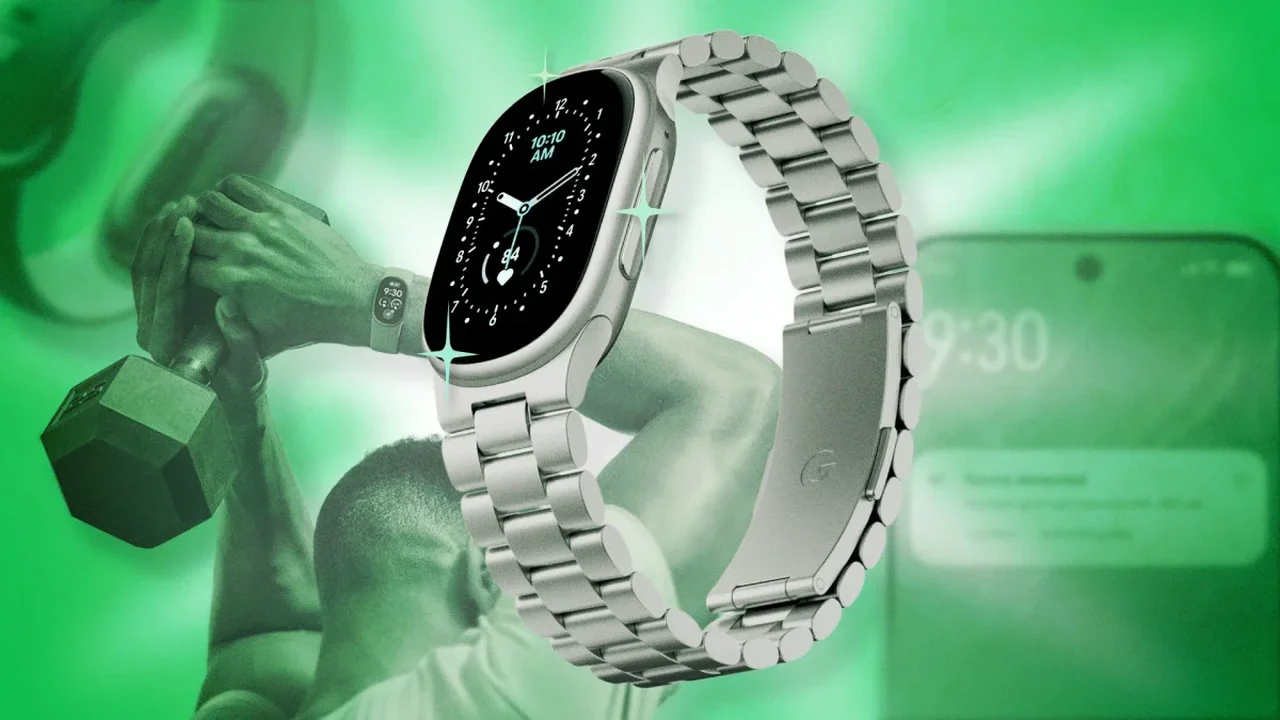
The Fitbit Edge combines a compact fitness tracker with a screen for everyday information and workout data. A few settings can help tailor its display, tracking and battery use to your routine.
Personalize the display and controls
Press and hold the watch face to cycle through faces saved in the app. In the face library, choose a design and customize its colors and details, such as step count or weather. You can also change the tracker orientation in the Google Health app so the side button sits on the left, which may help prevent accidental presses.
If the screen is hard to read, enable Magnification in device preferences. Triple-tap to zoom in, move around the display with your finger, then triple-tap again to return to normal.
Fine-tune fitness tracking
To share heart-rate data with Strava, switch on heart-rate broadcasting from the Edge's quick settings. Then select the tracker as the heart-rate sensor in Strava's workout options. Strava can add features such as lap tracking and route maps to a workout.
Fitbit may register some arm movements as steps. Setting wrist preference to dominant can reduce sensitivity; the setting can also be used to adjust step counts if the tracker is worn on the non-dominant wrist.
GPS preferences let you choose between the Edge's built-in GPS and your phone's GPS. Using the phone can help conserve tracker battery when you carry it, while built-in GPS lets the tracker record a workout independently.
Manage coaching and battery
In the app's coaching settings, select No Coach Insights to stop unsolicited summaries and notifications. The Coach remains available when you choose to ask a question or log activity.
Google Health can also support multiple Fitbit devices, including the Edge and Fitbit Air, so you can switch between them after setting each one up. And when battery is running low, a brief charge may provide useful extra time; disabling the always-on display can help extend it further.
These small adjustments make a wearable more adaptable to individual habits, a direction that may shape increasingly personalized everyday fitness technology.