For users entrenched in either the Apple or Windows ecosystems, syncing mobile and desktop experiences has become more accessible. While iOS and macOS integrate effortlessly, Microsoft's Phone Link now enables users to send and receive Apple Messages on their Windows PCs. However, there are notable restrictions--an iPhone is still required to send group texts and share images. This feature allows users to manage their messages on a larger screen while maintaining productivity without constantly checking their phones.
Connecting Your iPhone to Your PC
To utilize Messages on your PC, you'll need a few essentials: a Microsoft account, the Phone Link app installed on your computer, and the Link to Windows app on your iPhone (iOS 16 or later). Phone Link is pre-installed on Windows 11, or it can be downloaded from the Microsoft Store.
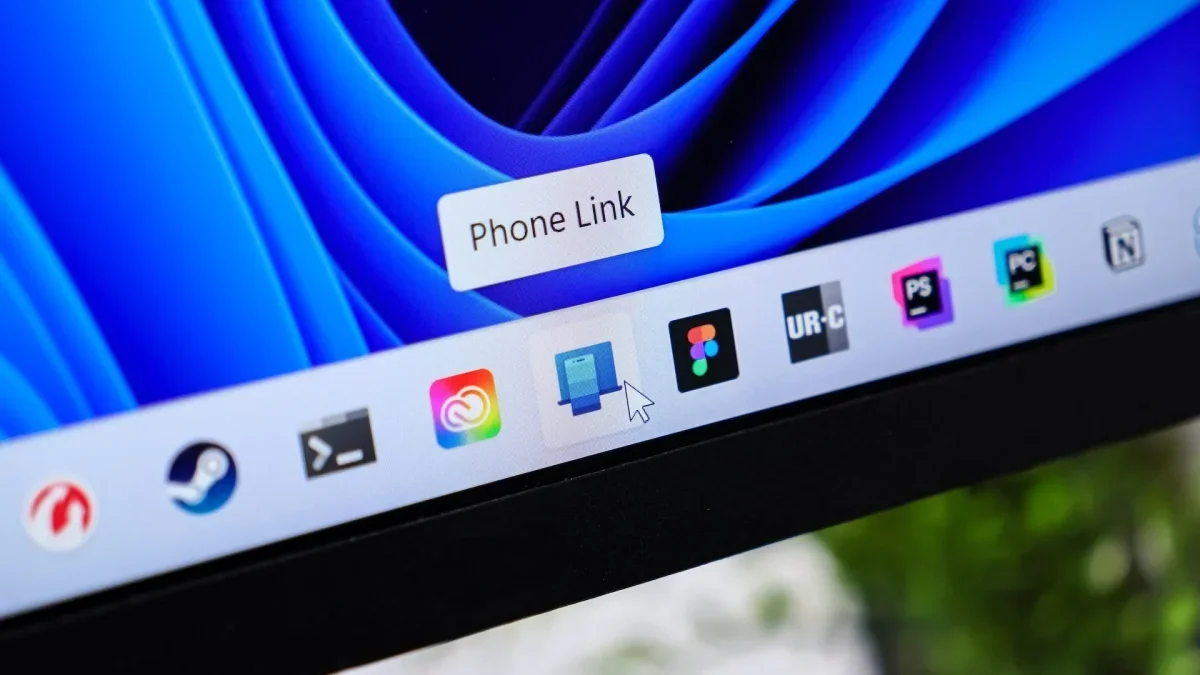
Begin by searching for Phone Link in the taskbar and opening the app. Select iPhone as your device, scan the displayed QR code with your iPhone camera, and tap Pair your devices. Follow the prompts to grant Windows necessary permissions and complete the Bluetooth pairing. Additional permissions for notifications and file sharing may also be required. Ensure your iPhone's Settings > Bluetooth confirm the connection to your computer and enable options like Show Message Notifications.
Limitations of Apple Messages on PC
Within the Phone Link interface, users will see a selection of recent conversations to which they can respond, along with suggested contacts. However, the full inbox is not accessible, and starting or replying to group chats, as well as sending attachments, photos, or GIFs, is not possible--only emojis can be used. To initiate a new conversation, tap the New Message icon, enter the recipient's name or number, compose your message, and hit Send.
All messages sent or received will also appear on your iPhone, allowing seamless transitions between devices during conversations. Importantly, Phone Link maintains Apple Messages' end-to-end encryption, as it operates via Bluetooth.
This integration marks a significant step towards cross-platform communication, enhancing user convenience. As technology continues to evolve, such developments could redefine how we interact across different devices, fostering a more interconnected digital experience in the future.