Apple's iPhone screenshot system may look simple at first glance, but it actually includes a set of practical tools that can make everyday use faster and more efficient. From hands-free capture to text extraction and cleaner sharing, iOS offers several built-in options that turn screenshots into a more flexible workflow.
Capture screenshots without using buttons
Users who prefer not to press hardware keys can rely on AssistiveTouch or Back Tap. AssistiveTouch lets you assign a screenshot action to a virtual on-screen button, while Back Tap can trigger a capture with a double or triple tap on the back of the device.
Turn screenshots into useful actions
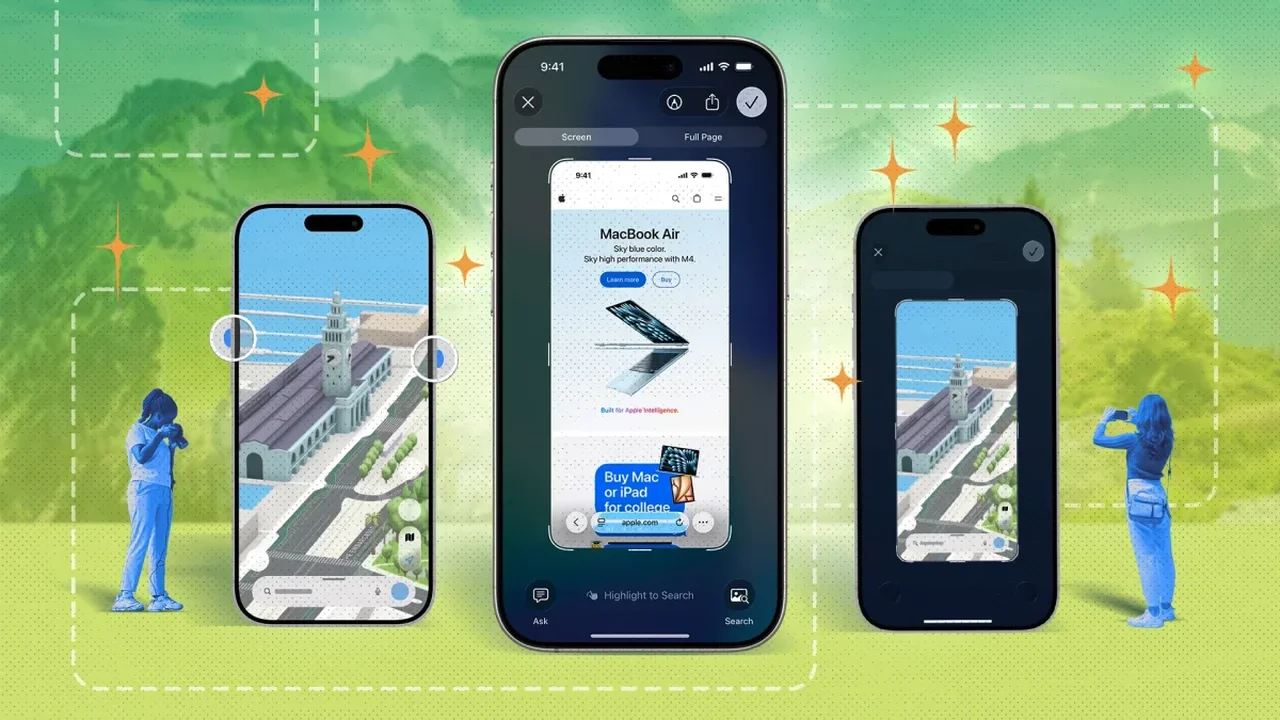
iPhone can recognize dates, times, and even flight details inside a screenshot. With Live Text, a user can open an image and quickly add an event to the calendar or check related information without retyping anything. The same tool also helps extract text directly from images.
Share, edit, and organize with less effort
For quick sharing, Copy and Delete sends a screenshot to the clipboard while removing it from the photo library, reducing clutter. In the editor, iOS also supports neat annotations, automatic shape correction, and opaque shapes for covering private details more securely.
Apple's Shortcuts app adds another layer of control, allowing users to automate screenshot cleanup or create faster capture routines. Screen recordings can also include microphone audio, making them useful for tutorials and simple walkthroughs. Together, these tools show how iPhone continues to evolve from a capture device into a smart productivity companion, shaping a more seamless mobile future.