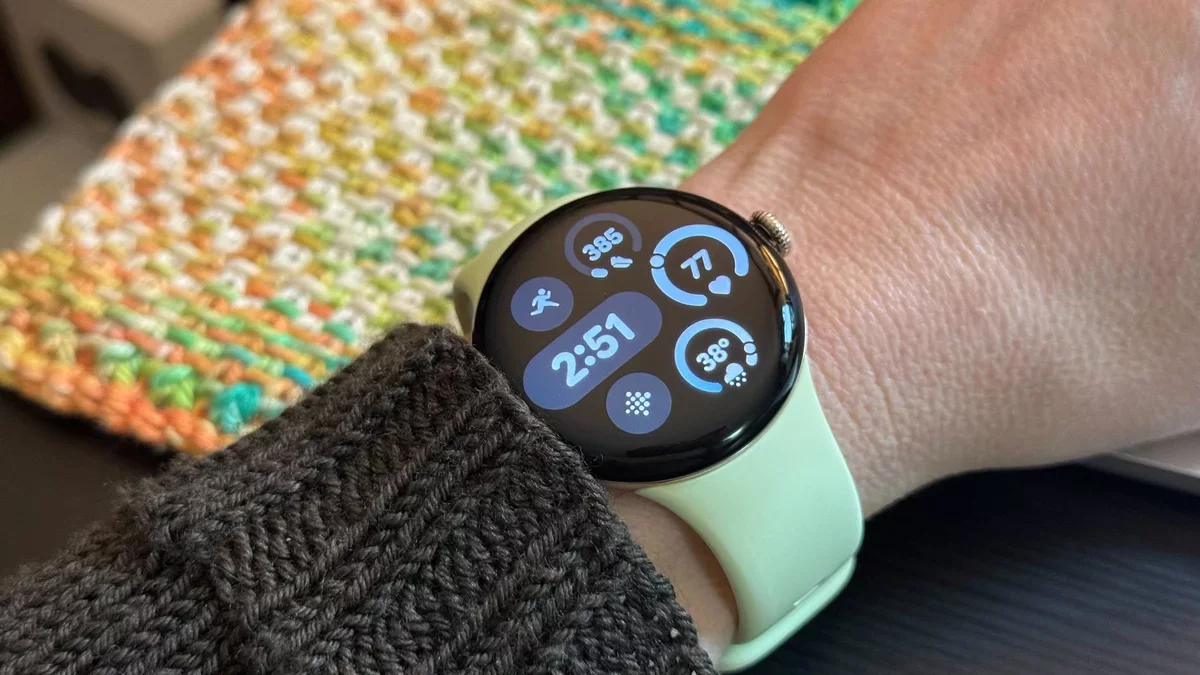
Following the recent March feature update, some users of the Pixel Watch have reported inaccuracies in their step and calorie counts. While an official solution has yet to be released, many users have discovered potential fixes that may help resolve these discrepancies.
Step and Calorie Count Issues
Numerous discussions on forums indicate that the Fitbit app is over-reporting steps for many Pixel Watch users. One individual noted, "My watch claims I've taken 6,688 steps today, which seems implausible! I've only walked to the bathroom and back, yet my watch says I'm at 7,025 steps!"
Caloric burn also appears to be inaccurately tallied. A user shared, "I only managed about 7,000 steps yesterday, but my Pixel Watch indicated I burned over 11,000 calories. Clearly, that's not feasible for a desk job!"
These concerns emerged shortly after the March update, suggesting that the problem may stem from the Fitbit app rather than the Pixel Watch firmware itself. Some users without the update are still experiencing inflated counts, indicating a broader issue.
Steps to Correct Your Counts
While Google has not yet provided an official resolution, users have shared several troubleshooting steps that may alleviate the problem:
On your smartphone, navigate to Settings, select Apps, find Fitbit, and then choose Storage. From there, select Clear cache.
On your Pixel Watch, go to Settings, then Apps & Notifications, followed by App info, and find Fitbit. Again, select App info and then Clear cache.
Restart your watch by holding down the crown until a menu appears, then choose Restart.
Restart your smartphone as well.
Some users reported success after clearing their app cache, while others found that simply restarting their devices resolved the issue. It may be beneficial to try all these steps together.
This collaborative approach among users showcases the community's resilience and ingenuity in addressing technology hiccups. As these smart devices continue to evolve, user-driven solutions can significantly enhance their functionality and reliability.