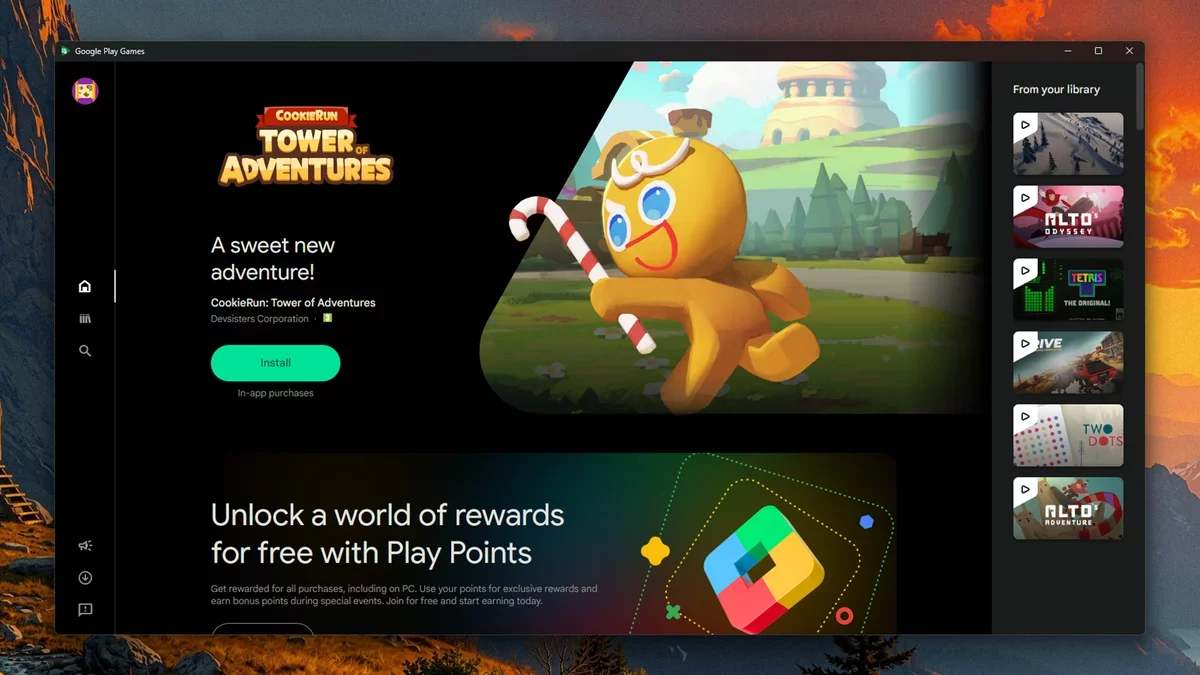
Google has unveiled significant enhancements to the Google Play gaming experience on Windows PCs, focusing on game discovery and purchases. This upgrade expands the availability of premium titles for desktop users, refining the overall experience for gamers.
For years, an official Windows client for Google Play apps and games has existed, but these latest improvements provide a more seamless and polished interface.
The four key upgrades are designed to enrich the gaming experience for those wishing to play Android games on their Windows devices:
Expanded Game Library: Google is actively increasing the number of paid games optimized for PC. Unlike standard Android games, which require specific adjustments for PC compatibility, this initiative will welcome a broader selection of titles.
New PC Section: A dedicated section within the Play Store Games tab on mobile devices allows users to identify cross-platform compatible titles before installation.
One-Time Purchase: Users can now buy a game once and play it on both mobile and desktop, a significant improvement over previous practices.
Game Trials: Selected titles will offer free trials for a limited time or progress, allowing players to experience the game before deciding to purchase, while retaining their progress if they choose to buy.
While the timeline for these updates is not fully specified, Google has indicated that games like Moonlight Peaks, Sledding Game, and Low-Budget Repairs will be available on PC in the upcoming months.
Playing Android games on a desktop offers a more immersive experience, especially with larger screens and keyboard and mouse controls. To start, users can visit the Google Play Games web portal on their Windows PC, follow the download prompts, and log in with their Google account for synchronization. This process ensures that your gaming profile and statistics carry over to the desktop.
Once installed, users can easily access their library of games available on Windows. The interface is intuitive, though some adjustments may be needed for desktop controls. Players can customize visual settings, including display orientation and volume controls.
As the gaming landscape continues to evolve, these enhancements signify a promising future where the integration of mobile and desktop gaming becomes more fluid and user-friendly. The potential for Android games on PCs to thrive is vast, making it an exciting time for gamers everywhere.