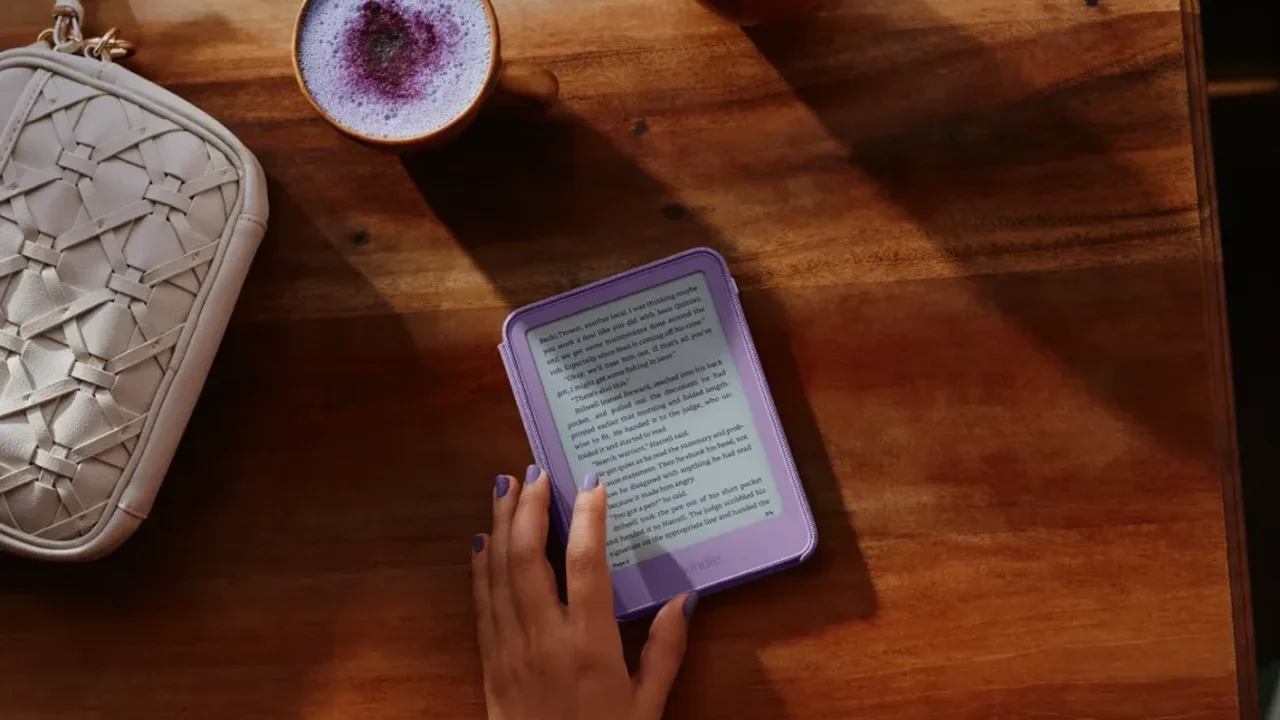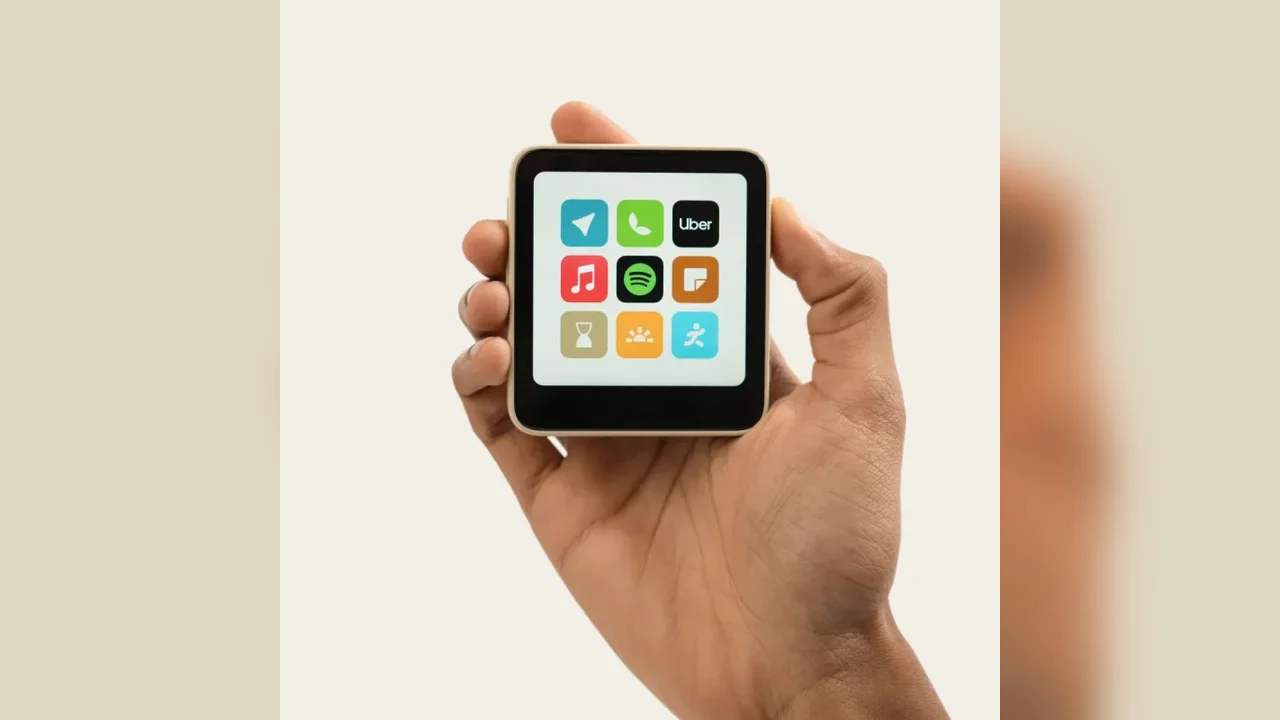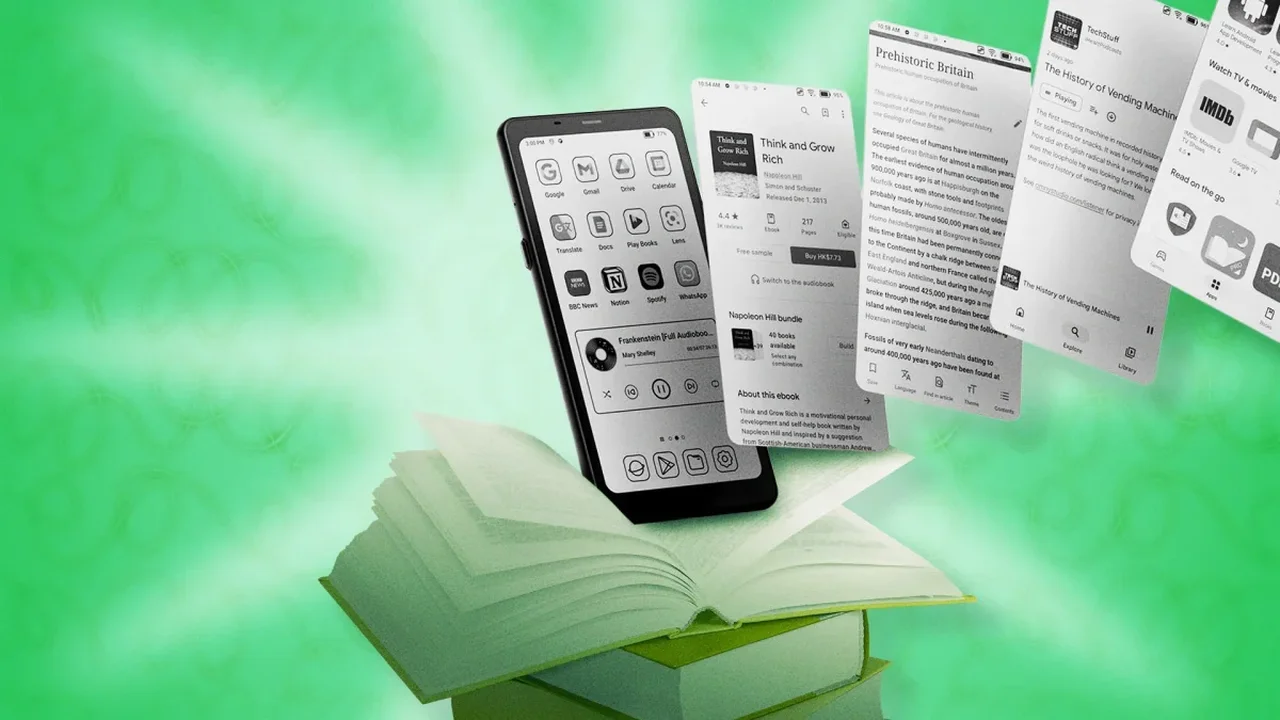
The Boox Palma stands out in the e-reader market by blending a compact, phone-like design with the flexibility of Android. Unlike standard reading devices, it supports app installation, custom controls, and deeper personalization for readers who want more than a basic ebook experience.
Make the volume keys turn pages
One of the most practical upgrades is assigning the volume buttons to page navigation. In supported reading apps, this creates a more natural, one-handed reading flow. On the Kindle app, the option can be enabled through display and layout settings, while Boox's system tools also allow button customization across other reading apps.
Reduce accidental touches
For users who prefer physical buttons, disabling the touchscreen can help prevent unwanted page turns. A third-party tool such as Touch Protector can be configured to lock touch input and unlock it with a simple shake gesture, making the device easier to use on the move.
Refresh the screen instantly
As with many e-ink devices, occasional ghosting can appear after repeated page turns. The Palma lets users assign a manual full refresh to the Smart Button or a custom gesture, offering a quick way to clear the display whenever needed.
Keep audio apps running
The Palma can also handle audiobooks and podcasts, but background activity settings may need adjustment. By allowing apps to stay active, unfreezing selected services, and keeping Bluetooth connected during sleep, the device becomes a compact companion for both reading and listening.
Improve device tracking
Location services should be enabled at the system level if users want the Palma to remain findable through their account tools. With location access turned on, the device can be easier to manage if it is misplaced and later powered on with internet access.
These small adjustments show how adaptable the Boox Palma can be, pointing toward a future where e-readers evolve into highly personalized digital lifestyle devices.