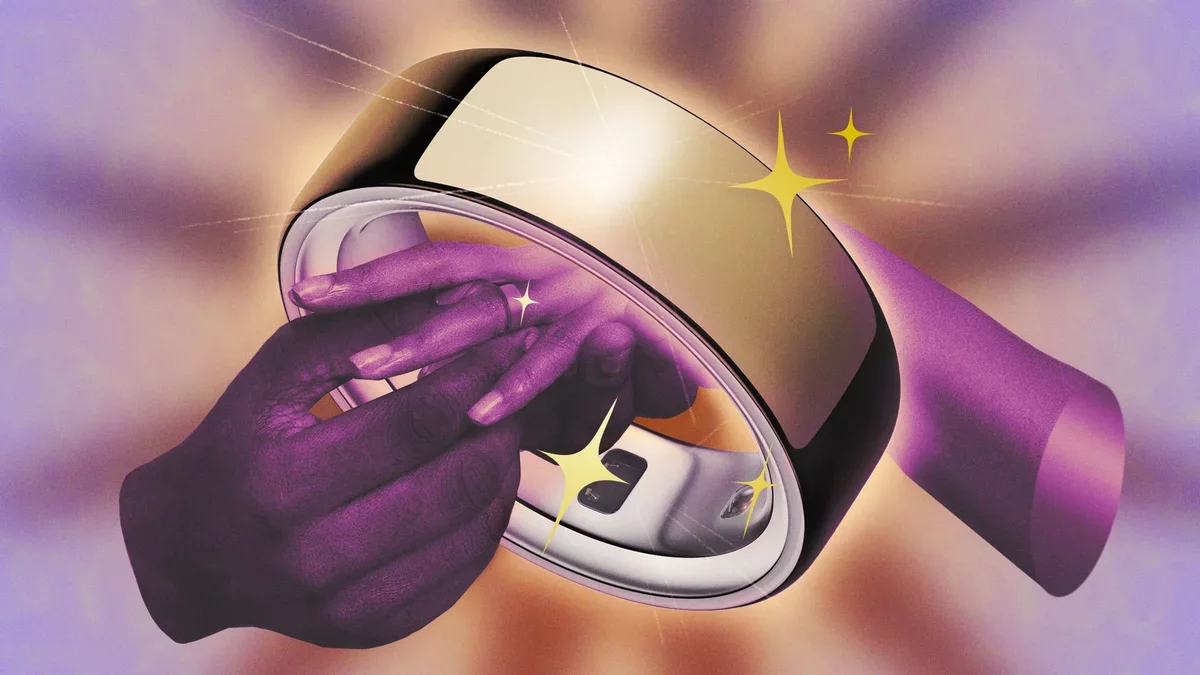
The Oura Ring has become a popular tool for tracking sleep and recovery, and after nearly five years of use, I'm excited to share some valuable tips and lesser-known features to enhance your experience.
Optimize Battery Life by Disabling Blood Oxygen Sensing
One significant battery drain comes from the Blood Oxygen Sensing feature. While beneficial for those with specific health concerns, most users can safely turn it off for daily use. This option is found in the hamburger menu, and disabling it can extend your battery life by an extra day.
Sync Workouts for Seamless Tracking
Although the Oura Ring isn't designed as a primary workout tracker, it pairs well with fitness apps. By syncing workouts from devices like Apple Fitness or other apps, you can ensure all activities are reflected in your Oura timeline. Simply navigate to Settings and enable the integration options.
Tag Auto-Detected Workouts
Oura automatically detects workouts, prompting you to tag them. Engaging with these prompts helps the device learn your patterns. If it mislabels an activity, feel free to dismiss it, but make sure to tag legitimate workouts accurately.
Utilize the Charging Case
While the Oura Ring requires charging just once or twice weekly, establishing a consistent routine can be tricky. Consider charging during your gym sessions or while showering. Keeping the battery between 25% and 80% is ideal for longevity, and the charging case provides a convenient solution for on-the-go charging.
Explore Trends and Tags
The Trends feature reveals changes in your metrics over time. By tagging your behaviors, you can correlate them with your readiness, sleep, and stress levels. For instance, tracking vitamin intake alongside mood can provide insights into your well-being.
Log Meals Without Calorie Counting
Meal logging is available without the need for glucose tracking. You can log meals and even photograph your plate, receiving feedback on their healthiness without calorie tracking involved. This is a great way to maintain awareness of your eating habits.
Adjust Your Activity Goals
If the daily activity goals seem unrealistic, you can modify them in the Activity section. Choose between calorie or step-based targets, and if you prefer to avoid calorie metrics entirely, use the Calorie opt out feature.
Activate Rest Mode
Rest Mode is designed for recovery periods, such as illness or travel. It pauses your goals and readiness scores, making it perfect for days when you need to focus on recovery or when your routine is disrupted.
Participate in Labs for New Features
For those interested in beta testing, the Labs section offers opportunities to participate in studies and preview upcoming features. Engaging in these studies can enhance your experience and contribute to future developments.
Access Your Data Online
Oura provides a web dashboard where you can view long-term trends and download your data. This feature is available even without an active subscription, allowing you to analyze your metrics over time.