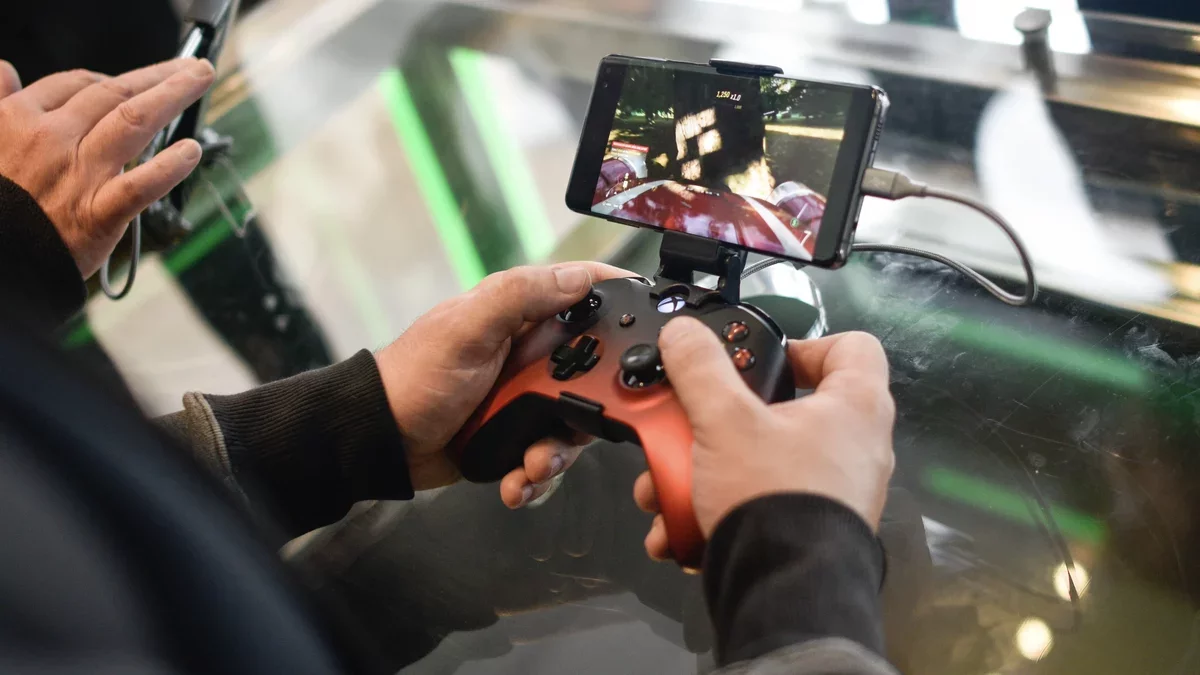
Android continues to solidify its reputation as a leading platform for mobile gaming, particularly with the upcoming release of Android 17. This latest version is set to enhance the gaming experience by introducing a much-requested feature: controller remapping. Unlike many other gaming systems that already offer this capability, Android users have long awaited a unified method to customize their controller layouts.
The remapping feature allows gamers to assign different functions to their controller buttons, enabling a more personalized gaming experience. For instance, if a player prefers the down button to mimic the L1 button's function, they can easily configure it. While specific games may have provided some remapping options, the lack of a system-wide solution has often led to inconsistencies across different titles.
Google's Initiative for Enhanced Gaming
Google is currently testing this exciting feature in the Android 17 beta version, as confirmed by tech expert Mishaal Rahman. He highlighted that the company is focusing on two crucial aspects: enhancing accessibility for all players and minimizing muscle memory challenges when transitioning between games. These improvements could significantly enhance the user experience, making gaming more inclusive.
The ability to remap controls is particularly beneficial for players with unique physical needs or those who find themselves frequently switching between games with varying control schemes. This feature aims to create a more balanced and enjoyable gaming environment on Android devices, including popular models like the Pixel and Galaxy series.
How to Access the Remapping Feature
For those eager to try out the controller remapping capabilities, it is available in the latest Android 17 beta (beta 2). Users can enroll their devices in the Android beta program, but they should proceed with caution, as beta software may introduce bugs or instability. It is advisable to back up important data before installation.
Once the beta is installed, users can access the remapping feature based on their controller type:
Wired Controllers: Navigate to Settings > System > Game Controller and select your controller from the list.
Bluetooth Controllers: Go to Settings > Connected devices, select the menu icon next to your controller, and access the Game Controller settings from the Device details page.
Users will find all button inputs listed, allowing them to make necessary adjustments. However, it's worth noting that the icons representing each button may not be fully accurate in this beta version.
The introduction of controller remapping in Android 17 is poised to reshape the mobile gaming landscape, making it more adaptable and user-friendly for a diverse audience of gamers.