The Apple Watch serves as a remarkable companion for monitoring and enhancing your fitness journey. While many are familiar with its basic functionalities, there are several lesser-known features that can significantly improve your workout experience and health tracking.
Allow Your Apple Watch Rings a "Rest Day"
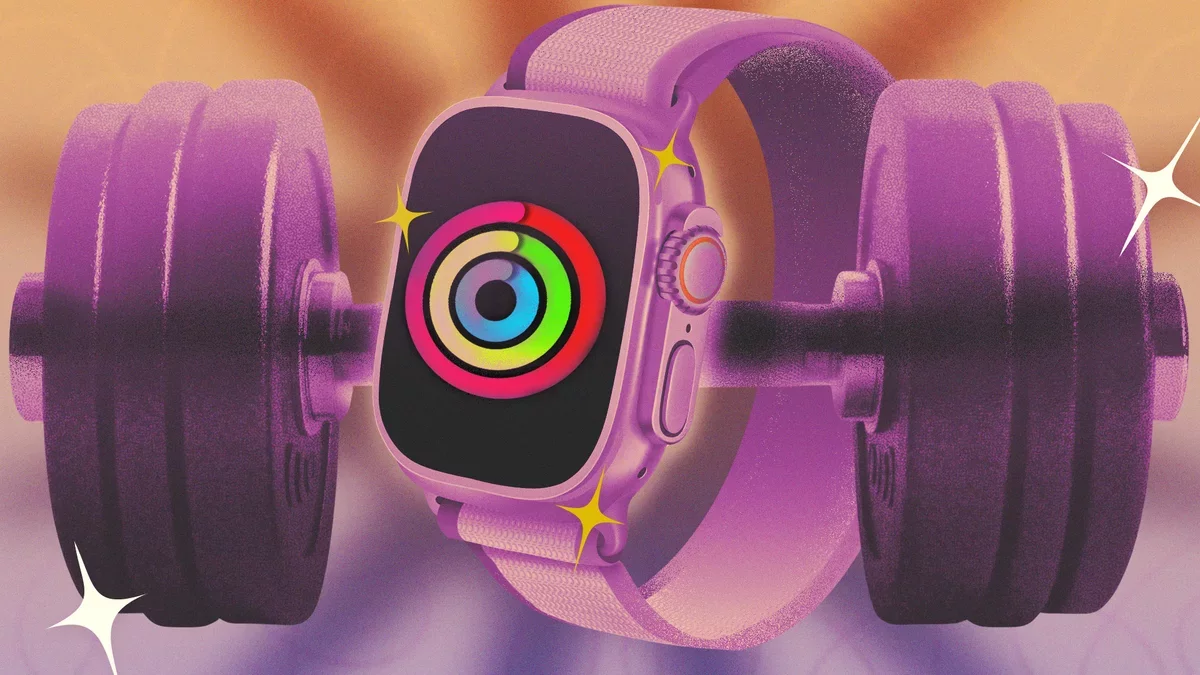
The Fitness app on Apple Watch showcases three rings (Move, Exercise, Stand) that you can close by being active throughout the day. It's crucial to adjust your Move and Exercise goals to fit your personal needs, whether that means increasing or decreasing them. Moreover, you can now customize your goals for different days of the week.
Previously, your goals remained static each day, but now you can modify them, including the option to designate rest days. Simply open the Fitness app, tap on the Activity Rings card, and select the "+/-" icon next to each goal. This feature allows you to set lower targets on specific days, or even adjust your goals temporarily for special occasions, like a road trip.
Wear Your Apple Watch on Your Arm or Ankle
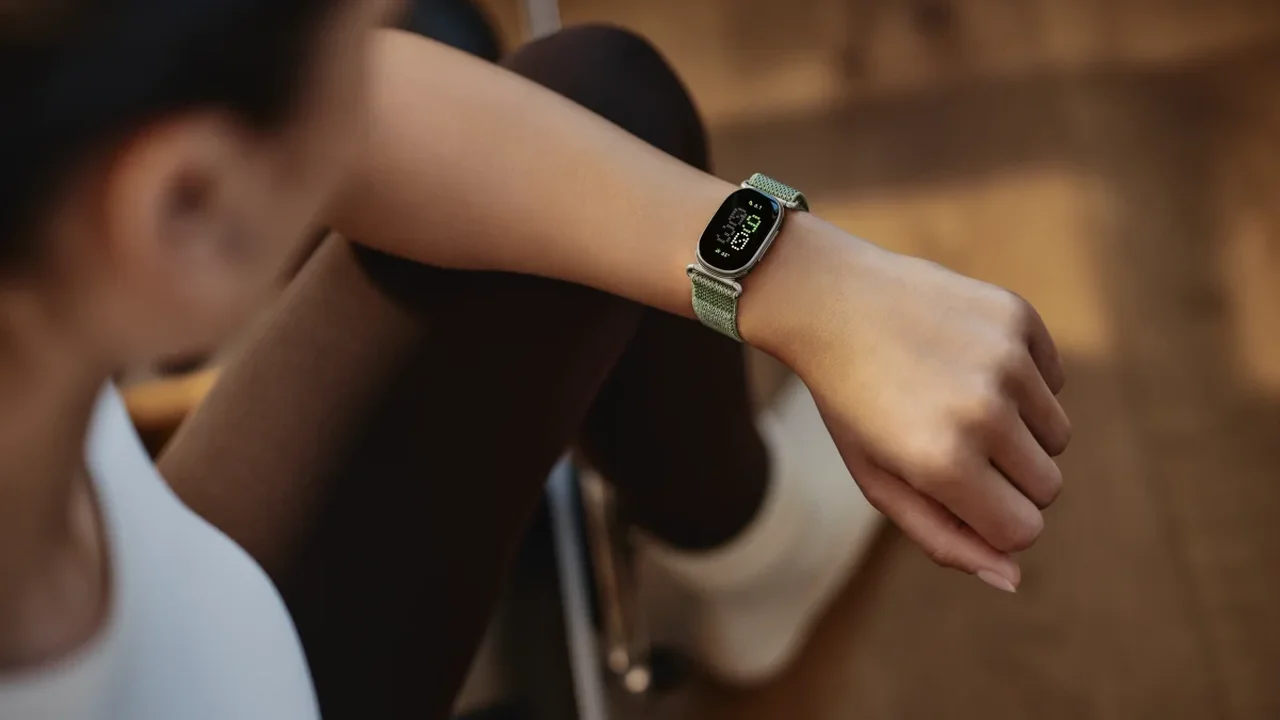
While the Apple Watch is designed for wrist use, you have the flexibility to wear it elsewhere. If your workout involves heavy lifting, consider placing the watch on your upper arm. Alternatively, if you work at a standing desk, wearing it on your ankle might yield better step tracking.
Keep in mind that you may need a longer wristband to accommodate these placements, which can easily be purchased.
Optimize App View for Quick Access During Workouts
This simple adjustment can greatly enhance your workout experience: press the crown to access your installed apps. By default, they appear as small icons, which can be challenging to tap accurately while in motion. To make things easier, scroll to the bottom of the screen and select List View. This will display your apps in an alphabetical list, making it simpler to find what you need during your exercise.
Utilize Bevel for a Comprehensive Dashboard of Your Data
The Apple Watch gathers extensive data, yet Apple doesn't provide a straightforward way to view it all in one place. The Fitness app holds your workout statistics, while the Health app keeps everything else, but navigating these can be cumbersome. Third-party applications like Bevel offer a solution by compiling your data into a user-friendly interface, similar to what you'd find with fitness trackers like Whoop or Oura. Bevel even has a free tier, making it an attractive option for users.
Design Custom Intervals on Your Apple Watch
The Workout app has significantly advanced from its initial version, which only allowed basic tracking. You can now create custom workouts by tapping the timer icon within each workout type under the Workouts tab. This feature is most easily accessed via your phone, where you can find detailed instructions.
Challenge Yourself with the Race Route Feature
If you frequently run or cycle the same path, take advantage of the Race Route feature. After completing a route twice, your Apple Watch will generate a race route, allowing you to compete against your previous best time or your last performance on that route. This feature helps you track your progress in real-time during your workout.
Track Workouts Without the Apple Watch
With the recent updates in iOS, the Fitness app can now log workouts even if you forget your Apple Watch. Simply use your iPhone to track your activity. For outdoor workouts, the phone will utilize GPS to monitor distance and pace. For indoor workouts, while the app can log duration, it won't capture detailed metrics unless paired with a heart rate monitor.
Sync Your Apple Watch with a Treadmill
The Apple Watch excels at tracking distance and speed outdoors, but its accuracy may falter on a treadmill. To improve this, connect your watch to compatible gym equipment using GymKit. In the watch's Settings, enable Detect Gym Equipment to sync data seamlessly with the treadmill.
Enhance Your Running Experience with WorkOutDoors
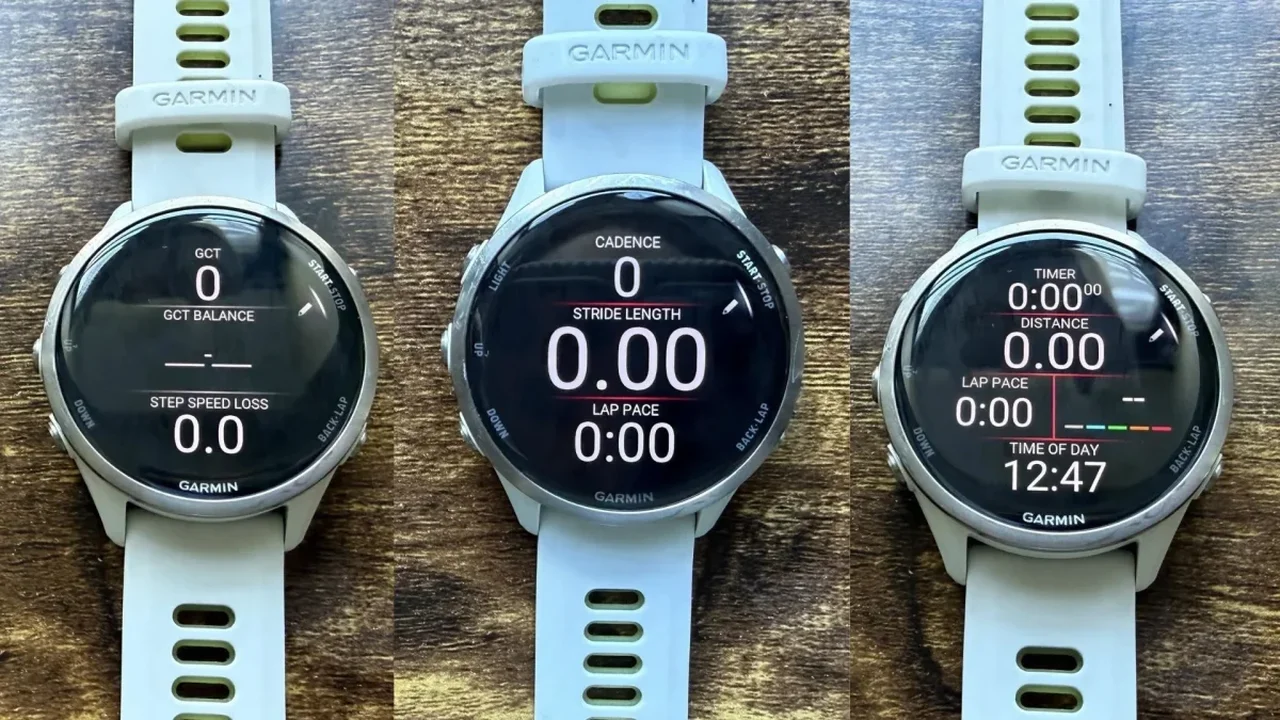
For those seeking advanced tracking features, consider downloading WorkOutDoors. This app offers detailed mapping and analytics, rivaling those of high-end devices like Garmin, all for a modest one-time fee.
Charge Your Apple Watch Before Bedtime
If you rely on your Apple Watch for sleep tracking, you might worry about battery life. Fortunately, the latest models charge quickly, needing only five minutes to provide enough power for eight hours of sleep monitoring.