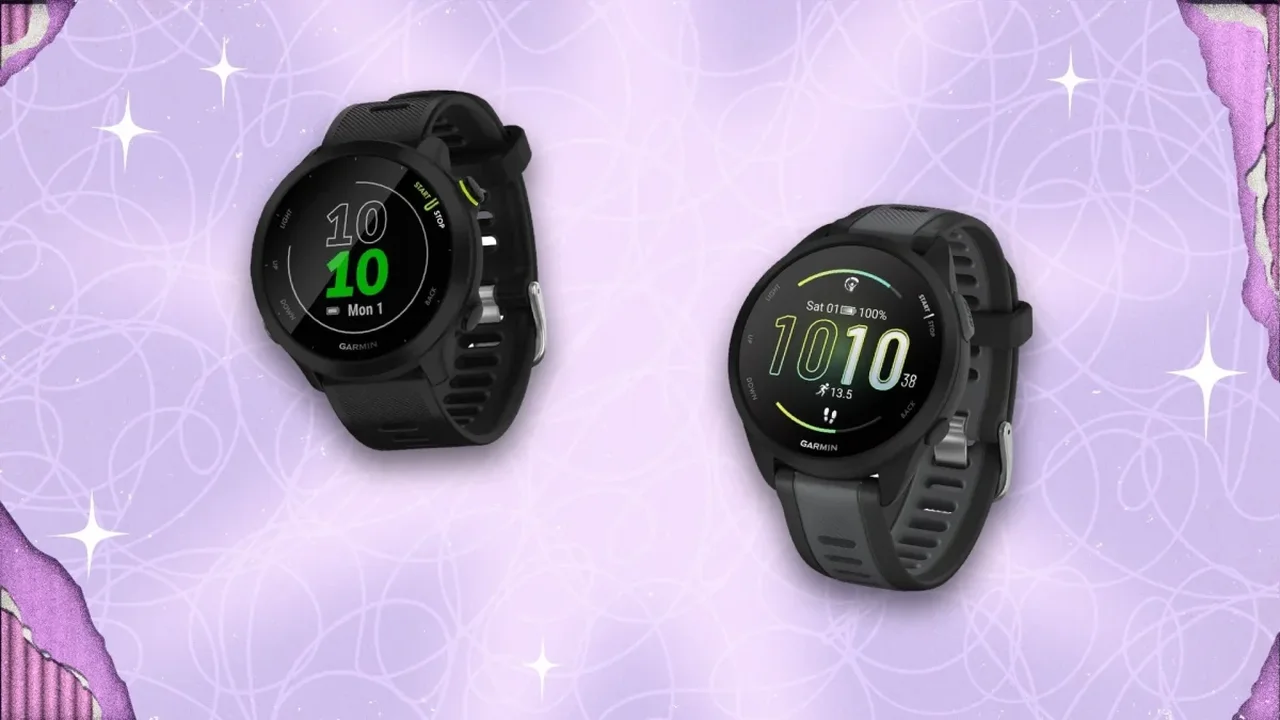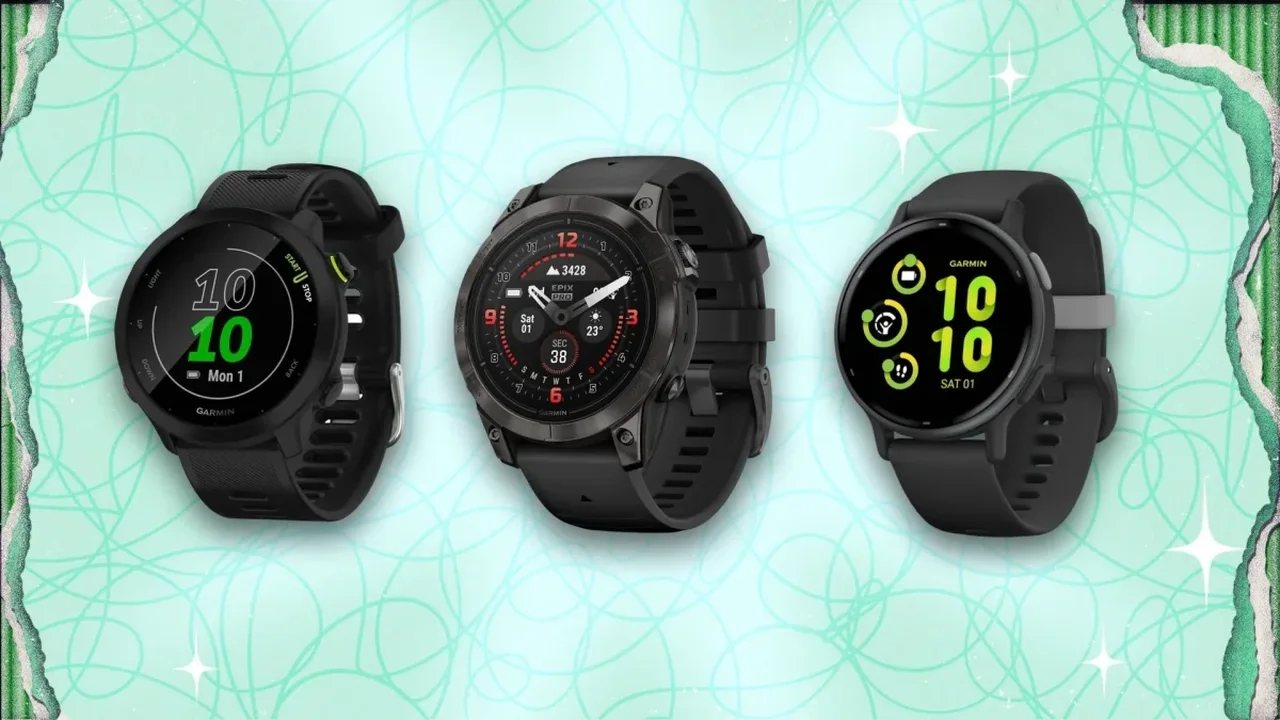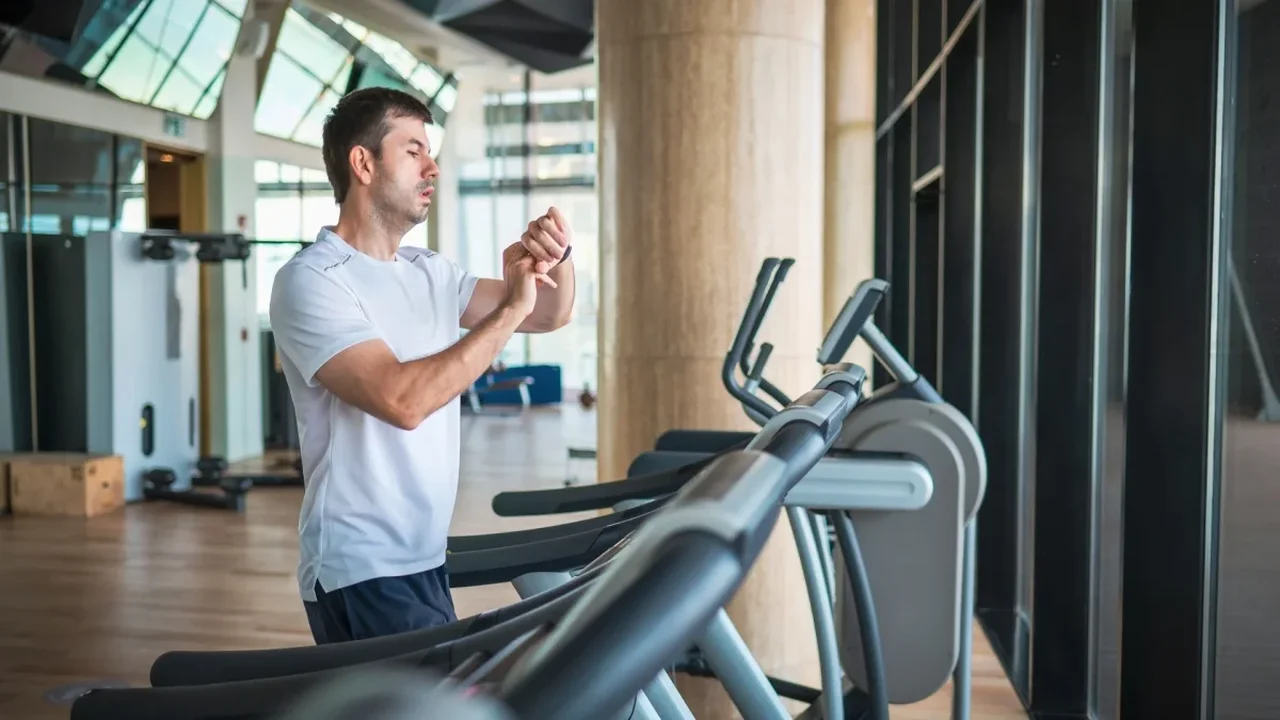
Running economy describes how much energy the body uses to maintain a particular speed. A watch cannot measure it directly, but Garmin's running-dynamics data can help runners understand how their movement changes--and whether adjustments make a familiar pace feel easier.
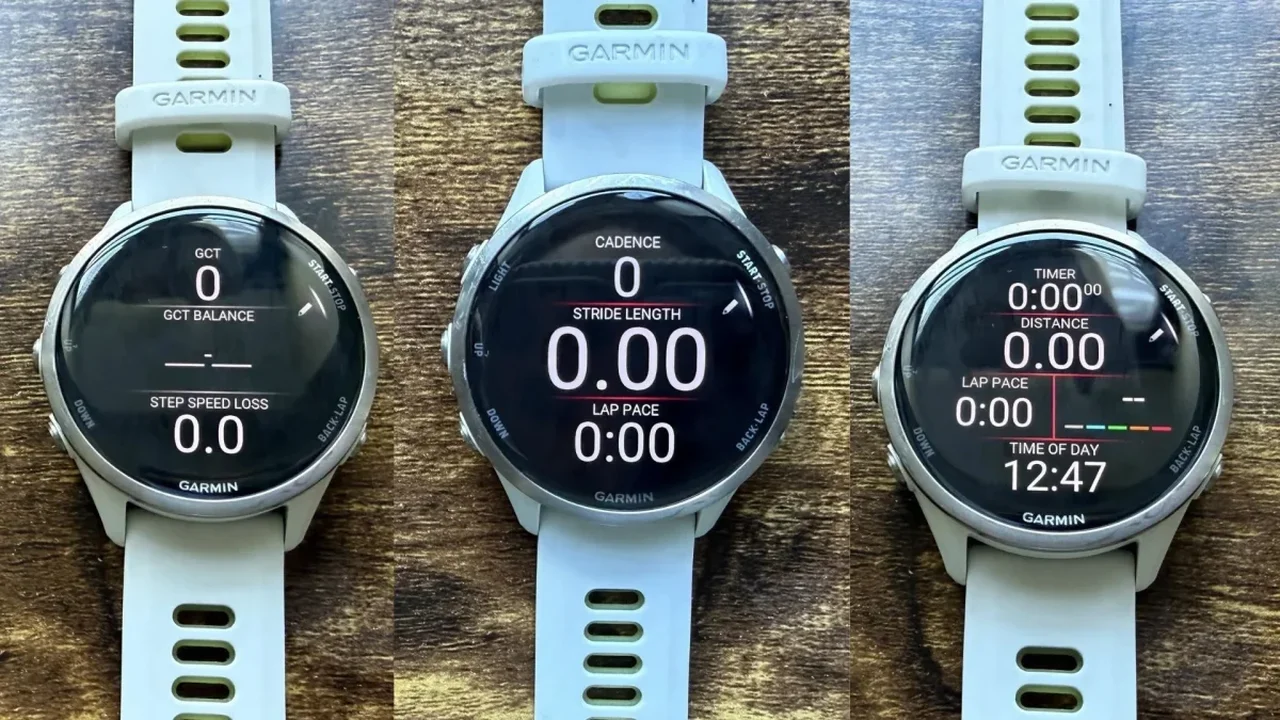
Five customized data screens can bring useful metrics into focus. Availability varies by watch and accessories, so some runners may not have access to every field.
1. Cadence, stride length and lap pace
These figures show how turnover and stride length combine to produce speed. Rather than chasing a universal cadence target, runners can look for a comfortable personal range and notice how their form changes at different paces. A modestly quicker cadence may help some runners avoid reaching too far forward with each step.
2. Ground contact time, balance and step speed loss
Ground contact time measures how long a foot stays on the ground, while balance compares time on the left and right sides. Step speed loss estimates how much forward speed decreases at foot strike, offering a way to monitor braking and possible fatigue. Changes from a runner's own usual pattern matter more than small variations or a perfect left-right split.
3. Vertical oscillation and vertical ratio
Vertical oscillation tracks up-and-down movement; vertical ratio relates that movement to stride length. These metrics can provide context, but trying to force a lower number may make running feel unnatural. They are most useful as trends to review over time.
4. Running power alongside heart rate
Power responds to effort and terrain, making it a useful comparison on hills or windy routes where pace can be misleading. Holding similar power at a lower heart rate over time may indicate improved fitness or efficiency. Power estimates can differ between systems, so comparisons are most meaningful when using the same device.
5. A familiar baseline screen
Keep pace and heart rate on a simple screen, with lap or average pace if useful. This provides a steady reference for judging whether technique experiments are changing the effort required at a given speed.
Try one adjustment at a time, preferably during easy runs, and review patterns afterward rather than focusing on the watch mid-stride. Used thoughtfully, running data can turn everyday training into a more informed process--and help athletes make future progress with greater confidence.