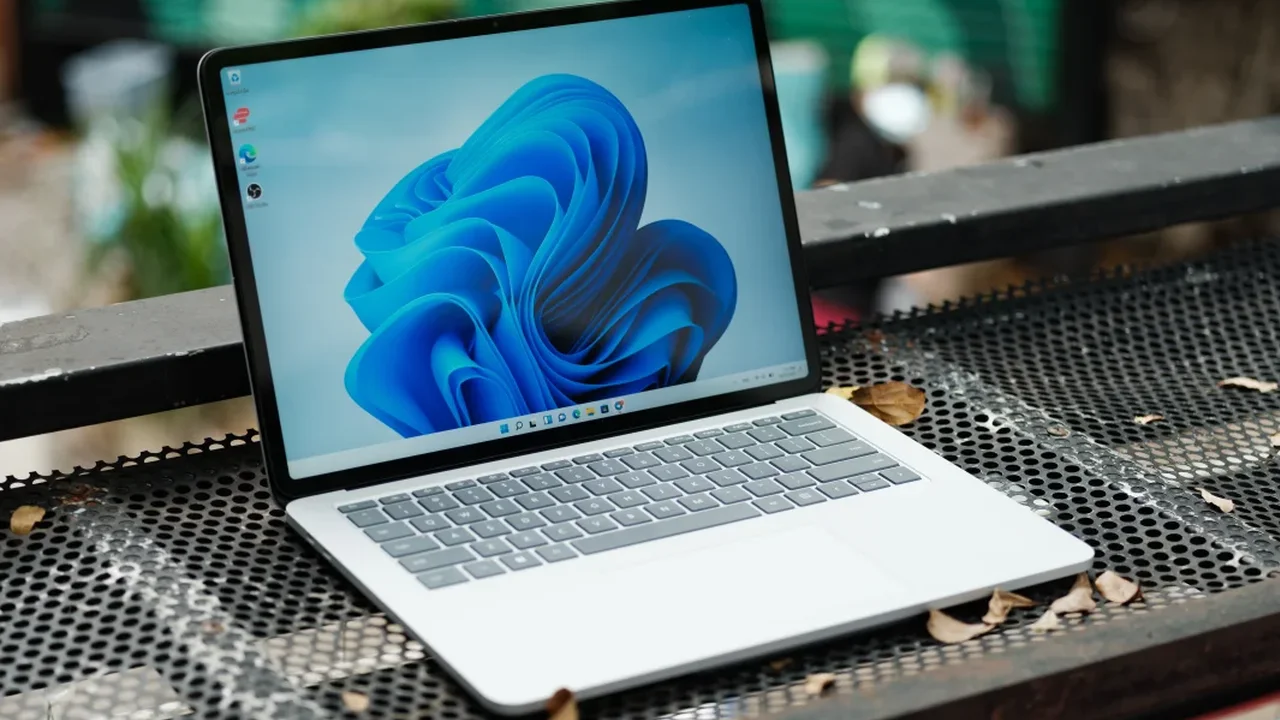
Microsoft's optional Windows 11 update, KB5120998, introduces a fresh wave of customization upgrades for users who want more control over their desktop experience. Among the standout changes are new options to move and resize the taskbar, along with refinements to Windows Search that aim to make everyday navigation smoother.
What changed in the update
The release brings several features that had previously been tested with Insider builds into the main version of Windows 11. For many users, that means a more flexible interface and a more polished system experience, especially for those who like to personalize their workflow.
At the same time, some users have reported unexpected behavior after installing the update. In certain cases, mouse cursor settings may reset, causing the pointer to appear unusually large, unusually small, or not display correctly. Others have noticed that wallpaper preferences can revert, leaving the desktop background black after a restart. There are also reports of text appearing blurry on some displays.
How users can respond
Microsoft has acknowledged the cursor-related issue and says a fix is being prepared. Until that arrives, users experiencing these changes may choose to remove the update through Settings > Windows Update > Update History > Uninstall. Because KB5120998 is optional, rolling it back does not remove security patches already installed.
For users who value stability over early access, waiting for the next refinement may be the most practical choice. As Windows continues to evolve, these updates will likely shape a more customizable and responsive desktop future.