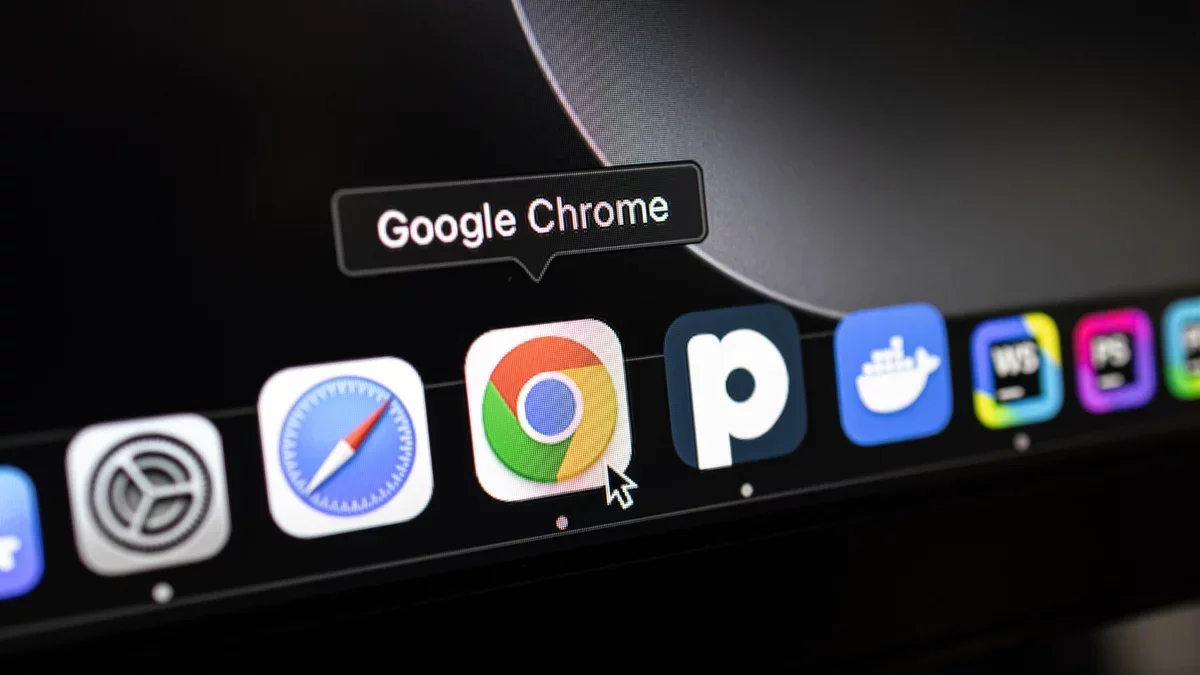
If you are a Google Chrome user, it is essential to apply the latest update without delay. Google has rolled out a fix for a critical vulnerability that has been actively exploited, marking the first zero-day issue for Chrome in 2026.
Details of the Google Chrome Patch
The identified vulnerability, known as CVE-2026-2441, pertains to a use-after-free flaw within the CSSFontFeatureValuesMap, which is part of Chrome's CSS font feature handling. This type of vulnerability occurs when an application attempts to utilize memory that has already been released back to the system. Such bugs can enable attackers to execute code, elevate privileges, crash applications, or leak sensitive information.
This specific flaw could permit "a remote attacker to execute arbitrary code inside a sandbox via a specially crafted HTML page." In simpler terms, this means that harmful HTML content could execute code within a Chrome tab, extension, or plugin. As noted by cybersecurity experts, this situation poses a significant risk, as attackers can access or alter anything the isolated browser tab can reach, which may include credential theft and traffic manipulation, even if they cannot affect the entire operating system.
Google has confirmed that this vulnerability has been exploited in the wild, although specific details about the attacks have not been disclosed. The discovery of this flaw has been credited to Shaheen Fazim.
Steps for Chrome Users
On February 13, Google issued a Stable channel update that addresses this vulnerability. The latest versions of Chrome are 145.0.7632.75/76 for Windows and macOS, and 144.0.7559.75 for Linux. To ensure your browser is up to date, navigate to the Chrome menu and select About Google Chrome.
Chrome typically updates automatically when you close and reopen the browser. However, if you do not do this frequently, check for any pending updates in the upper-right corner of your browser window. To apply these updates, click the three dots and select the first option in the menu. A restart of Chrome will be necessary to complete the update process.