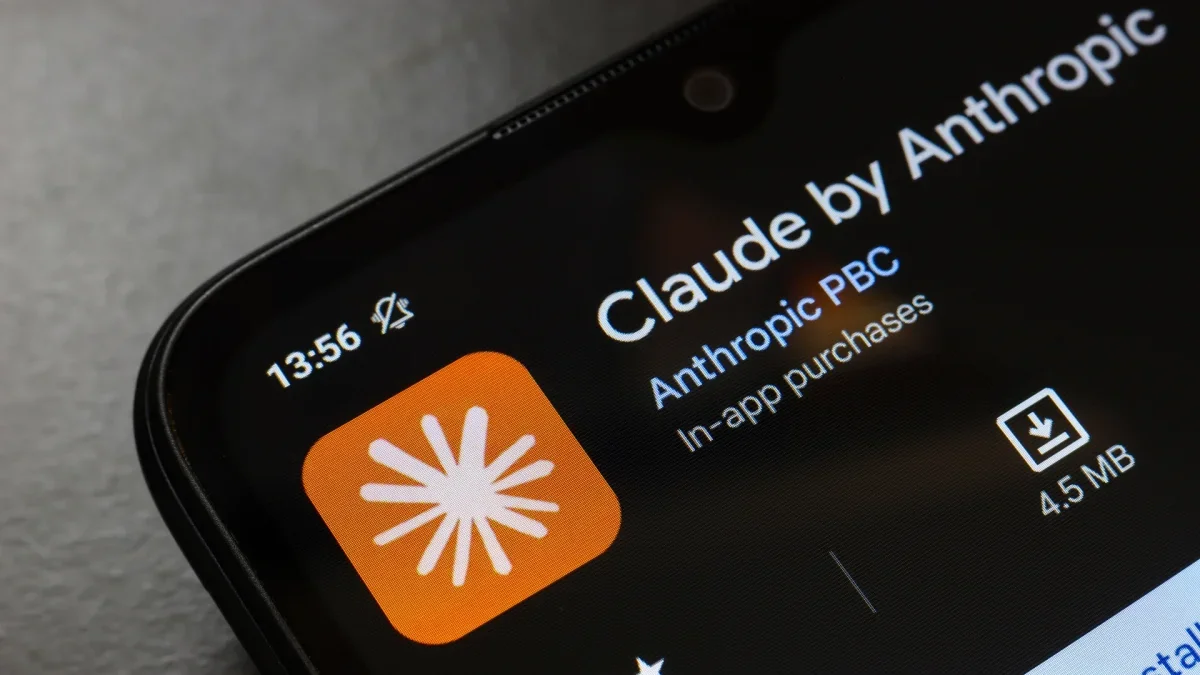
In recent months, a notable shift has occurred as many users are opting for Claude, a new AI assistant, amidst ongoing discussions about privacy and ethical concerns related to ChatGPT and its developer, OpenAI.
The pivotal moment for this transition came when Claude's creator, Anthropic, declined a request from the Department of Defense to utilize its AI models for extensive domestic surveillance and autonomous weaponry. This decision led to significant political backlash, resulting in directives from federal officials to halt the use of Anthropic's technologies.
In contrast, OpenAI swiftly announced its own agreement with the Pentagon, asserting that it included safeguards. However, this arrangement has ignited debates regarding the ethical implications of AI technology.
As a consequence of these controversies, Claude has gained immense popularity, rapidly ascending to the top of the App Store rankings in the United States, surpassing ChatGPT. Reports indicate that daily registrations for Claude have reached unprecedented levels, with free users increasing by over 60% since January and paid subscriptions doubling this year.
For those contemplating a switch from ChatGPT to Claude, this guide will provide essential steps for transferring data and closing your ChatGPT account.
Exporting Your Data from ChatGPT
Leaving ChatGPT does not have to mean losing your valuable data. To ensure a smooth transition, you can export your information to Claude, enabling it to adapt to your preferences quickly.
Begin by accessing the Settings menu in ChatGPT. Navigate to the Personalization section and locate the Memory option. From there, you can manage and update your stored information. Once you've reviewed your preferences, copy the relevant content you wish to retain.
Alternatively, you can export your entire chat history by going to Settings, selecting Data Controls, and opting for "Export Data." ChatGPT will compile your chat records into text or JSON files and send them to your email, although this may take some time depending on the volume of your history.
For a more manual approach, consider copying key conversations or asking ChatGPT to summarize your main preferences and frequently discussed topics.
Importing Your Data into Claude
Once you've gathered your data, transferring it to Claude is a straightforward process. Open Claude, head to Settings, and ensure that the Memory feature is enabled. This feature requires a subscription to one of the Pro, Max, Team, or Enterprise plans.
Start a new conversation and prompt Claude with, "Here's some important context I'd like you to remember. Update your memory about me with this." Paste your information directly into the chat. For exported chat files, prompt Claude to summarize your key preferences instead of pasting raw logs.
After importing your data, verify with Claude that your information is accurately saved. You can always adjust your preferences as they evolve.
Deleting Your ChatGPT Account
To fully transition away from ChatGPT, simply canceling your subscription is insufficient for data removal. Follow these steps:
- Access Settings, then Personalization, and select Memory.
- Delete any stored memory or personalization settings.
- For added security, enter "Delete all my memory and personalized data" as a final command.
- Finally, navigate to your account management settings to delete your account entirely.