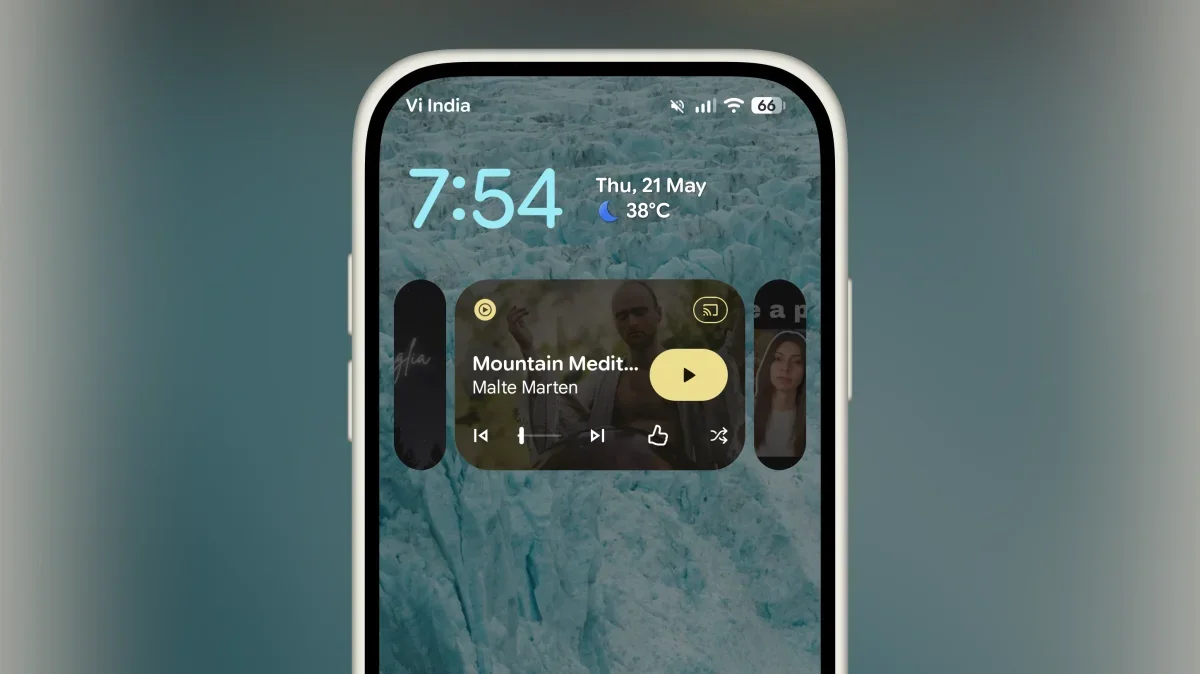
The Pixel community has always cherished the lock screen's Now Playing widget, often discussing its capabilities. Whenever I'm out and hear music, I can't resist checking my Pixel's lock screen to see if it identifies the song--it's truly a delightful experience. However, until recently, users were limited in how they could interact with this feature.
For those curious about the songs recognized while enjoying a coffee or wanting to save a track for later, the options were quite limited. Thankfully, Google has now introduced a dedicated app for this functionality as part of its latest Pixel update.
Accessing Your Now Playing History on Google Pixel
To get started, download the Now Playing app from the Google Play Store. Upon launching the app, you might be prompted to update your software, which is a quick process. Once the update is complete, you're ready to explore.
To use the app effectively, enable the background feature that allows it to scan for music. If this feature is off, the app will guide you to activate it.
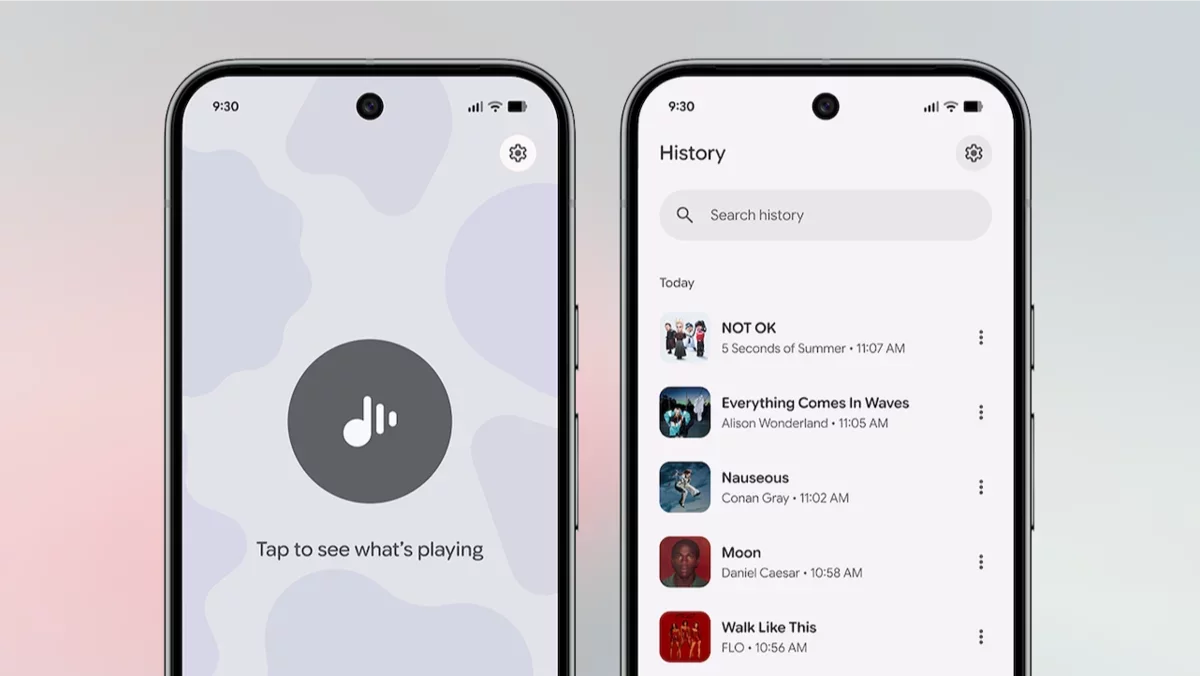
The app opens to a comprehensive history view, showcasing all the songs your Pixel's widget has recognized. For many users, this list can exceed 100 songs.
In addition to viewing your history, the app offers more functions. By tapping the three-dot Menu next to any song, you can listen to it on YouTube Music, add it to your Liked Songs, or include it in a playlist or Favorites section accessible via the heart icon.
Within the Settings menu, there's an option for Connected music service, allowing you to set your default music service. Currently, the choices are limited to YouTube and YouTube Music, but there's hope for future updates to include options like Spotify and Apple Music. The Settings screen is straightforward, with a Clear History button available to remove previously recognized songs.
Manually Scanning for Songs with the Now Playing App
The dedicated Now Playing app not only allows you to view your song history but also enables manual song searches. To do this, open the app and navigate to the Live tab. Tap the large Music button to begin recognizing a song, similar to using Shazam. In moments, the app will identify the track and display a full-screen preview.
Additionally, the Now Playing app integrates with Quick Settings controls, making it easy to access. To add this control, open the notification drawer, switch to the Quick Settings panel, and tap Edit. Locate and add the Now Playing control for quick access whenever you want to identify a song.