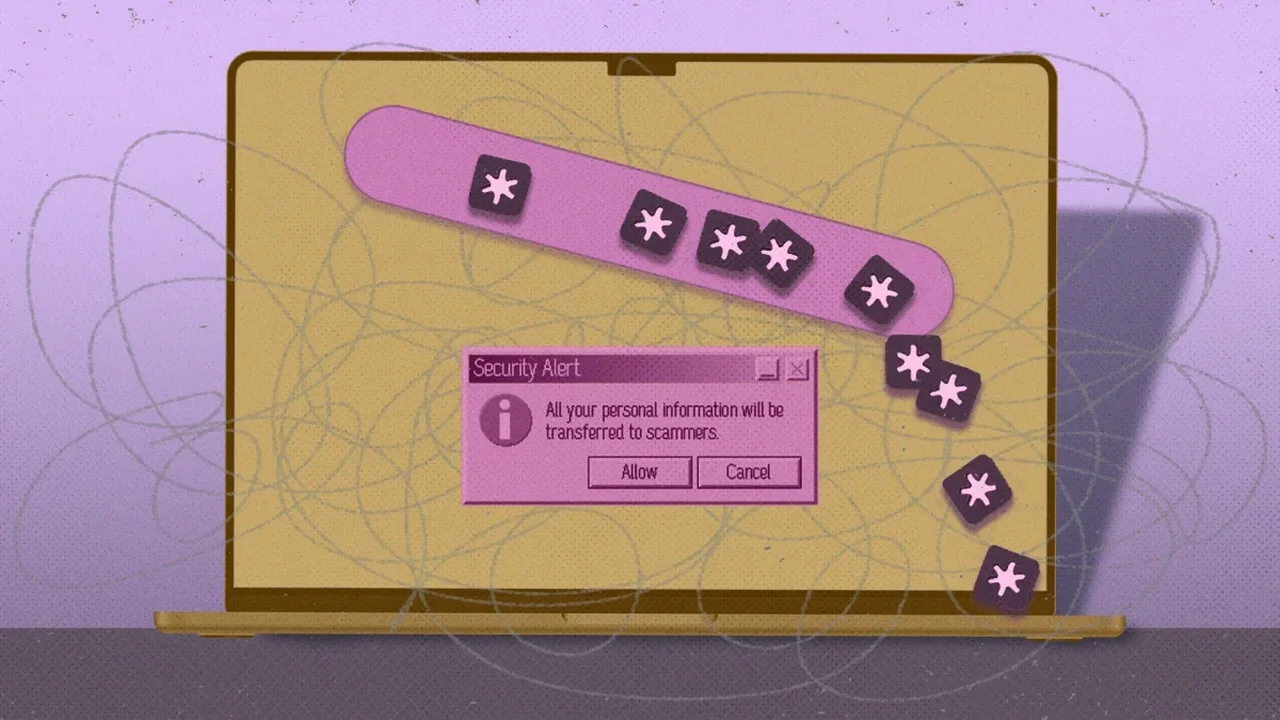
Users of password managers such as LastPass and Bitwarden are being targeted by a phishing campaign that imitates official security alerts. The messages are designed to look like routine account notices, but their real aim is to push users toward fake pages that can capture sensitive data.
LastPass recently informed customers about impersonation emails sent from addresses such as hello[at]lastpassnewsletter[.]com, using subjects like "Action Required: Review Updated LastPass Security Policies." The messages claim that users must review updated terms within 14 business days and direct them to a site that mimics a DocuSign workflow.
A nearly identical approach has also been seen against Bitwarden users. The emails use technical language, a calm but urgent tone, and familiar branding cues to appear credible. However, the sender domains and web addresses do not match official company sites, which is the clearest warning sign.
Security experts recommend opening password manager accounts only by typing the official address directly into a browser or using a trusted app. Users should never enter a master password through links received in email or messaging apps, and they should avoid downloading extra software when a simple account notice is claimed. If credentials were entered on a suspicious page, they should be changed immediately from a secure device.
As digital identity tools become more central to everyday life, awareness of these tactics will help shape a safer and more resilient online future.