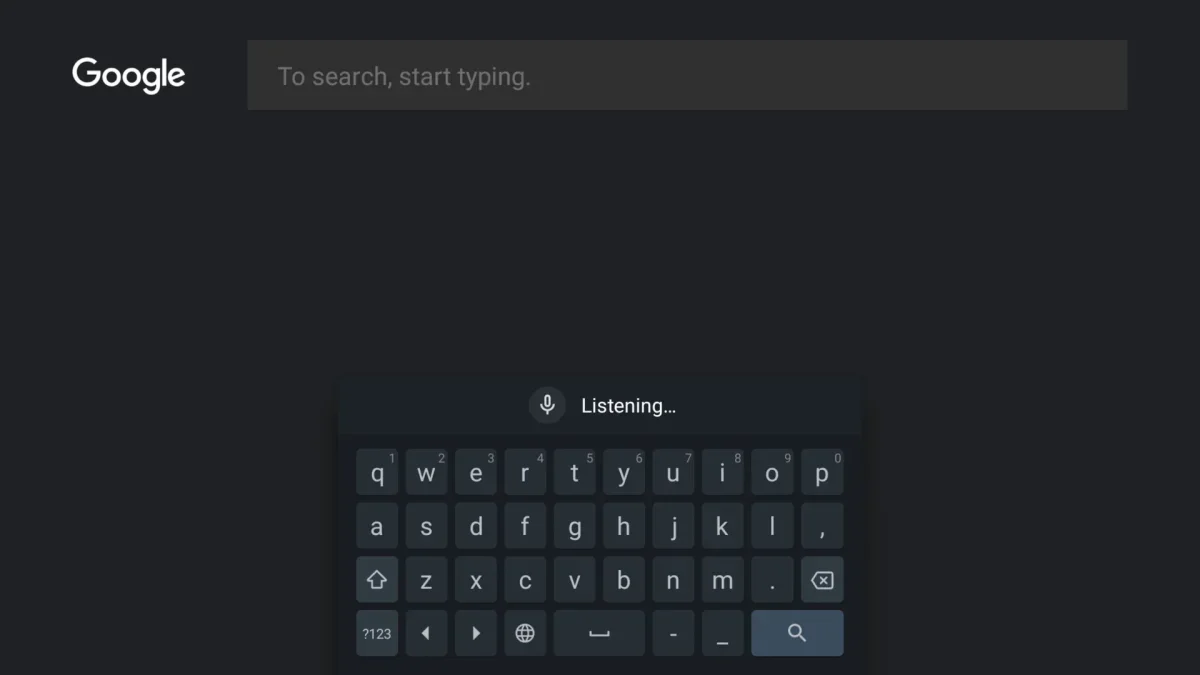
Google's Gboard, one of the most widely used Android keyboards, offers convenience through features like voice input and smart suggestions. At the same time, its privacy settings deserve a closer look for users who want more control over what data is shared.
What Gboard may collect
According to Google's data safety information and support pages, Gboard can collect certain usage signals such as device identifiers, app activity, voice input data, and diagnostics. Google says typed content like passwords and chats is not sent in full, but some searches, usage statistics, and speech data may still be used to improve services.
Settings worth reviewing
Users can reduce data sharing by opening Settings > System > Language & input > On-screen keyboard > Gboard > Privacy. From there, options such as Delete learned words and data can clear on-device personalization. The Audio donations toggle can also be switched off if voice samples were enabled.
Inside the same privacy menu, users may disable usage statistics, personalization, and the Improve for everyone option, which helps send typing patterns to Google for product refinement. These controls give Android users a more selective way to balance convenience with privacy.
Alternatives for offline typing
For those who prefer a keyboard with a more local-first approach, offline options such as HeliBoard and FUTO may be worth exploring. Both are designed to work without constant data sharing, though they may not match every feature found in Gboard.
As digital tools become more intelligent, privacy-aware settings like these are likely to play a bigger role in how people shape their everyday mobile experience.