Many iPhone users have expressed their frustrations regarding keyboard issues ranging from typos and delays to unexpected replacements of typed words. While the underlying causes of these challenges can vary, there are several practical solutions you can implement to improve your typing experience on iOS.
Reset Your iPhone's Keyboard Dictionary
Over time, the iOS keyboard learns from your typing habits, which can sometimes lead to less helpful autocorrect suggestions. To start fresh, navigate to Settings > General > Transfer or Reset iPhone > Reset > Reset Keyboard Dictionary. After entering your device's unlock code, select Reset Dictionary to clear any problematic suggestions.
Add Custom Words and Shortcuts
While resetting might seem counterintuitive, teaching your iPhone specific words can enhance its accuracy. Go to Settings > General > Keyboard > Text Replacement, tap the + icon, and enter your frequently used words or phrases. You can even set shortcuts to speed up your typing.
Adjust Additional Keyboard Settings
Explore further keyboard settings under General > Keyboard in iOS Settings. You might consider disabling Auto-Correction or Slide to Type if they hinder your typing. Additionally, the Accessibility menu offers options to adjust touch sensitivity for improved accuracy.
Change Your Keyboard Layout
For a smoother typing experience, try the one-handed keyboard layout. To activate it, press and hold the globe icon in the lower left corner of the keyboard, then choose your preferred layout from the pop-up menu.
Explore Alternative Keyboards
If the built-in keyboard still poses challenges, consider downloading third-party keyboard apps like Gboard or SwiftKey. These alternatives often provide enhanced customization options. Manage your installed keyboards via Settings > General > Keyboard > Keyboards, and switch between them by holding the globe icon while typing.
Consider Using a Bluetooth Keyboard or Dictation
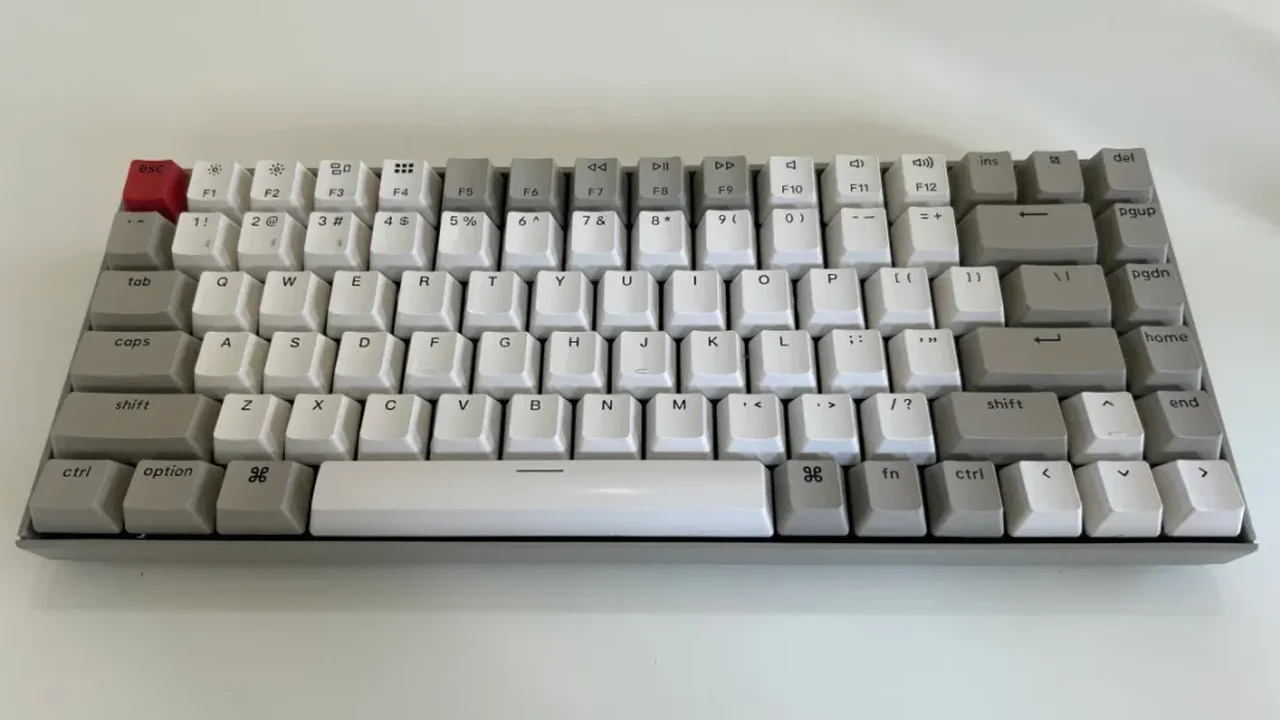
If you're open to alternatives, using a Bluetooth keyboard can offer a more comfortable typing solution. Alternatively, enable dictation in General > Keyboard settings, and use the microphone icon to dictate your messages. This feature allows for seamless text entry, including emojis and formatting.