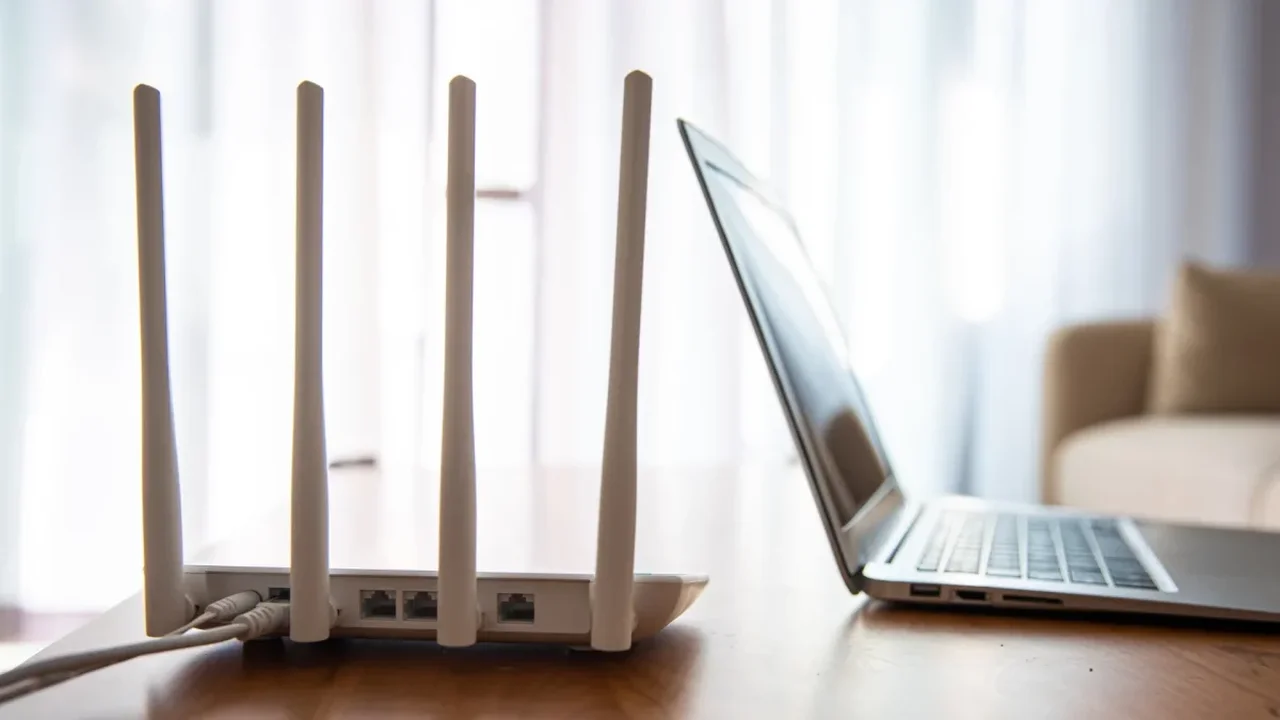
Your router connects the devices in your home to the internet, making its settings an important part of your digital security. Reviewing these eight options can help strengthen your network and keep everyday devices better organized.
1. Choose the strongest available Wi-Fi security
Use WPA3 Personal if your router and devices support it. If some older devices cannot connect, WPA2/WPA3 Transitional mode may be suitable; otherwise, select WPA2 Personal with AES as a minimum.
2. Update the admin login
Change the router's default administrator username and password, or create custom credentials during setup. These details protect the settings dashboard and are separate from your Wi-Fi password. Turn on two-factor authentication if the option is available.
3. Choose a non-identifying network name
Replace the default network name, or SSID, with a distinctive one that does not reveal personal details such as your name or address. Hiding the SSID is not a substitute for strong security, so leave that setting off.
4. Create a strong Wi-Fi password
Use a unique password that is difficult to guess. A memorable passphrase made from several unrelated words can offer a practical balance of strength and ease of use.
5. Turn off remote management
Unless you specifically need to manage the router from outside your home, disable remote access to its admin dashboard. This limits access to people connected to your network.
6. Review WPS and UPnP
Disable Wi-Fi Protected Setup (WPS) if you do not need its PIN-based connection method. Universal Plug and Play (UPnP) can simplify device setup, but consider turning it off once devices are connected if your network does not rely on it.
7. Separate guest and smart-home devices
Use a guest network for visitors instead of sharing your main Wi-Fi credentials. If your router supports it, place smart-home and Internet of Things devices on a separate network from computers and phones.
8. Enable firmware updates
Turn on automatic firmware updates when available. If updates must be installed manually, check for them regularly so the router can receive the latest improvements and security fixes.
As more parts of daily life connect to home networks, simple router checks can help make secure connectivity a more reliable foundation for the future.