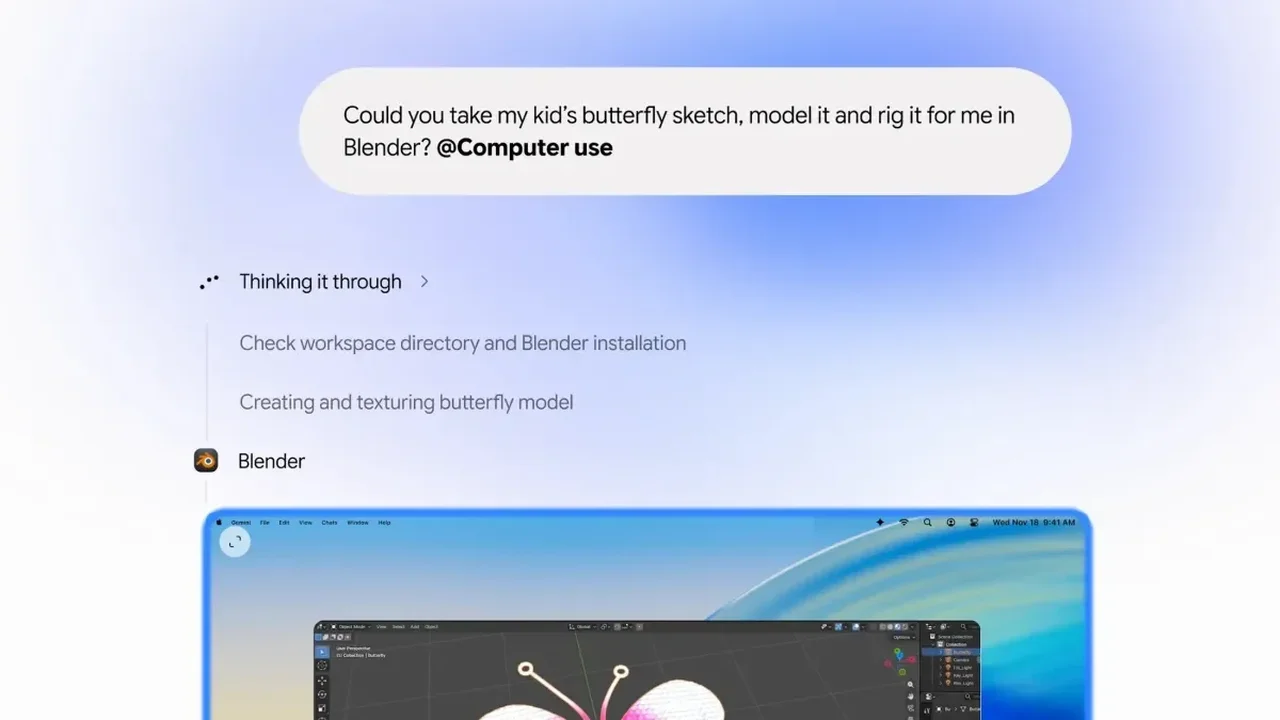
Signal's end-to-end encryption protects messages as they travel between people, but it cannot fully control what other software on a device can see. On-screen AI features, including Siri and Gemini tools, may be able to read visible conversations while carrying out tasks.
Signal says its newer protections limit screenshots and screen recordings within the app. The safeguards are enabled by default on iOS 27 and on Android devices running the latest version of Signal, though they do not prevent every possible form of on-device AI access.
What users can change
On iOS 27, users can manage screenshot protection under Settings > Privacy > Block Siri AI. When enabled, it also prevents users from taking screenshots of Signal chats in the app and App Switcher; the protection can be turned off temporarily for 10 minutes.
On Android, Signal's Screen security feature activates when the app detects an AI agent trying to access the screen. Users can manage it under Settings > Privacy > App security > Screen security. On macOS 27, Signal cannot block screenshots, but adding the app to Siri's Excluded Apps list can limit proactive access.
As AI tools become more integrated into operating systems, protecting private conversations will increasingly depend on controls built across both messaging apps and devices.