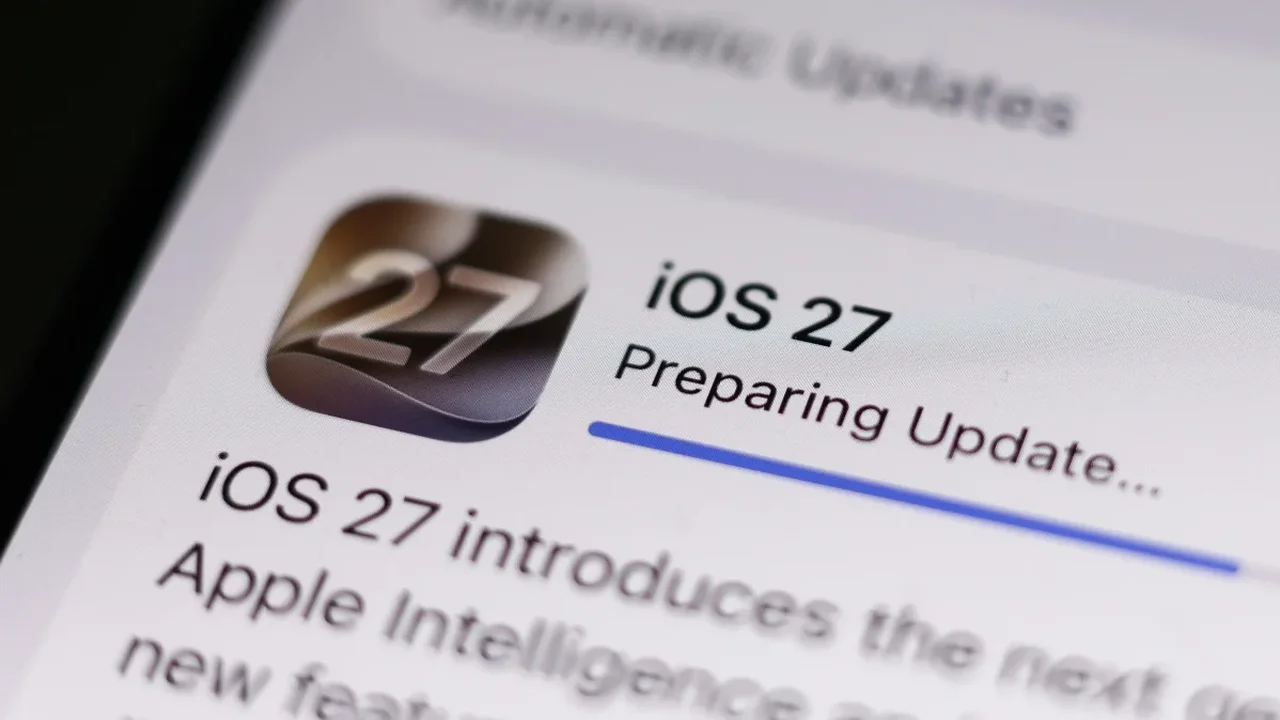
Apple Intelligence brings on-device AI tools to compatible iPhones and Macs, including enhanced Siri capabilities and personalized processing features. The approach is designed to keep more tasks local, supporting faster responses and a privacy-focused experience.
However, storage usage can vary significantly between devices. Apple indicates that its AI models may require up to 14GB of space on certain products, yet some users are seeing considerably larger allocations after updating to iOS 27 or macOS 27 Golden Gate.
On higher-performance hardware, Apple Intelligence may store additional models needed for advanced functions. These can include language processing, personalized Siri features and other capabilities that operate directly on the device rather than relying entirely on cloud infrastructure. Some Macs have reportedly allocated close to 30GB for Apple Intelligence, while storage requirements on other Apple devices remain lower.
How to review Apple Intelligence storage
Users can check the space assigned to Apple Intelligence through their device's storage settings. On Mac, open System Settings > General > Storage, then select the macOS information section. On iPhone, go to Settings > General > iPhone Storage and open the iOS information area. The system breakdown can display the storage reserved for Apple Intelligence.
At present, there is no dedicated setting for selectively removing individual Apple Intelligence models while retaining other AI functions. Turning off Siri may limit access to some related features, but it may not immediately reduce the storage already allocated to local models.
As Apple expands on-device AI, more transparent storage controls could help users balance intelligent features with available device capacity. Future software refinements may make personal AI experiences more flexible across different hardware configurations.