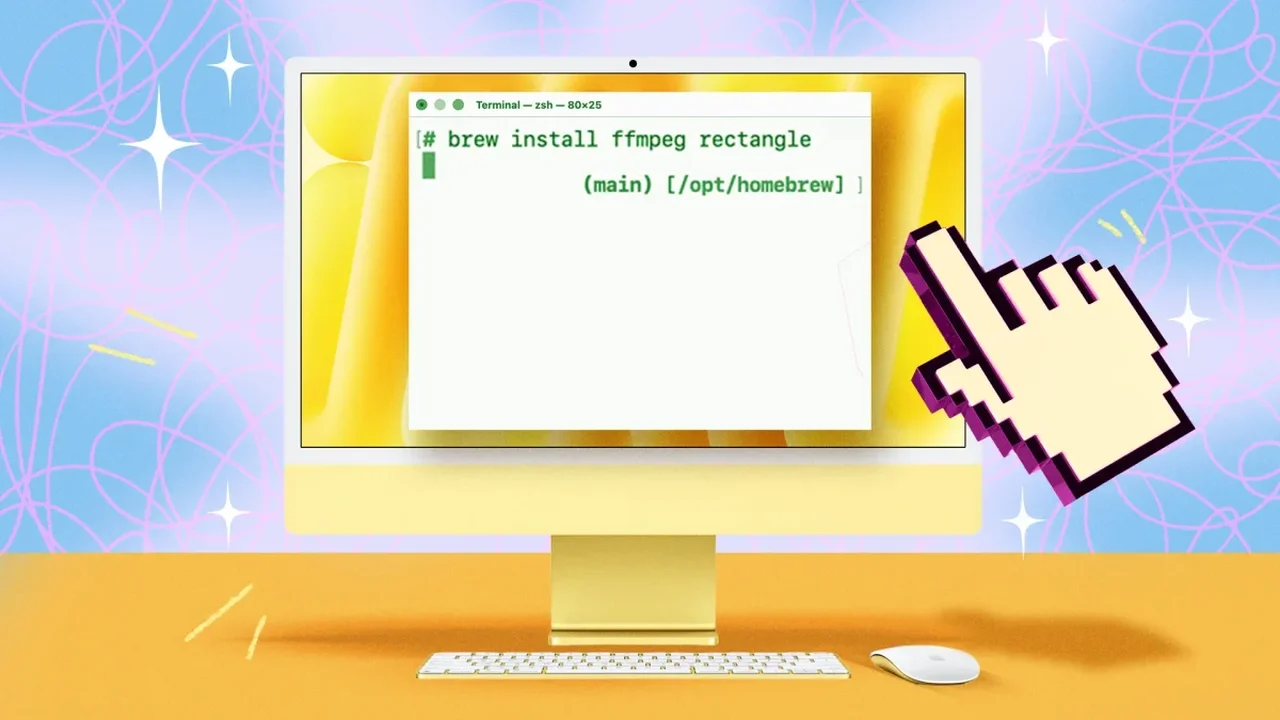
Homebrew is expanding how Mac users discover, install and maintain software. Best known as a command-line package manager, it now also offers a graphical interface that makes app management more approachable while retaining powerful Terminal tools for experienced users.
A simpler way to explore software
With Homebrew 7.0.0 and later, users can open its dedicated app from the Applications folder. The interface brings installed software, available updates, troubleshooting tools and settings into one place. Its Discover section also lets users search for supported apps and begin installation with a single action.
Useful tools for everyday maintenance
For command-line workflows, brew doctor checks the setup for configuration issues and suggests practical fixes. The brew list command shows every package managed by Homebrew, helping users distinguish these apps from software installed through other methods.
Storage can be managed with brew cleanup, which removes outdated package versions and cached downloads without deleting active apps. Meanwhile, brew outdated previews available updates, while brew upgrade installs them across supported packages in one step.
More control before and after installation
Users who prefer a quieter Terminal can add the -q option to reduce on-screen output, or use -v for more detailed information. The --dry-run flag is another useful safeguard: it previews what an installation or update would change before anything is downloaded.
Homebrew can also bring compatible, manually installed applications under its management through its adoption feature. This gives users a more unified update routine, provided the app is available in Homebrew's catalog.
Personalized workflows
Aliases can shorten frequently used commands, making repetitive actions faster for regular Terminal users. For greater update control, the pin feature can hold a selected package at its current version until the user chooses to unpin it.
By combining a beginner-friendly interface with precise command-line controls, Homebrew points toward a more flexible software maintenance experience on the Mac--one where users can choose both the pace and depth of their digital workflow.