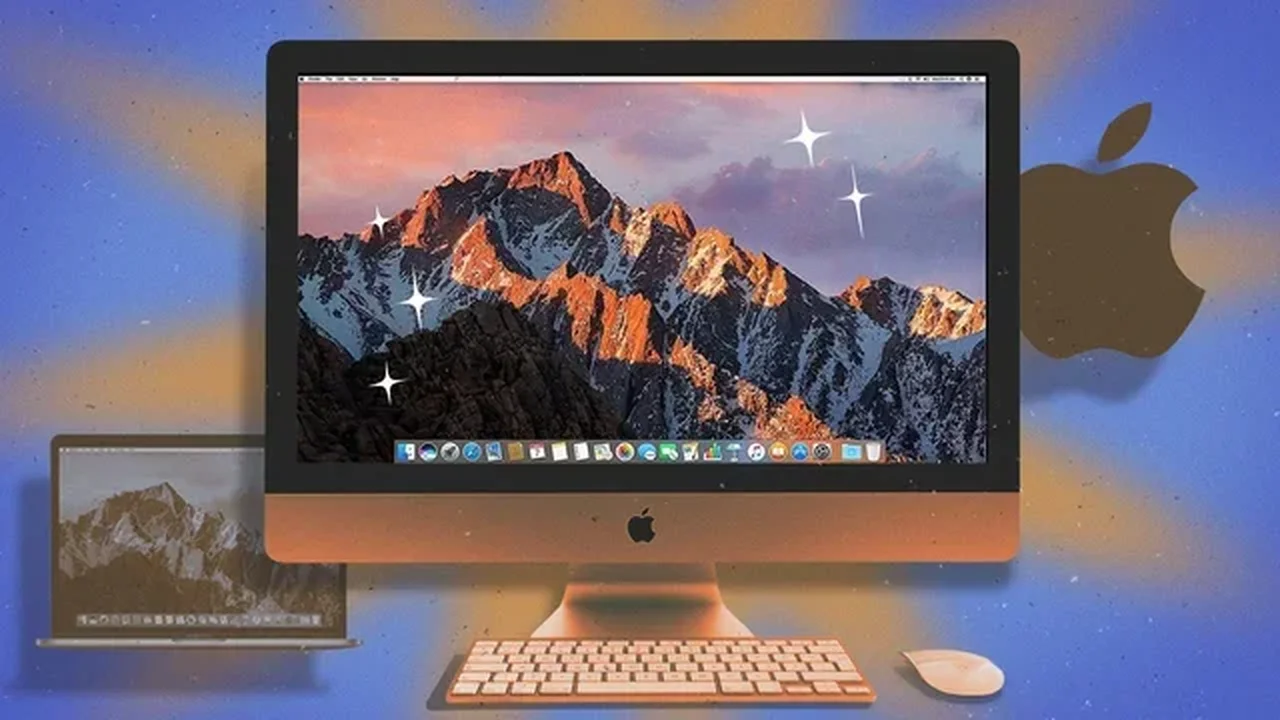
As Apple moves toward a new macOS era built around its own chips, many Intel Mac owners still have a capable machine in daily use. With the right adjustments, these older devices can stay fast, efficient, and useful for longer.
Update with the latest compatible macOS
If your model no longer supports the newest release, tools like OpenCore Legacy Patcher can help install a newer version of macOS on supported Intel hardware. Results vary by model, but this approach can improve app compatibility and keep security support more current.
Keep the system cool
Dust buildup can reduce airflow and trigger performance drops. Cleaning the fans and internal vents can help an Intel Mac maintain stable temperatures and sustain better performance during heavier tasks.
Fine-tune fan behavior
Apps such as Macs Fan Control let users monitor temperatures and adjust fan speeds manually. That extra control can be useful when working on demanding projects or trying to maintain consistent speed.
Upgrade what can still be upgraded
On older models with modular parts, adding more RAM or replacing a hard drive with an SSD can make a major difference. More memory improves multitasking, while an SSD can dramatically speed up startup and loading times.
Replace an aging battery
For Intel MacBooks, a fresh battery can restore portability and make the device feel far more usable again. A worn battery often limits convenience long before the rest of the computer reaches its limit.
Use Turbo Boost more strategically
TurboBoostSwitcher gives users a way to disable Intel Turbo Boost when battery life matters more than peak speed. That can help reduce heat and extend unplugged use.
Run Windows when needed
Intel Macs can still use Boot Camp to install Windows natively. For people who need both operating systems, this keeps an older Mac flexible without requiring a second computer.
Customize the Touch Bar
If your MacBook includes a Touch Bar, BetterTouchTool can reshape it with custom controls, widgets, and gestures, turning a once-limited feature into a more personal productivity tool.
Turn storage into a backup space
An older Mac with a large internal drive can serve as a local archive for files, photos, or video projects. It is a practical way to reuse hardware that still has valuable storage capacity.
Transform it into a media server
With platforms like Plex, an Intel Mac can become a home media hub for movies, music, and personal libraries. It is a simple way to give older hardware a second life.
For many users, Intel Macs still have room to contribute, and thoughtful maintenance can keep them relevant in a more efficient, circular tech future.