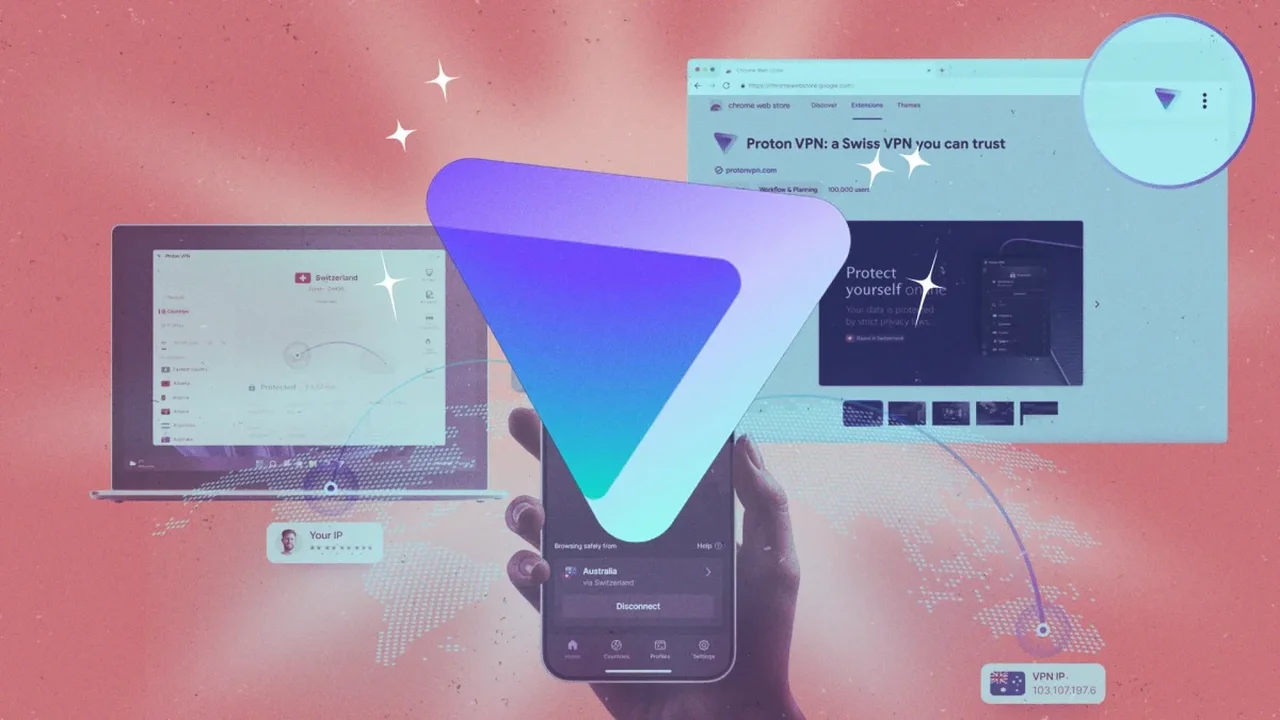
Proton VPN offers more than a simple on-and-off privacy connection. Its settings can help users tailor security, speed and convenience across work, travel and everyday browsing.
Choose what uses the VPN
Split tunneling lets users decide which apps or IP addresses pass through the encrypted connection. A work browser or banking app can stay protected while gaming, streaming or other low-risk apps use a standard connection for smoother performance.
Protect selected websites in the browser
The Proton VPN extension for Chrome and Firefox adds a browser-focused layer of control. Its domain-based settings allow users to include only selected websites in the VPN connection or exclude specific domains when lower latency is preferred.
Build connection profiles
Connection profiles save preferred locations, protocols and settings for recurring needs. With one tap, users can switch between configurations designed for travel, remote work, streaming or public Wi-Fi use.
Keep local devices accessible
Enabling LAN connections allows printers, speakers, storage drives and media servers on a home network to communicate directly, while internet traffic remains protected through the VPN.
Use adaptive protocol settings
Proton VPN supports multiple connection methods, including WireGuard, OpenVPN and its Stealth protocol. Stealth is designed to make VPN traffic resemble standard web activity, while Smart Protocol can automatically select a stable available option.
Add a safety layer with Kill Switch
The Kill Switch blocks internet traffic if the VPN connection unexpectedly drops, helping prevent data from continuing through an unprotected network. This feature can be especially useful when working from cafés, airports or shared Wi-Fi networks.
Fine-tune NetShield protection
NetShield can filter ads, trackers and potentially harmful domains. If stronger filtering affects a website's functions, users can choose a lighter setting focused on malware protection.
Automate mobile connections
Mobile users can create shortcuts for faster access to saved VPN actions. A connection can be activated with a home-screen control, a voice command or selected device-based routines, reducing the need to adjust settings manually.
As digital routines become more personalized, flexible privacy tools such as Proton VPN could make secure internet access easier to integrate into daily life without sacrificing usability.