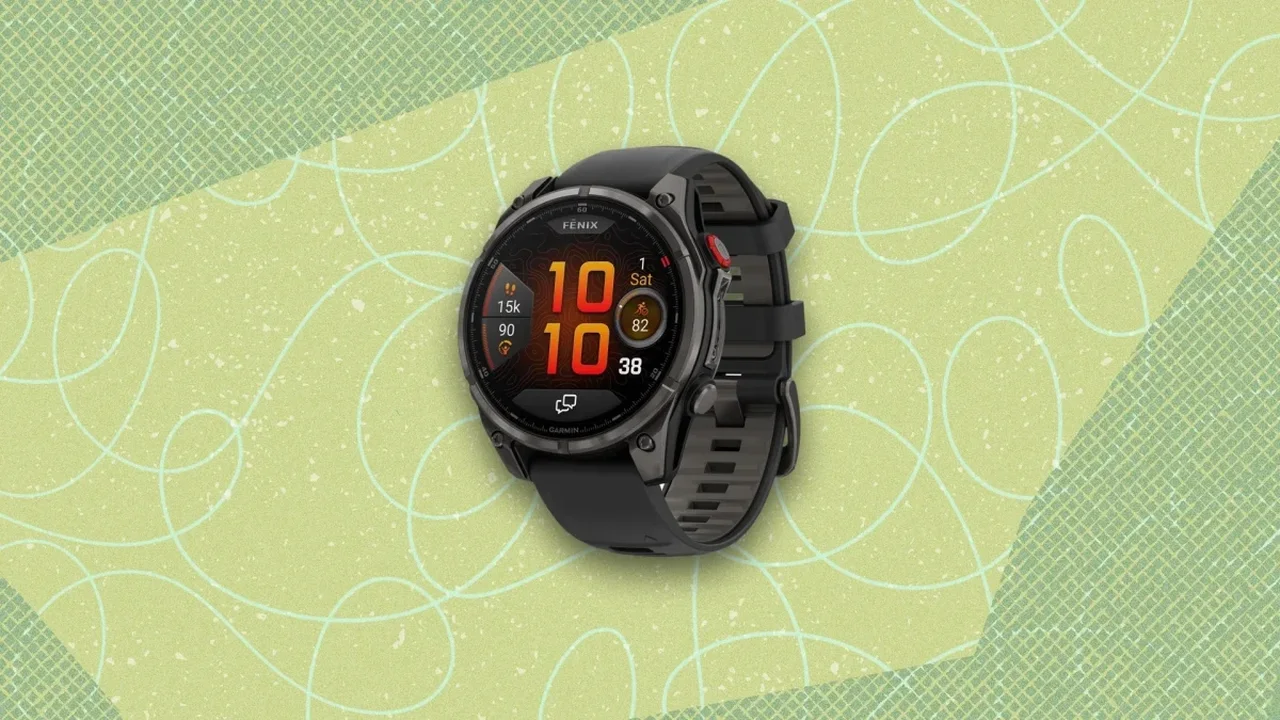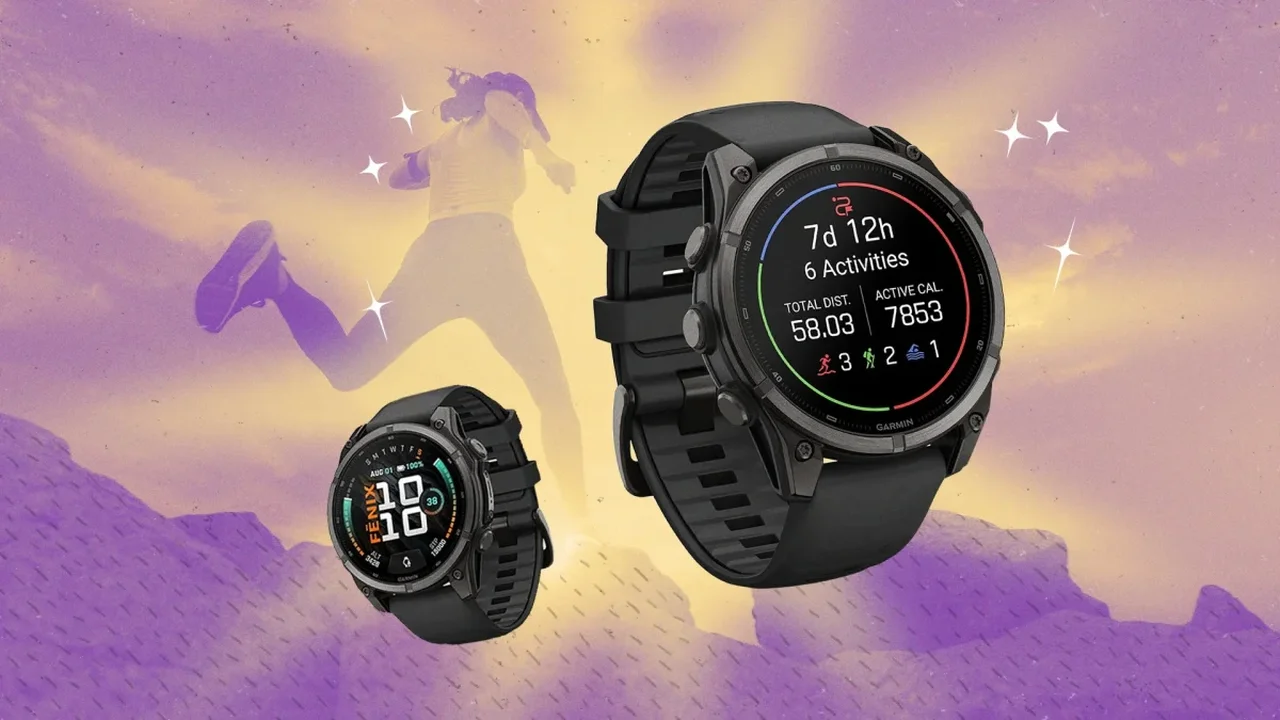
Garmin's Fenix 9 Pro combines advanced navigation, training metrics and outdoor-ready tools in one premium wearable. A few thoughtful adjustments can make the experience faster, clearer and better suited to individual routines.
Bring maps and live metrics together
Create a dedicated map data screen, then add one or two fields such as pace, heart rate or distance. This layout lets runners, hikers and cyclists follow their route while monitoring effort without switching screens. For complex terrain, multi-band GPS can improve positioning accuracy, while ClimbPro helps users anticipate upcoming ascents and gradients.
The watch can also record a breadcrumb trail on unfamiliar routes, generate round-trip courses from a chosen distance, and offer a tilted map perspective for a more intuitive view of terrain.
Build shortcuts around your routine
Custom button combinations can reduce the need to navigate menus during activity. Useful assignments include saving a location, opening the stopwatch, toggling the touchscreen or activating Do Not Disturb. A tailored shortcut setup can be particularly practical in rain, during interval sessions or when gloves make touchscreen controls less convenient.
Keep workout screens focused
The Fenix 9 Pro can display extensive performance data, but a simpler screen is often more useful during high-intensity efforts. For many workouts, prioritizing pace, heart rate and cadence can keep essential information readable. Secondary screens can hold elevation, calories, lap counts and other less immediate metrics.
Use wrist heart rate across compatible equipment
The watch can broadcast its wrist-based heart rate to compatible devices such as indoor bikes, rowing machines and treadmills. This can help create a more connected training setup without requiring an additional chest strap. Heart-rate-focused workout targets may also offer a more adaptable measure of effort across hills, warm conditions and varied terrain.
Create profiles for every discipline
Instead of repeatedly editing one activity profile, users can duplicate profiles and customize each one for specific sessions, such as track running, trail running or strength training. Each profile can retain its own alerts, data layout and settings.
For outdoor use, the green night-vision flashlight supports low-light visibility while helping preserve night vision. The Water Ejection function can also clear moisture from the speaker after swimming or wet-weather activity.
As wearable software becomes more personalized, features like these could make multisport training and outdoor navigation increasingly seamless in everyday life.