Google services can connect everyday activities, from email and search to maps and mobile apps. Reviewing a few account settings can help limit stored activity, manage personalization and strengthen sign-in security. Here are 10 practical steps to consider.
1. Create Gmail aliases for sign-ups
Add a plus sign and a label before "@gmail.com" when registering for a service. Messages will still reach your inbox, while the label can help you sort mail and identify which address received unwanted messages. This does not make your account anonymous.
2. Review account sessions and connected apps
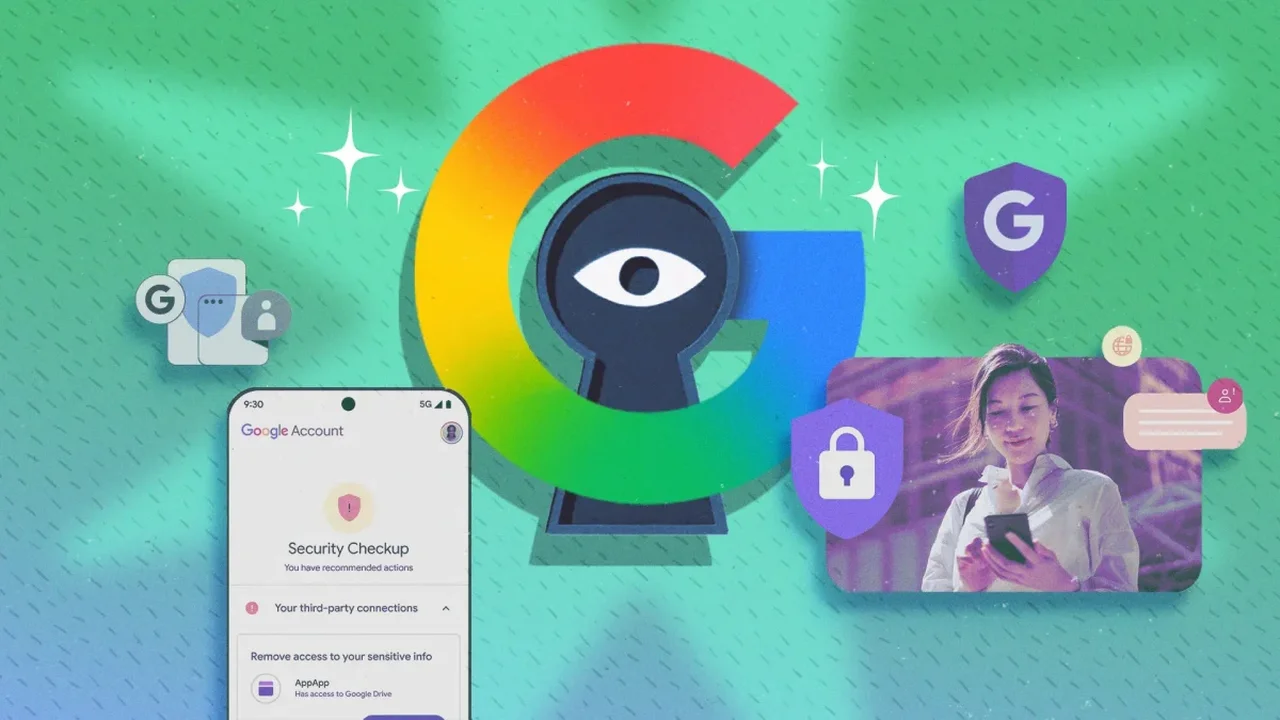
In Gmail on the web, check the account activity details at the bottom of your inbox to review recent sign-ins. You can also use Google's Security Checkup and account settings to review devices and apps with access, then remove anything you no longer use. VPNs and privacy relays can affect the locations shown.
3. Adjust personalized recommendations
Review personalization settings for Google Search and the Play Store. Turning off options such as Personalized Recommendations and Play Personalization can reduce the use of account activity to tailor suggestions.
4. Limit Web & App Activity
Google's Web & App Activity controls can include searches and activity across Google services, apps and devices. Review the settings and switch off the options you do not want saved to your account.
5. Review Google Maps Timeline
Timeline can save location history in Google Maps. If you do not need it, turn it off and consider deleting previously saved activity from your account.
6. Turn off personalized ads
Google's ad settings let you disable personalized advertising. This can limit how account information is used to tailor ads, though it does not remove ads altogether.
7. Switch off Gmail smart features
Gmail settings let you disable features such as Smart Reply, Smart Compose and other writing suggestions. Choose this if you prefer not to use these automated tools.
8. Add a physical security key
A hardware security key can provide an additional sign-in step alongside a password and other verification methods. Keep the key secure and configure a backup sign-in option.
9. Avoid saving your primary payment card
Consider removing your main credit card from your Google account. Where available, a virtual card with spending limits or merchant restrictions can help separate online purchases from your primary card.
10. Review Personal Intelligence settings
If Personal Intelligence features are available in your account, check their settings and decide whether to turn them off. This helps you manage how connected Google services use personal information to provide tailored experiences.
Privacy settings are not a one-time task: periodically reviewing them can help people adapt their digital boundaries as services evolve. Clearer controls may also shape expectations for more user-directed online experiences.