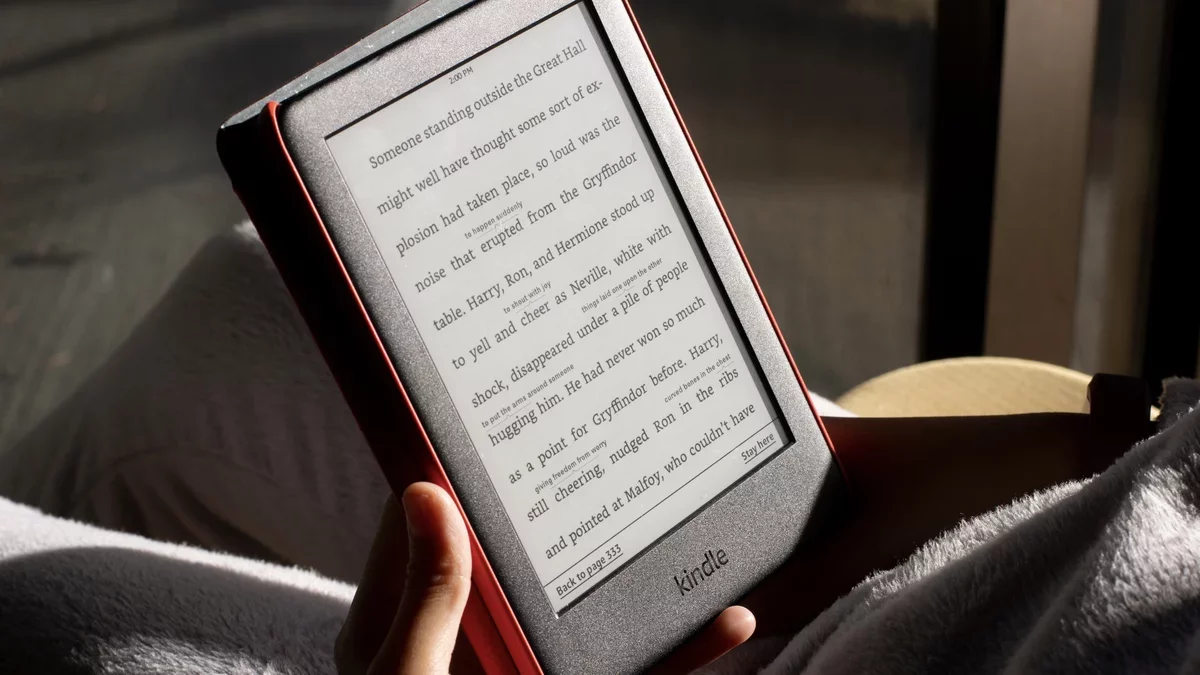
Kindles are designed for longevity, often serving users well beyond a decade. Many models from the early 2010s are still operational today. However, the challenge lies not in the hardware but in the software, which is controlled by Amazon.
Amazon recently announced that as of May 20, 2026, it will cease support for Kindle devices launched in 2012 and earlier. This decision means that these older models will lose access to the Amazon store for downloading, purchasing, or borrowing books, effectively rendering them obsolete. While Amazon encourages users to consider purchasing a new Kindle, there is an alternative: jailbreaking your device.
Benefits of Jailbreaking Your Kindle
Jailbreaking your Kindle involves installing a custom operating system that enhances functionality. A popular option is KOReader, which supports multiple document formats and transforms your device into a more versatile reading tool. After jailbreaking, you can enjoy an ad-free experience and read ePub books natively without converting them to the Kindle format. Although this process requires sideloading books from external sources, tools like Calibre can facilitate wireless transfers.
Customization is another significant advantage of a jailbroken Kindle. Users can personalize fonts, modify the home screen, and even add features like a book map that visually tracks your reading progress.
However, potential risks accompany jailbreaking. For older models, the process typically begins with a factory reset, which erases all unbacked data. There's also a chance of "bricking" the device, rendering it unusable. Additionally, downloading unofficial software poses a risk of malware. While many users report success, caution is advised.
Resources for Jailbreaking Your Kindle
If your Kindle runs firmware below 5.14.2, you will need to use the WatchThis jailbreak method, particularly for unsupported older models. For detailed instructions, consider following guides available on reputable tech sites.
Even newer Kindle models can benefit from jailbreaking, allowing users to run ad-free software. However, this is only feasible for devices running firmware 5.18.6 or below. To check your firmware version, navigate to Settings > Device Options > Device Info.
For those with compatible older versions, the WinterBreak jailbreak offers a straightforward solution. Detailed guides with step-by-step instructions are available online, but remember that jailbreaking may void your warranty. Proceed with care.