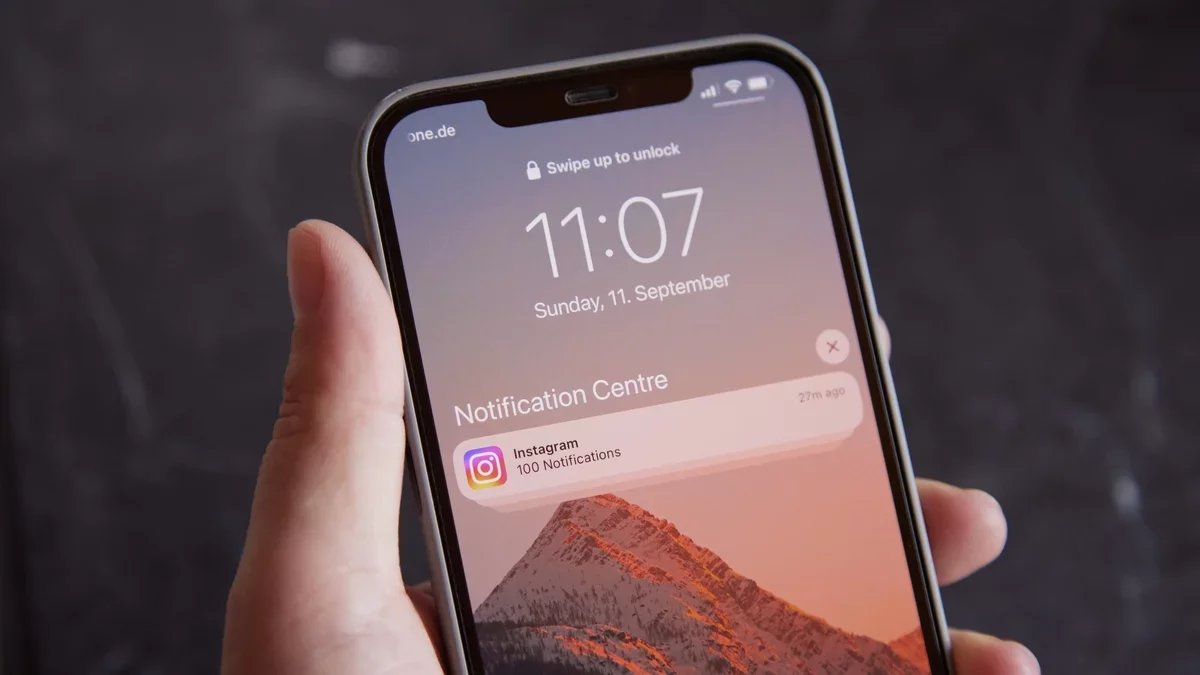
Recent revelations about the FBI accessing deleted Signal messages from a defendant's iPhone have raised significant privacy concerns. The agency was able to retrieve incoming messages from the device's push notification database, highlighting a potential vulnerability that many users were unaware of. This incident underscores the importance of understanding how notifications can store sensitive information, even after messages are deleted.
While the exact workings of the push notifications database remain somewhat unclear, insights from the Objective See Foundation suggest that notifications--regardless of their nature--are recorded by the operating system. This loophole appears to have been exploited in the recent FBI case, prompting a need for users to take proactive steps to protect their privacy.
To enhance your security, consider turning off notifications entirely. However, this may not be practical for everyone, as many rely on alerts for emails, messages, and app updates. Instead, you can modify your device's settings to prevent the content of messages from appearing in notifications. This way, notifications will simply indicate that a message has arrived without revealing its details.
How to Secure Notifications on an iPhone
iPhone users can easily hide message contents from notifications. Navigate to Settings > Notifications > Show Previews and select Never. For specific apps, go to Settings > Notifications, select the app, and choose Show Previews > Never to hide alerts.
Managing Notifications on a Mac
Mac users can also disable notification previews globally or for individual applications. Access System Settings > Notifications, then select Show previews and choose Never. To remove stored notifications, consider using the free app AuRevoir, which allows users to view and delete data from the notification database.
Protecting Notifications on Android
Android offers various ways to hide notification previews, especially on the lock screen. Go to Settings > Notifications > Notifications on lock screen and disable Show sensitive content. For individual apps, adjust settings under Settings > Notifications > App notifications.
Clearing Notifications in Windows
In Windows, while there's no universal setting to disable previews, you can hide them on the lock screen. Open the Settings app, navigate to System > Notifications, and disable Show notifications on the lock screen. For each app, enable Hide content when notifications are on lock screen.
Adjusting Messaging App Settings
Many messaging apps allow you to disable notification previews within their settings. In WhatsApp, go to Notifications and turn off Show preview. For Signal, access Settings > Notifications and select No Name or Content. Telegram users can do the same under Notifications and Sounds settings.
By implementing these strategies, you can significantly enhance your privacy and security, ensuring that sensitive information remains confidential.