For professionals who rely on laptops, the built-in webcam often suffices for video conferencing. However, users with external monitors or laptops equipped with lower-quality cameras may find it necessary to invest in dedicated webcams. Fortunately, many smartphones, including iPhones and Android devices, offer native webcam support that allows users to leverage their phone's superior camera quality for both work and personal calls.
Until recently, Samsung Galaxy phones did not support this feature natively. Users had to resort to third-party applications to convert their devices into webcams, which could lead to confusion and limited awareness of this capability among Galaxy users. This situation has now changed.
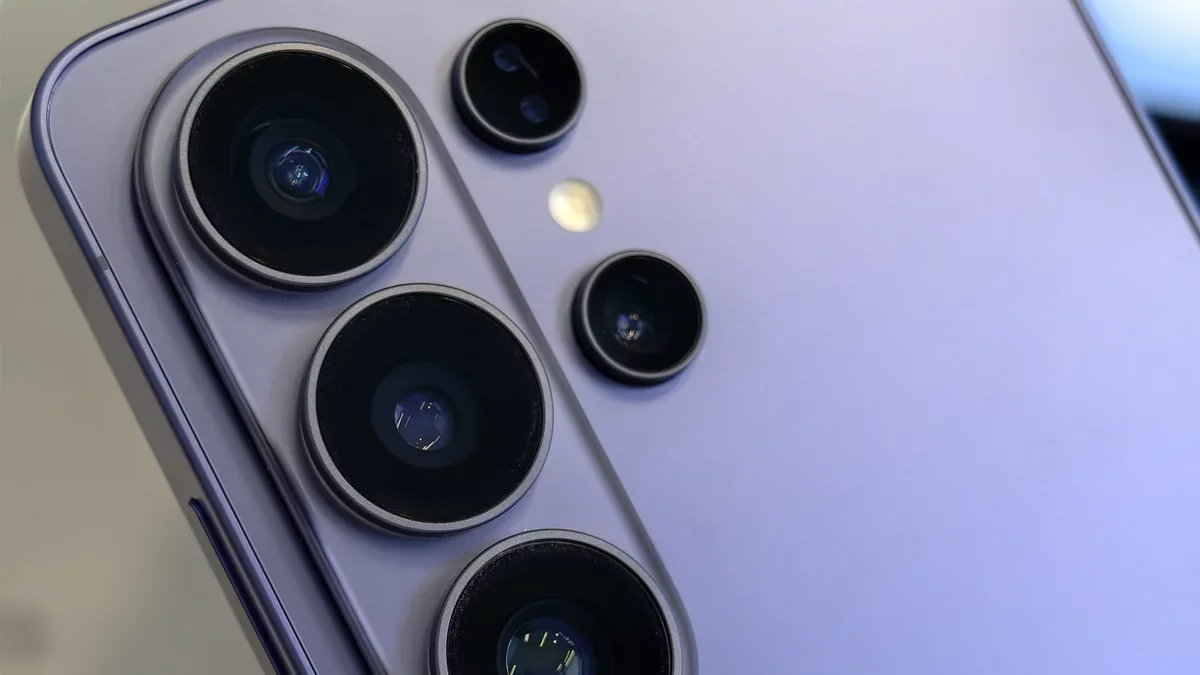
As reported by Android Authority, Samsung has begun rolling out native webcam support for its Galaxy S26 series, which includes the Galaxy S26, S26 Plus, and S26 Ultra. This update aligns with the functionality available on other Android devices, such as Google's Pixel series, ensuring a seamless experience for users who have previously utilized similar features.
In addition to webcam support, Samsung has also introduced AirDrop functionality for the Galaxy S26 line, allowing users to wirelessly transfer files to iPhones using Quick Share. This feature represents a significant advancement in cross-platform compatibility, showcasing Samsung's commitment to enhancing user experience.
Using Your Galaxy S26 as a Webcam
Activating the webcam feature on your Galaxy S26 is a straightforward process. First, access the USB settings on your device and select "Webcam" under the "Use USB for" options. Connect your S26 to your computer via USB. An alert will confirm the connection; simply tap it and select "Webcam" when prompted. Your phone will now function as a webcam.
Once set up, your S26 will appear as a camera option in any video conferencing application. Users can select it in place of their device's built-in webcam, experiencing a noticeable enhancement in video quality.
This development not only elevates the functionality of Samsung smartphones but also reflects a broader trend towards integrating advanced capabilities into mobile devices. As technology continues to evolve, the ability to utilize smartphones as high-quality webcams may redefine how we approach remote communication and collaboration in the future.