YouTube serves as a vibrant hub for diverse content, from captivating music videos to engaging tutorials. While this vast array of options is exciting, it can also lead to challenges when trying to discover new material tailored to your interests. Many users find themselves overwhelmed by recommendations that don't align with their current viewing preferences.
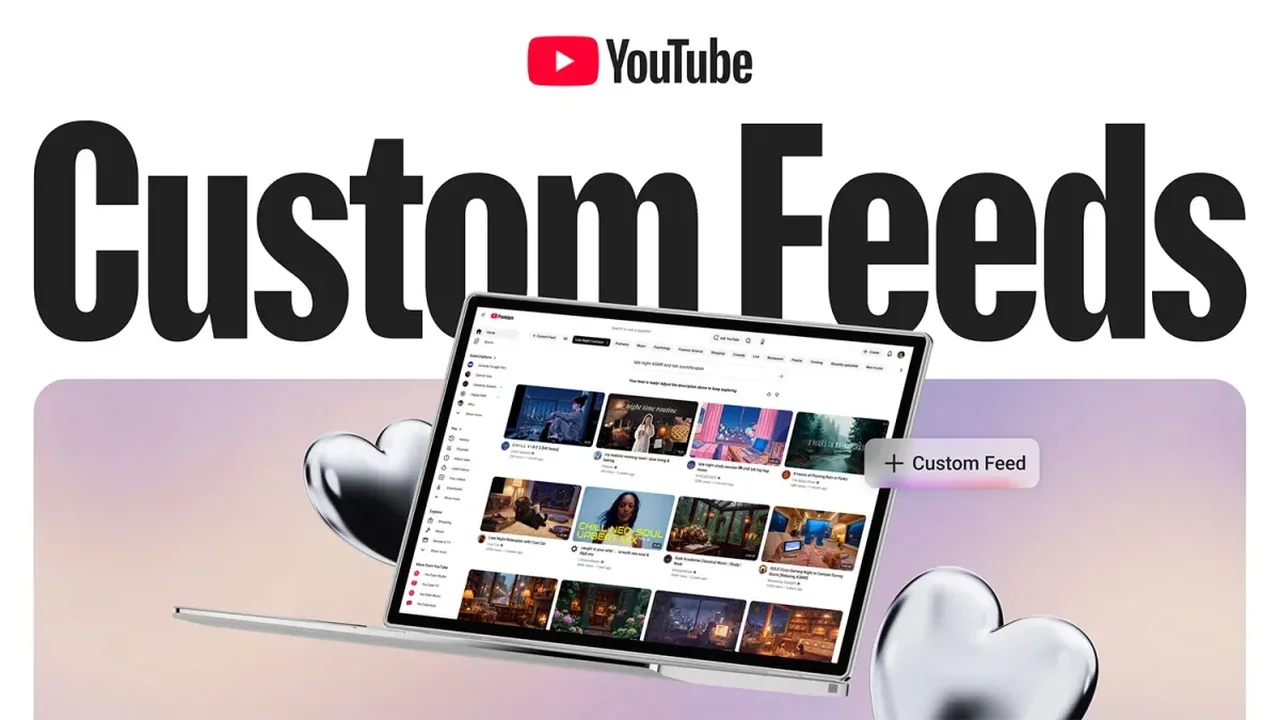
For instance, as a fan of lo-fi and classical music mixes, I often find myself inundated with similar recommendations after watching these videos. While they provide a soothing backdrop for work, they tend to overshadow my desire for varied content when I want to explore different genres.
Introducing YouTube Channels for Tailored Recommendations
To tackle this issue, YouTube has introduced a feature known as Channels. This innovative tool allows users to create distinct profiles within their existing YouTube accounts, enabling a more organized viewing experience. Unlike incognito mode, which is limited to mobile apps, Channels can be seamlessly accessed on both desktop and mobile platforms, retaining your progress in videos while switching contexts.
YouTube Channels effectively compartmentalize your viewing habits, separating your history and recommendations, as well as your likes and comments. This means you can curate different channels for various interests, enhancing your overall engagement with the platform.
Setting Up Your YouTube Channels
To begin using Channels, log in to YouTube, click on your profile icon, and select Switch account > View all channels. From there, click on Create a channel to establish your new identity. You'll be prompted to assign a name, handle, and profile picture to your channel.
This feature can be utilized in various ways. For example, you might create a channel dedicated to casual viewing or another for professional content. Personally, I prefer a space solely for music mixes, allowing me to enjoy lengthy tracks without interference from unrelated recommendations.
Once set up, you can easily navigate between channels by clicking your profile image and selecting Switch account on the web, or by accessing the You tab on mobile devices.
Managing Your YouTube Channels
Should you wish to remove a channel, simply go to your profile, select View your channel > Customize channel > Settings > Channel > Advanced settings > Remove YouTube content. This streamlined process ensures that your YouTube experience remains tailored to your evolving interests.
As YouTube continues to innovate, the introduction of Channels could redefine how users interact with the platform, paving the way for a more personalized and engaging viewing experience in the future.