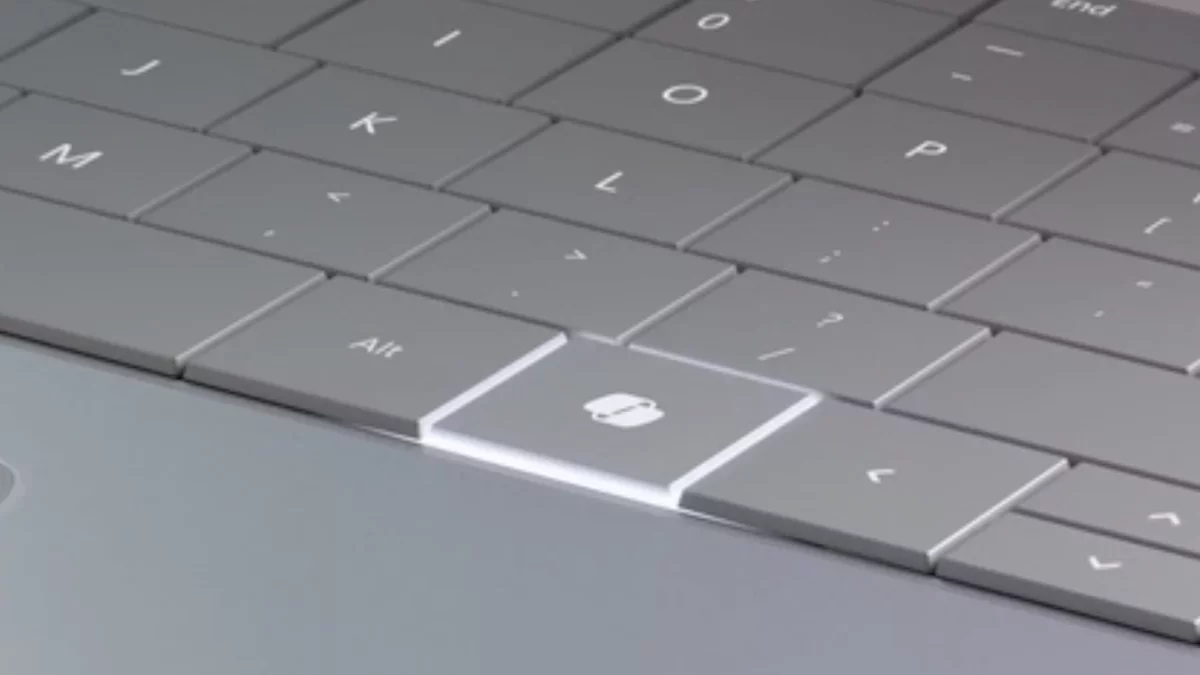
If you've purchased a Windows PC in recent years, it's likely equipped with a "Copilot" key, replacing the traditional right ctrl key. However, if you find yourself missing the functionality of the right ctrl key, or prefer using alternatives like Claude or ChatGPT, there's no need to fret--this key can be customized. Here's a guide on how to adjust it through Windows settings or, if needed, with Microsoft Powertoys.
Modifying the Copilot Key in Settings
Begin by launching the Settings application and navigating to the Personalization section. Here, you should see an option labeled Customize Copilot key, provided you are using a relatively recent version of Windows 11. By clicking the drop-down menu, you will encounter three choices: Copilot, Search, and Custom. If you prefer to use the key for the Windows search tool instead of Copilot, simply select Search.
Alternatively, the Custom option allows you to designate any application on your computer to launch when the key is pressed. This can be particularly useful for accessing the desktop applications for Claude or ChatGPT instead of Copilot. If AI isn't your focus, you might opt to have it open your web browser instead.
While the selection of options may be limited, this method is straightforward and doesn't require any additional tools, making it the simplest choice.
Using Microsoft Powertoys to Modify the Copilot Key
You might have noticed that the options in Settings don't permit remapping the Copilot key to the ctrl key or any other key; they only allow you to launch an application. For more extensive customization, you will need to install Powertoys, a utility designed to enhance the Windows experience.
Once installed, navigate to the Keyboard Manager section. The easiest approach, which may vary depending on your system, is to click Remap keys. Press your Copilot key, which will appear as F23, and then select what you wish the key to represent. This could be set to ctrl or any other key of your choice. After making your selection, click OK to finalize the changes.
However, be aware that the effectiveness of this method can differ based on your laptop model. On many devices, the Copilot key is treated as an F23 key, a workaround that allows Microsoft to introduce a new key without significant alterations to the operating system. Despite modern keyboards typically featuring a single row of function keys, Windows still supports all 24 function keys from earlier keyboard designs.
In some instances, pressing the Copilot key may initiate a keyboard shortcut: Windows-Shift-F23. This complicates the remapping process, as the Copilot key is already linked to a shortcut, preventing you from using the Remap keys function in Powertoys.
Instead, you can utilize the Remap a shortcut option. Select this, then press the Copilot key. The keyboard shortcut Windows-Shift-F23 will appear. Now, you can choose what you wish to remap your Copilot key to.
Keep in mind, however, that this method has limitations. Users have observed that remapping a keyboard shortcut to a modifier key is not feasible; it can only be assigned to a single keypress. Thus, while you may not be able to restore the ctrl key functionality, you can at least repurpose the key for other applications.