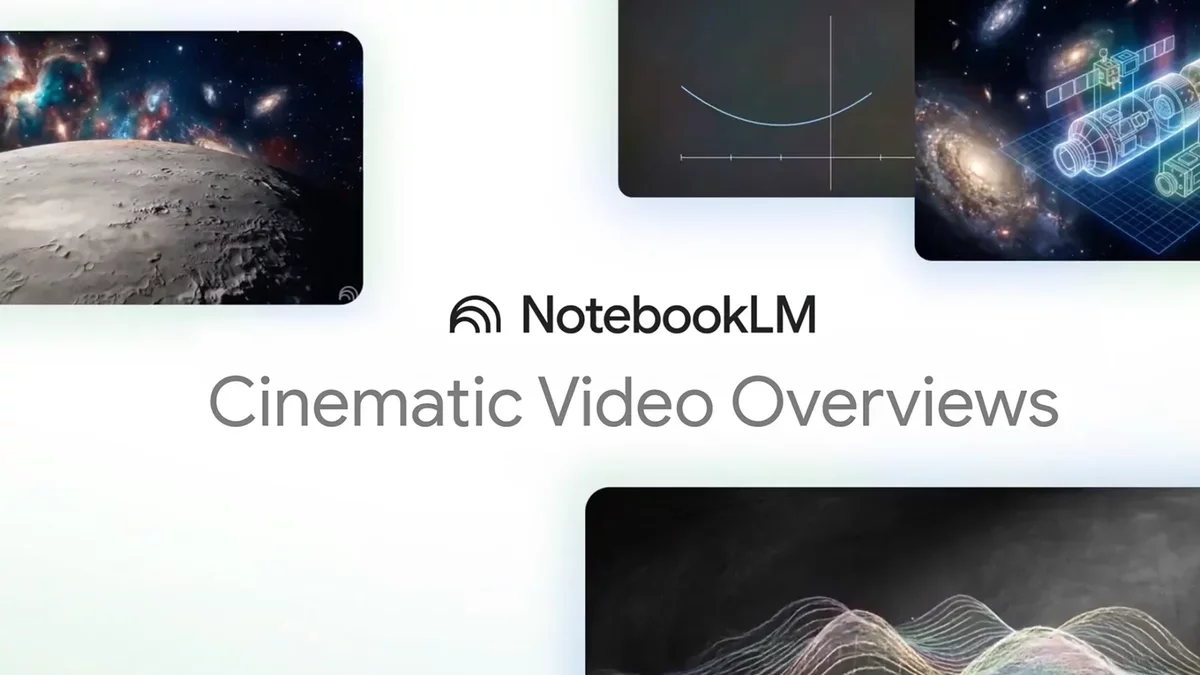
Google's NotebookLM, a cutting-edge AI tool tailored for research, has introduced an exciting new feature: the 'Cinematic Video' tool. This enhancement builds on the existing capabilities of NotebookLM, which operates on the same advanced models as Gemini but offers a more streamlined interface.
NotebookLM excels at aggregating diverse information into a single notebook--be it PDFs, web links, or YouTube videos--making it an invaluable resource for students and researchers alike. Previously, it enabled users to create realistic-sounding podcasts from their notebooks, known as Audio Overviews.
The latest addition, 'Cinematic Video', takes the concept of video summaries to new heights. Unlike last year's Video Overviews, which resembled basic slideshows, the new cinematic feature provides engaging, animated summaries that breathe life into the content.
However, access to this feature comes with certain stipulations. Users must subscribe to the premium Google AI Ultra plan, priced at $250 per month, and the feature is currently available only to English-speaking users aged 18 and older. While it's anticipated that this feature may eventually be rolled out to a broader audience, it currently caters to a select group of AI enthusiasts.
Despite the premium cost, the Google AI Ultra plan offers additional perks, including a YouTube Premium subscription and substantial Google Drive storage for all AI-generated content. Subscribers enjoy enhanced usage rates across various Google AI services.
To explore the cinematic capabilities, I created a notebook centered around a research paper from Apple on the "illusion of thinking" in Large Reasoning Models (LRMs). This dense, 39-page document typifies the kind of complex material that AI can help summarize.
The Cinematic Difference
While NotebookLM is accessible via mobile apps, its web interface offers a more user-friendly experience. New users can initiate their journey by selecting Create new notebook and directing NotebookLM to their chosen sources, whether they are text or uploaded documents. The tool can even scour the web for relevant materials.
Once the information is compiled, the Video Overview option is available in the Studio panel, allowing users to choose between a Brief overview or a more in-depth Explainer style. The cinematic option is exclusive to Google AI Ultra members.
In testing, the Explainer-style Video Overview for the Apple AI paper took about 15 minutes to generate and lasted just over six minutes. It effectively summarized the paper's content, although it was somewhat static and had minor inaccuracies.
The Cinematic Video Overview, on the other hand, was more detailed and took over 50 minutes to produce, clocking in at over seven minutes. It provided a richer understanding of the subject matter, complete with accurate charts and useful animations, although some visual errors were noted.
Overall, while the cinematic feature shows promise, results may vary based on the input material. The standard Video Overviews remain a reliable option for users who may not need the advanced features.