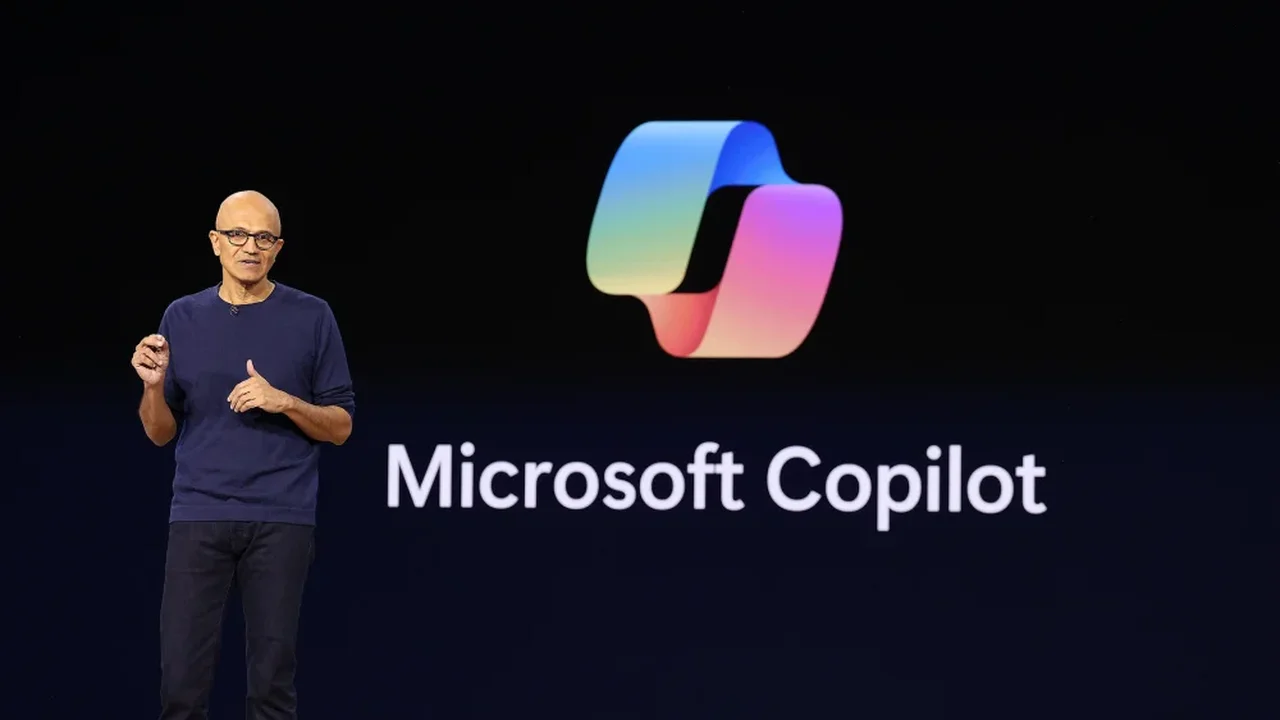
Microsoft has recently unveiled a series of enhancements aimed at elevating the user experience of its Windows 11 operating system. Among these changes is a significant reduction in the integration of its AI assistant, Copilot, across various applications.
Beginning with applications like Photos, Widgets, Notepad, and the Snipping Tool, the company plans to simplify Copilot's presence, focusing on delivering a more meaningful AI experience. Pavan Davuluri, Executive Vice President of Windows and Devices, emphasized this shift on the company's blog, stating that Microsoft is committed to integrating AI in ways that truly add value to users.
This "less-is-more" philosophy comes as a response to growing consumer demand for more streamlined and effective technology solutions. Many users have expressed concerns regarding the overwhelming presence of AI features, highlighting the importance of trust and safety in their interactions with technology. A recent Pew Research study indicated that as of June 2025, a significant portion of U.S. adults--half--expressed more concern than excitement about AI, a notable increase from 37% in 2021.
Microsoft's decision to reassess its Copilot integrations is not unprecedented. Earlier this month, reports surfaced that plans to implement Copilot features in the Settings app and File Explorer had been quietly abandoned. This reflects a broader trend of the company prioritizing user feedback to enhance the Windows experience.
In addition to the Copilot adjustments, Microsoft is introducing several other user-centric changes. Users will now have the option to reposition the taskbar to the top or sides of their screens, gain greater control over system updates, experience faster File Explorer performance, and enjoy an improved Widgets interface. These updates are part of a larger initiative to refine the Windows Insider Program, a community platform designed to gather user insights for future developments.
Overall, these strategic decisions by Microsoft showcase a commitment to creating a more user-friendly environment that aligns with consumer expectations. By focusing on genuine utility and responsiveness to feedback, Microsoft is not only enhancing its products but also setting a precedent for future innovations in the tech industry.