It's a common sight at gyms: individuals seemingly glued to their phones, occupying equipment while scrolling through social media. However, many of us utilize our devices for more productive purposes, such as tracking workouts or reviewing training videos. Yet, distractions can still creep in, whether it's a work email or a social media notification. To combat this, I've adopted a strategy inspired by powerlifting coach Claire Zai, which involves utilizing the focus mode feature on my iPhone.
Harnessing Your Phone's Focus Mode for Better Workouts
Most smartphones, including iPhones and Android devices, offer a focus mode feature. This allows you to create a dedicated fitness mode, which can be activated manually or set to trigger automatically based on specific conditions. For those using iOS, detailed instructions on setting up focus modes can be found online.
Implementing a focus mode offers several advantages:
Customize your home screen to display only fitness-related apps.
Silence notifications from work and social media apps, ensuring you only receive them after your workout.
Set a motivational wallpaper featuring your fitness goals or inspiring quotes.
Add widgets that enhance your workout experience, such as timers or music playlists.
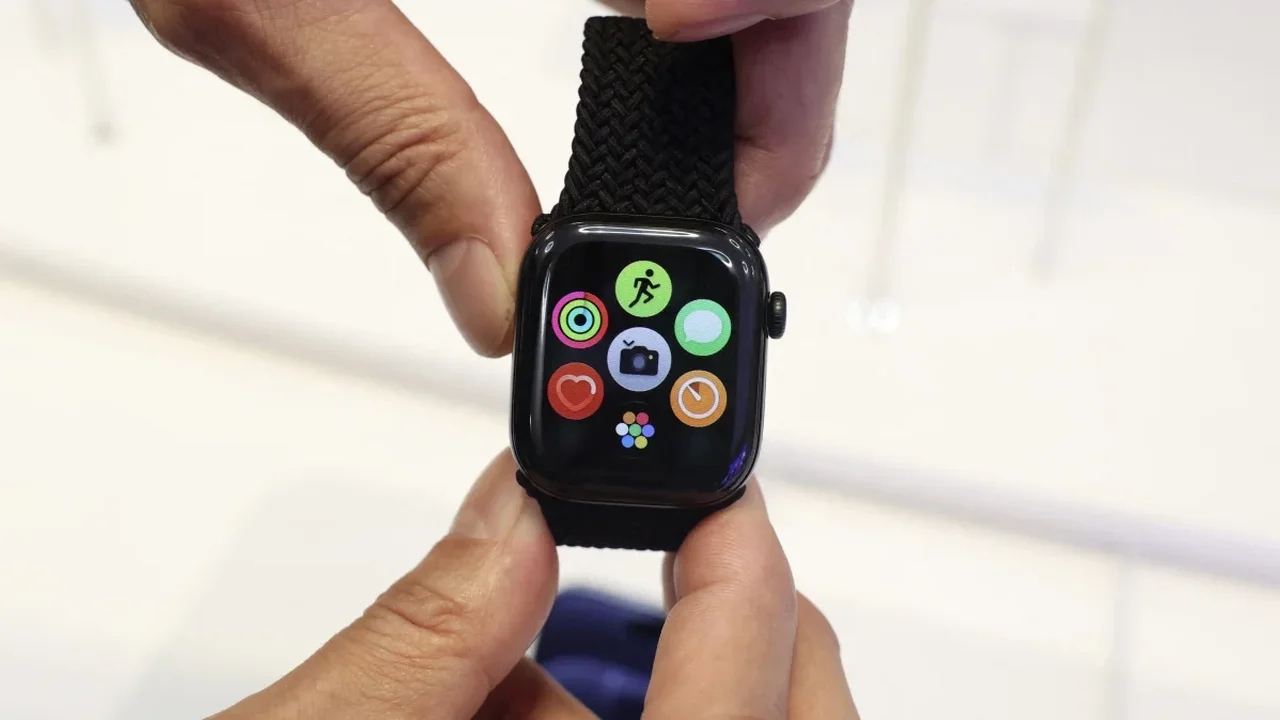
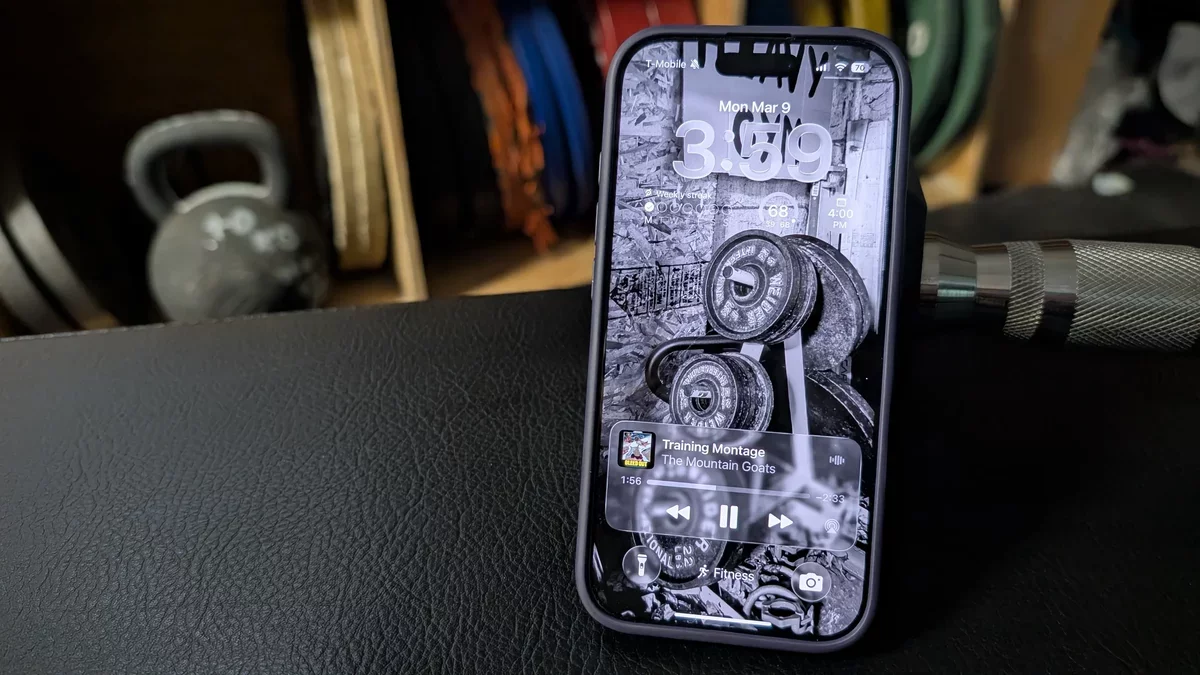
For instance, my focus mode includes a widget for quickly starting my most frequent Apple Watch workouts, access to my recent YouTube Music playlists, and timers for interval training. I've also included icons for essential fitness apps and a calculator for tracking workout percentages. To keep me motivated, I chose a wallpaper featuring weights to remind me of my fitness focus.
Additionally, I've used a digital version of my training journal's goal list as my lock screen. This serves as a constant reminder of my objectives, while a countdown widget on my home screen tracks the days until my next major competition.
You have the flexibility to activate focus mode whenever you begin a workout or based on specific times or locations, such as upon arriving at the gym. Alternatively, you can easily toggle it on from the Control Center, allowing it to remain active for a set duration or until you decide to turn it off. This approach equips you with everything necessary to complete your workout without unnecessary distractions.