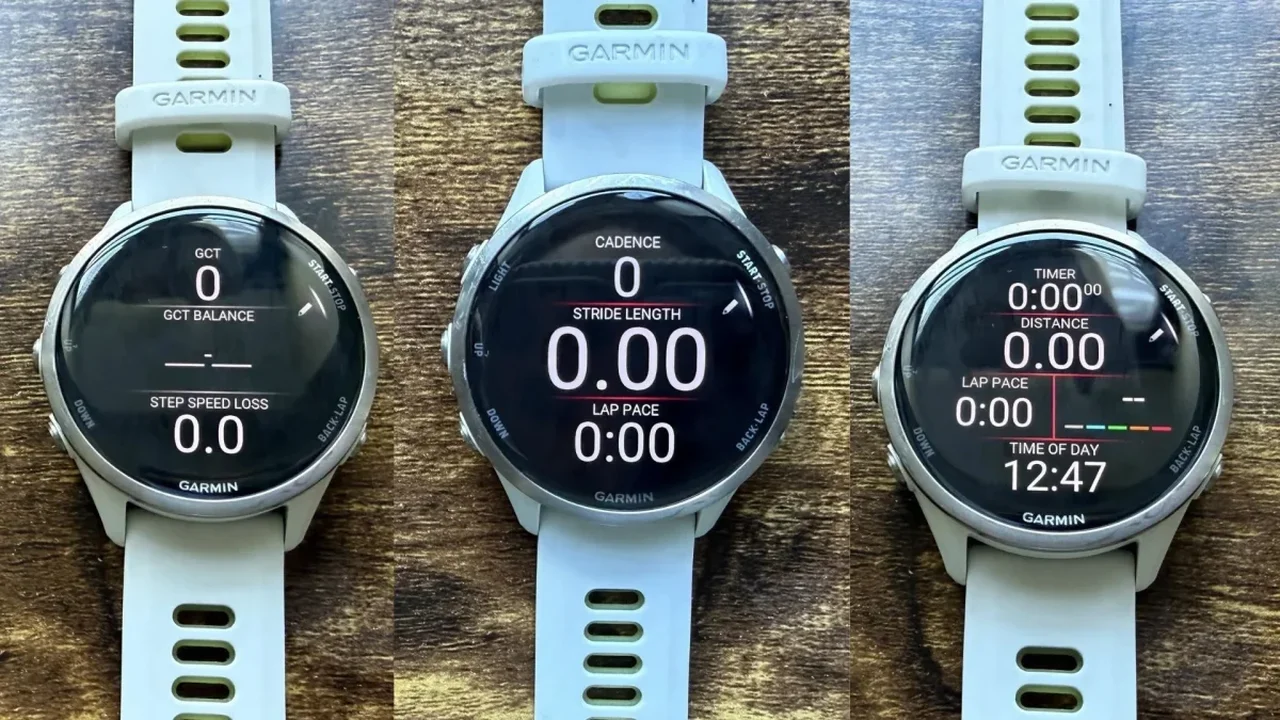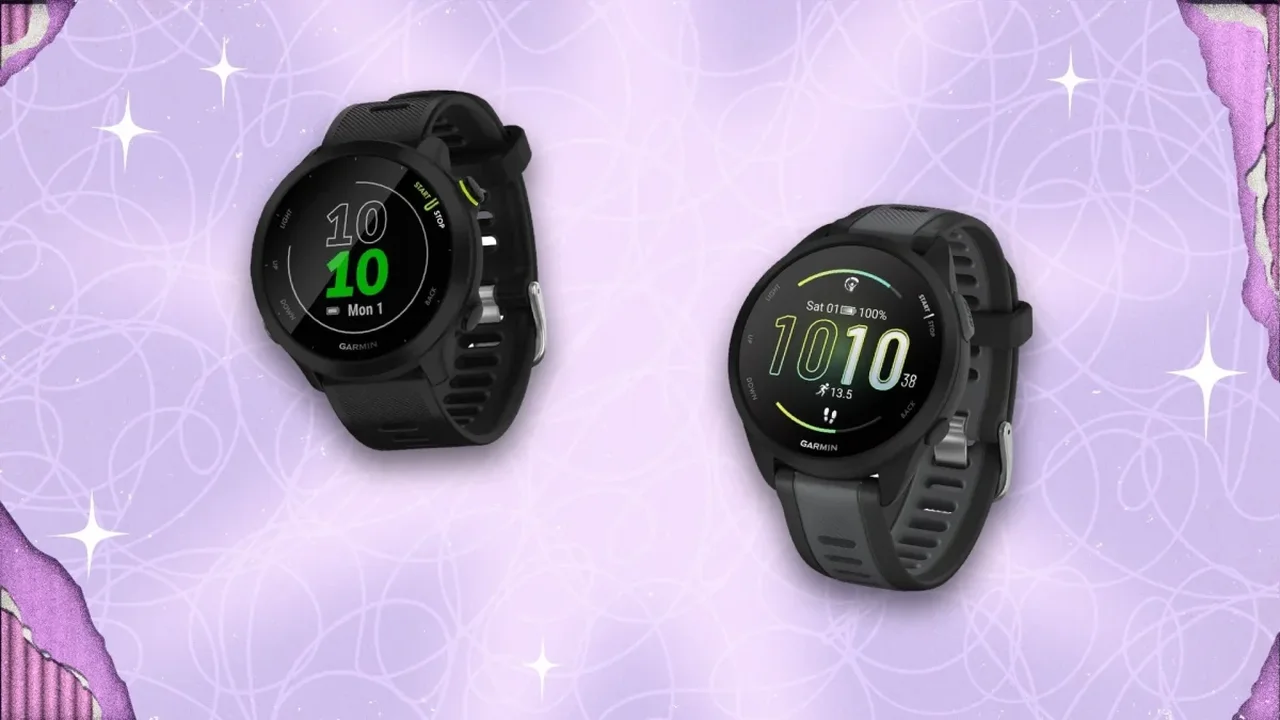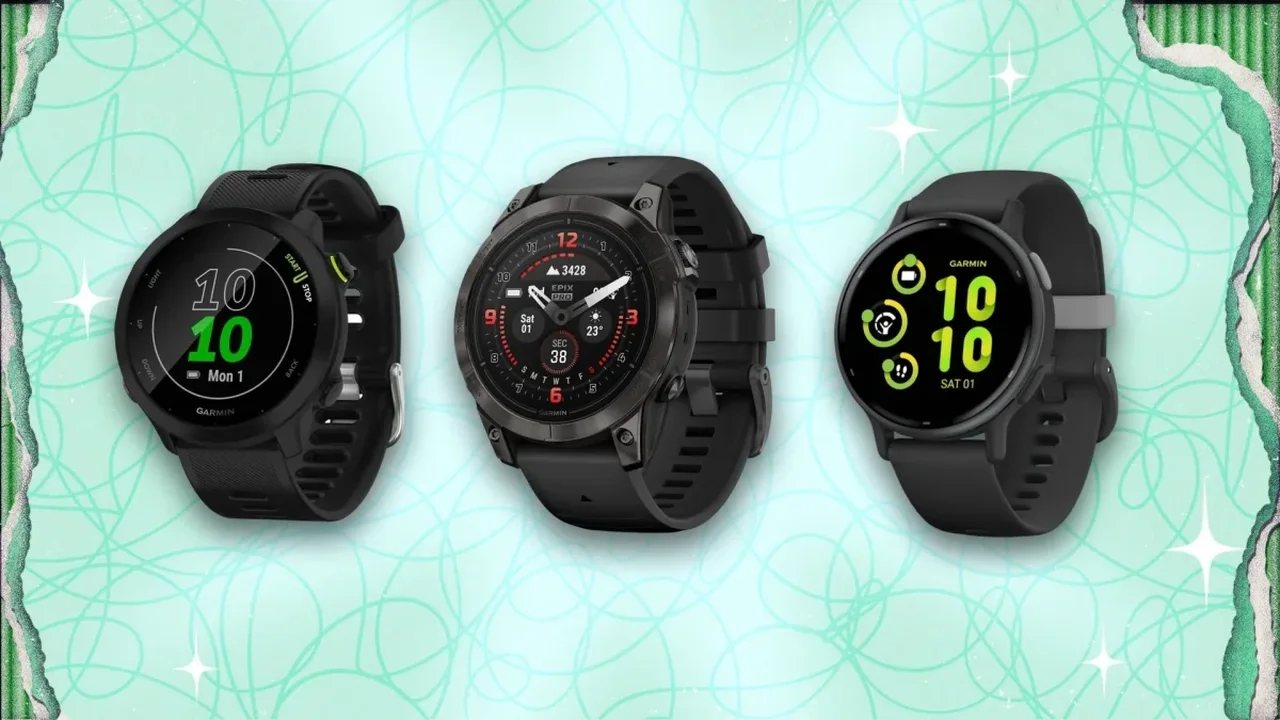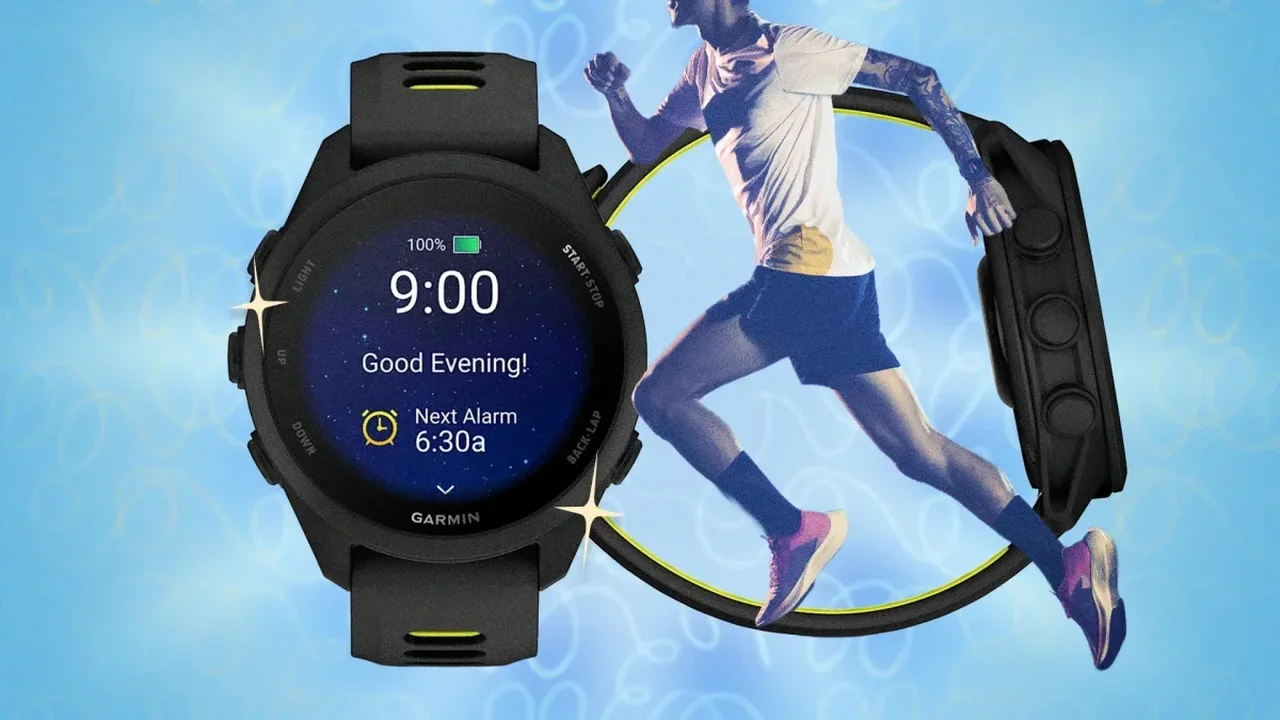
Garmin's Forerunner 170 may look like a modest upgrade at first glance, but it brings several advanced training tools into a more accessible running watch. With features such as Training Status, Training Readiness, wrist-based running power, running dynamics, and cycling power-meter support, the device offers far more depth than its price suggests.
Customize the buttons for faster control
One of the most useful upgrades is the ability to remap buttons. Runners can assign shortcuts that fit their routine, such as locking the touchscreen quickly, turning on Do Not Disturb, or triggering auto-pause during interval sessions. Other practical options include heart-rate broadcasting, Garmin Pay access, and touchscreen lock controls. These shortcuts are set through Watch Settings > System > Shortcuts.
Use navigation tools more efficiently
Although the watch does not include full color maps, Record Only mode can still create a breadcrumb-style trail that helps users retrace unfamiliar routes. The Turn Around alert is another smart feature for out-and-back runs, while Find My Phone makes it easier to locate a connected device with a quick command from the watch.
Let Quick Workouts adapt to your day
The Quick Workouts feature builds a session based on time and intensity instead of requiring manual pace and distance input. That means the watch can suggest a workout that reflects your current recovery level, making training feel more responsive and personalized.
Explore tools beyond running
Some of the watch's less obvious features can also add value. Lifestyle Logging helps track activities beyond exercise, while Cycling Coach can support cross-training. The wrist-based Running Power estimate is especially useful on hilly routes, where pace alone may not tell the full story.
Protect battery life with smarter habits
For familiar routes and routine sessions, turning off Always-On GPS can help preserve battery life. Managing charging habits more carefully may also support long-term battery health. For Music edition users, downloading playlists before a run can save time and reduce last-minute syncing stress.
With the right setup, the Forerunner 170 becomes more than a running watch; it turns into a flexible training companion that can evolve with the future of personalized fitness technology.