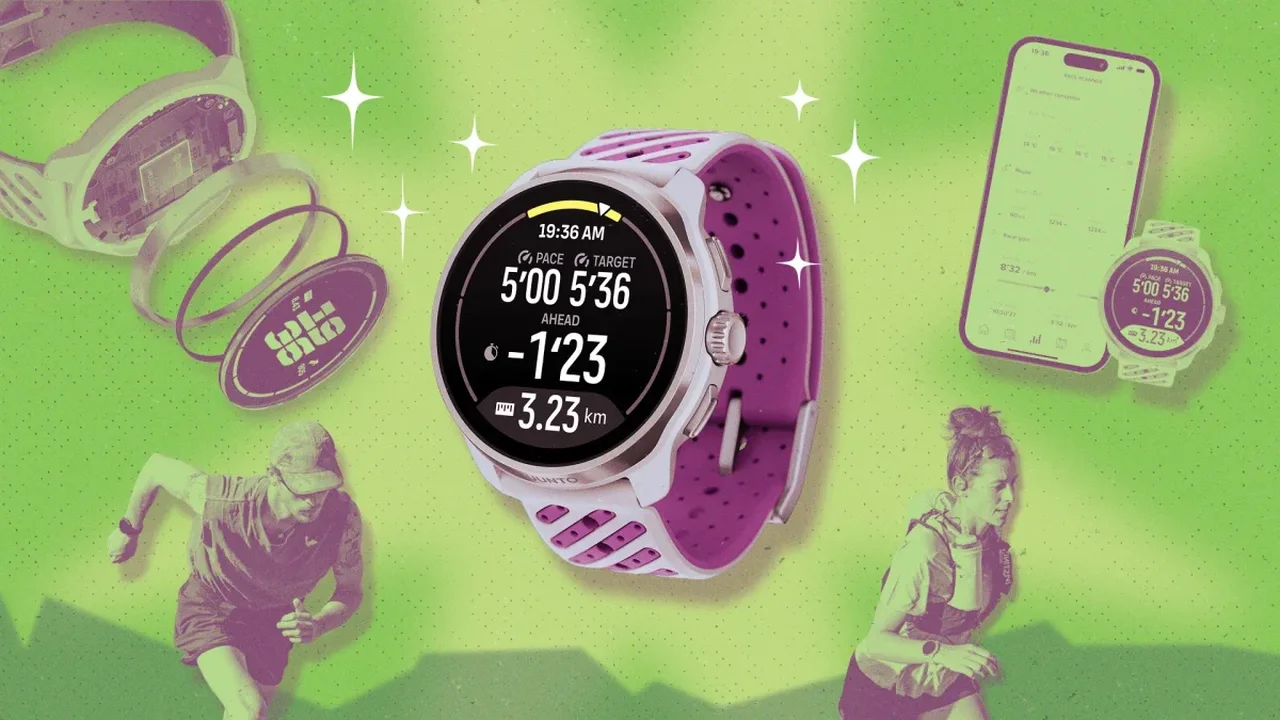
The Suunto Race 3S combines 64GB of storage with up to 38 hours of dual-band GPS battery life. A few setup choices can help runners and hikers make better use of its navigation and training tools.
1. Prepare maps and navigation points in advance
Download offline maps over Wi-Fi before heading out, so you can check terrain without relying on a mobile signal. You can also save points of interest--such as trailheads, water sources or viewpoints--in the Suunto app or directly on the watch. The Race 3S can store up to 250 points.
2. Use route guidance to pace climbs
When you load a route, Climb Guidance divides it into flatter, uphill and downhill sections and displays the remaining ascent. The information can help you adjust your effort to the terrain.
3. Check the storm alert and barometer settings
The watch can alert you to a rapid drop in air pressure, which may signal changing weather. For more reliable altitude readings, calibrate the barometer at a known elevation or use the watch's GPS-based adjustment. Recheck the setting when starting from a different elevation.
4. Personalize heart-rate zones
Default heart-rate zones may not reflect your individual fitness. SuuntoPlus includes an anaerobic-threshold test that can help you set more personalized training zones. The test involves a demanding 30-minute run, so plan it as a hard workout.
5. Add running tools and pin the timer
SuuntoPlus apps such as Cadence Coach display cadence and stride length, while Sprint can record short efforts automatically. You can also move the timer widget to the top of your list and assign it to the crown for quicker access during intervals, warm-ups or everyday tasks.
Thoughtful setup can turn a sports watch into a more useful navigation and training companion, as wearable tools continue to make outdoor planning and performance tracking more accessible.