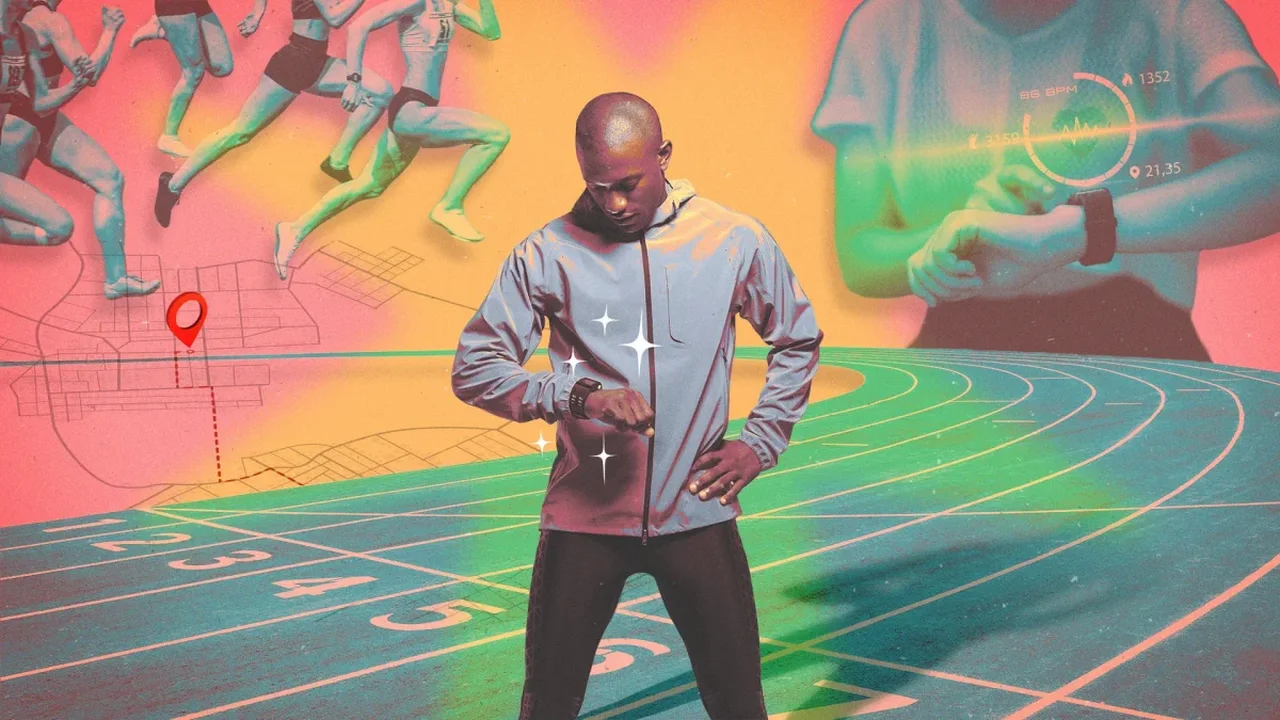
You don't need a specialist running watch to track a marathon effectively. A few adjustments to the smartwatch you already own can make race-day data easier to use and help avoid common disruptions.
Find a GPS signal before the start
In crowded starting areas or among tall buildings, GPS can take time to settle. Choose your run activity outdoors 10 to 15 minutes before the race and wait for the signal. If your watch offers multi-band GPS, enable it for the activity. Start recording when the race begins--or when you cross the starting line if you want your timing to reflect that point.
Keep your race screen simple
Set up one screen with three or four useful metrics: average lap pace, distance, elapsed time and, if helpful, heart rate. Instant pace can fluctuate, while too many data fields may distract from your plan. Save additional training metrics for later.
Replace general notifications with useful alerts
Use Do Not Disturb, Airplane mode or a race-specific activity setting to block calls and messages and conserve battery. You can still enable alerts that support your strategy, such as a heart-rate limit or reminders to take fuel at planned time or distance intervals.
Use course markers to guide manual laps
A watch's GPS distance may differ from the official course distance because runners take turns and move around other participants. Rather than relying only on automatic laps, press the lap button at each marked mile or kilometer. This aligns lap data with course markers and gives you a clearer check on your pacing.
Lock the screen before setting off
Sweat, rain or an accidental touch can change a watch screen or pause an activity. Enable the screen lock before the start, and consider shortening the backlight time to save battery. Wear the watch snugly above the wrist bone for a steadier heart-rate reading, and remember to stop and save the activity after finishing.
Testing these settings on a training run can make them familiar before race day. As wearable technology evolves, thoughtful setup can help runners focus less on their devices and more on the experience of the course.