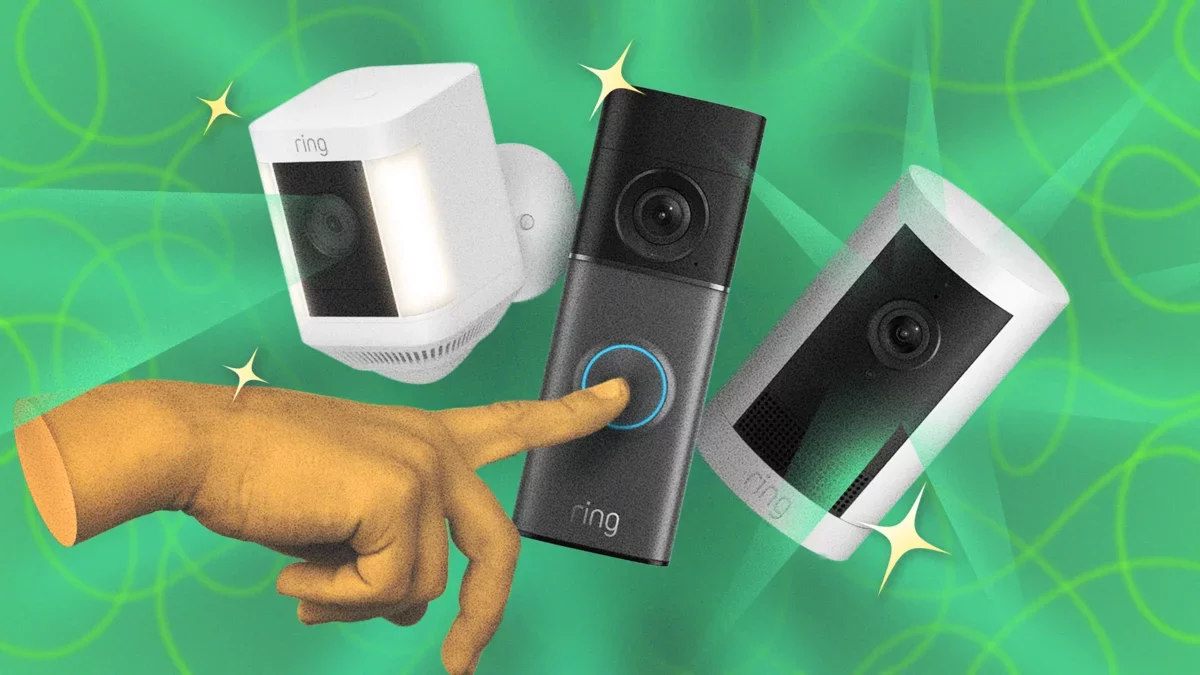
When integrating any new smart device into your home, it's crucial to move beyond default settings. Sticking to these defaults can expose you to security vulnerabilities and limit the device's potential. For Ring camera and doorbell users, numerous adjustments can enhance your privacy while minimizing disruptions.
Snooze Motion Alerts for Outdoor Activities
Motion alerts are invaluable for security, but they can become bothersome when you're the one moving around your property. Ring allows you to temporarily snooze these alerts during activities like yard work or social gatherings. The Global Snooze feature halts notifications from all devices for a specified time, while Alerts Snooze targets individual devices. To activate this, open the Ring app, select the motion icon, choose your snooze duration, and tap Start Snooze.
Customize Motion Zones for Enhanced Monitoring
Refine your motion alerts by configuring your Ring camera's Motion Zones. This feature lets you exclude busy streets or low-traffic areas from monitoring. You can set up to three motion zones per device by navigating to Settings > Motion Settings > Camera Motion Zones, tapping Add Zone, adjusting the boundaries, and selecting Save.
Implement Smart Alerts to Minimize Notifications
You can further tailor your notifications by enabling Smart Alerts, which allow you to receive motion alerts specifically for people, vehicles, or packages, reducing unnecessary pings from other movements. To activate this feature, go to Settings > Motion Settings > Smart Alerts, tap Enable Feature > Continue, and select your preferences.
Adjust Neighborhood Settings for Relevant Updates
Through the Neighbors feature, Ring users can share insights and receive updates about their community. This platform can be beneficial for staying informed about local safety issues. To ensure you only receive pertinent alerts, customize your area by navigating to Menu > Neighbors > Settings > Customize Neighborhood.
Manage Community Requests from Law Enforcement
Community Requests allow law enforcement to request video footage from Ring users. Although footage is not shared automatically, privacy concerns remain. You can opt to ignore these requests or disable them entirely under Neighborhood Settings > Feed Settings by unchecking Community Requests.
Disable Search Party Feature for Enhanced Privacy
Ring's Search Party feature, designed to help locate lost pets, raises privacy questions. You can completely disable this feature by going to Control Center > Search Party and selecting the appropriate option.
Disconnect from Amazon Sidewalk
Amazon Sidewalk creates a mesh network using your Ring device, which may raise privacy concerns. If you'd prefer to keep your bandwidth private, you can disable this feature in the Control Center of your Ring app.
Limit Third-Party Data Sharing
To safeguard your personal information, adjust your settings to restrict data sharing with third parties. Navigate to Menu > Control Center > Cookies and Third Party Service Providers to turn off related options.
Activate End-to-End Encryption for Maximum Security
For enhanced privacy, consider enabling end-to-end encryption, which ensures that only you can access your Ring footage. This feature requires a Ring Protect subscription and can be set up via Control Center > Video Encryption > End-to-End Encryption.
Establish Local Storage for Improved Control
If you're concerned about video storage, consider setting up local storage with a MicroSD card via Ring Edge, providing more control and privacy over your recordings.
As smart home technology continues to evolve, these optimizations not only enhance user experience but also pave the way for a future where privacy and security are paramount in our connected lives.