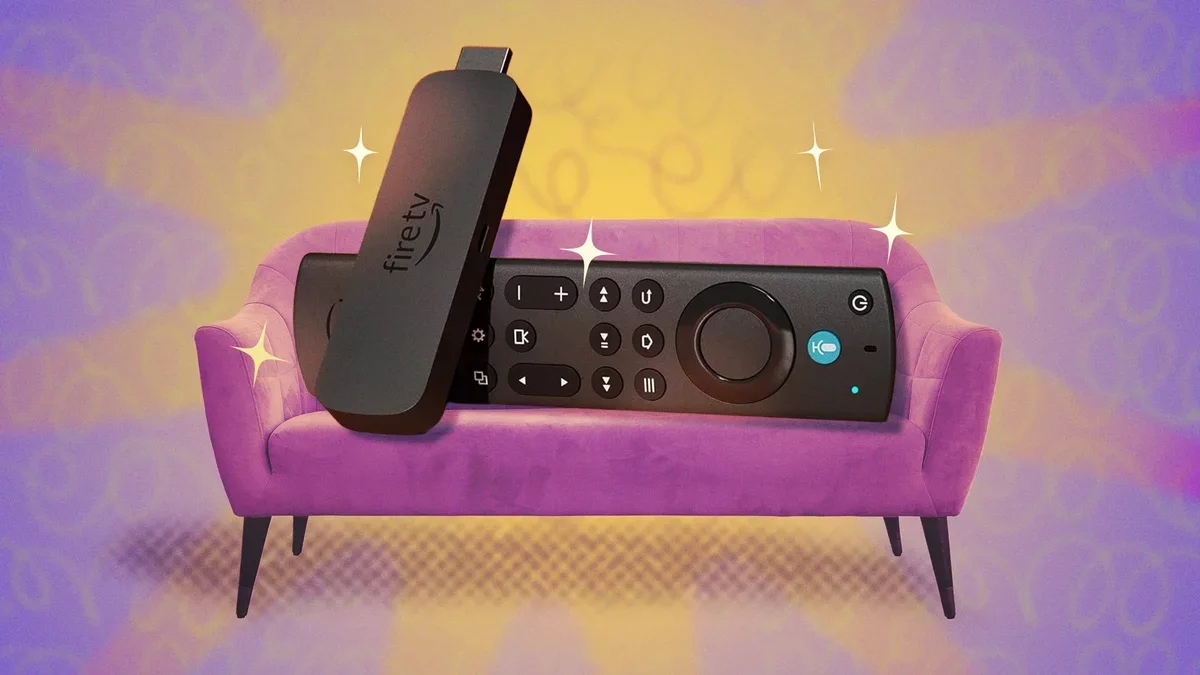
Amazon Fire TV users can enhance their streaming experience with various hacks tailored for both Fire TVs and Fire TV Sticks. Understanding the differences between these devices is crucial, as some features are exclusive to one or the other. If you don't own a Fire TV, a Fire TV Stick can be easily connected to any TV for just $30, providing a fantastic upgrade to your viewing experience.
Enhance Menu Navigation
For a more informative navigation experience, hold down the Fast Forward and Rewind buttons simultaneously for two seconds. This action activates a Text Banner that displays details about the selected content, including IMDB ratings, summaries, and more. Additionally, pressing the Menu button reveals options to add shows or movies to your watchlist.
Quickly Restart Your Device
Occasionally, your Fire TV Stick may require a restart. To do this swiftly, press and hold the Circle and Play/Pause buttons together for five seconds. This method is much simpler than navigating through menus or unplugging the device.
Mirror Your iPhone
While casting from Android devices is straightforward, iPhones require a specific app for mirroring. Consider downloading a paid app like Screen Mirroring for Fire TV. After installation, hold the Home button for five seconds to select the mirroring option and follow the app's instructions to connect.
Use Your Phone as a Remote
If you misplace your Fire TV remote, don't worry! The free Amazon Fire TV app can transform your smartphone into a remote, offering additional features. Ensure your phone is on the same network as your Fire TV for seamless operation, allowing you to search easily using your phone's keyboard.
Stream with Kodi
Kodi is a powerful, open-source media center that allows users to stream their media collections on Fire TV. While setup may take time, the benefits are substantial. Alternatives like Plex and Jellyfin are also available for those seeking user-friendly options from the Amazon app store.
Access the Web on Your Fire TV
You can utilize your Fire TV or Stick to browse the internet by downloading the Amazon Silk app. This enables email access, social media interaction, and more. For easier typing, consider using the Amazon Fire TV app or a compatible remote.
Utilize Alexa for Voice Control
If you have an Alexa speaker, use voice commands to control your Fire TV hands-free. Simply instruct Alexa to perform actions like "Pause the TV" to enhance convenience.
Connect Bluetooth Headphones
Take advantage of the Bluetooth feature on your Fire TV Stick to connect headphones, allowing for private listening without disturbing others. Navigate to Settings > Controllers & Bluetooth Devices > Other Bluetooth Devices to pair your device.
View Security Camera Feeds
If you own a compatible camera, you can display its feed directly on your Fire TV. Various brands, including Nest and Arlo, offer compatibility, enhancing your home security experience.