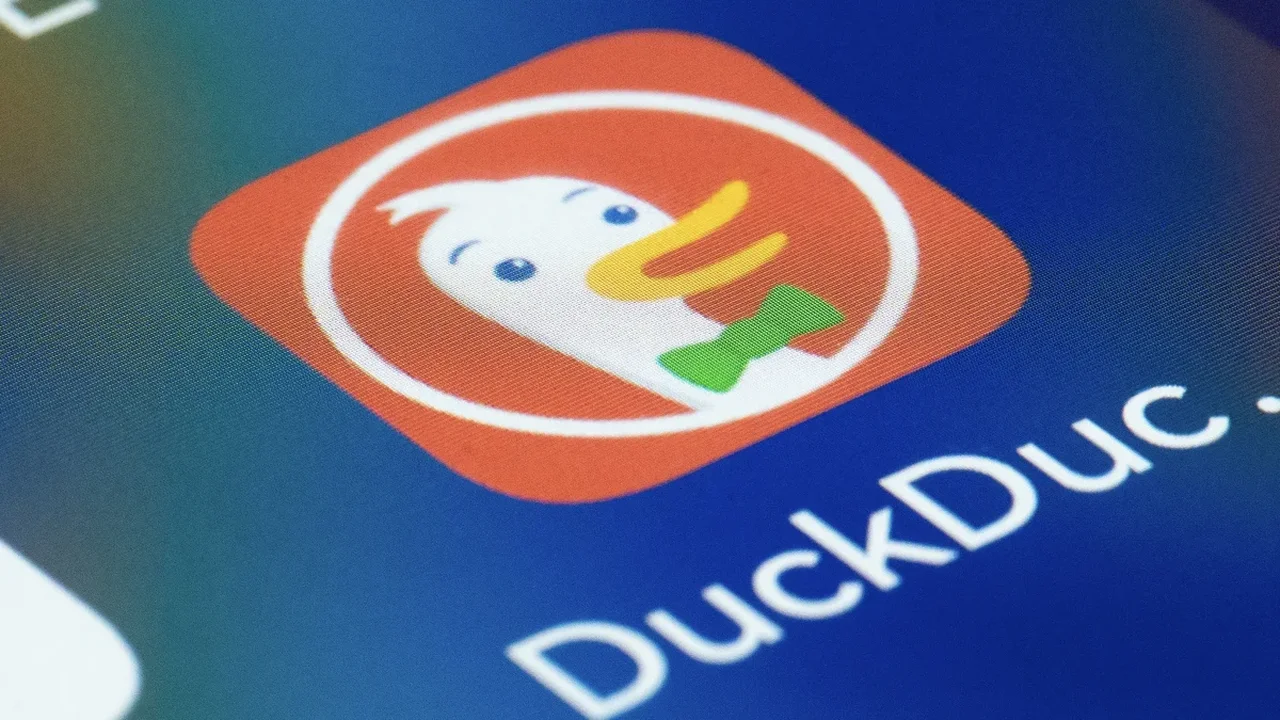
DuckDuckGo has introduced a practical privacy upgrade for iPhone users: a new Copy Clean Link option that removes tracking parameters before a URL is shared. The feature is designed to make everyday link sharing simpler while reducing the digital breadcrumbs often attached to web addresses.
How the feature works
When a link includes tracking data, it usually appears after the "?" in the address. DuckDuckGo's tool automatically strips that part away, leaving a cleaner version of the link. Users can still do this manually, but the new option brings the process into a single tap.
To access it, the link must first be opened inside the DuckDuckGo browser on iOS. From there, users can long-press the address bar or open the menu and select Copy Clean Link. If someone uses the standard iPhone copy function instead, the full URL remains unchanged.
Why it matters
The update reflects a growing focus on everyday privacy tools that fit naturally into regular browsing habits. While the feature is currently limited to iPhone, similar link-cleaning options are also available in other browsers, showing how privacy-focused design is becoming more accessible.
As simple tools like this become more common, private sharing may move closer to being a default part of the online experience, shaping a more user-centered internet future.