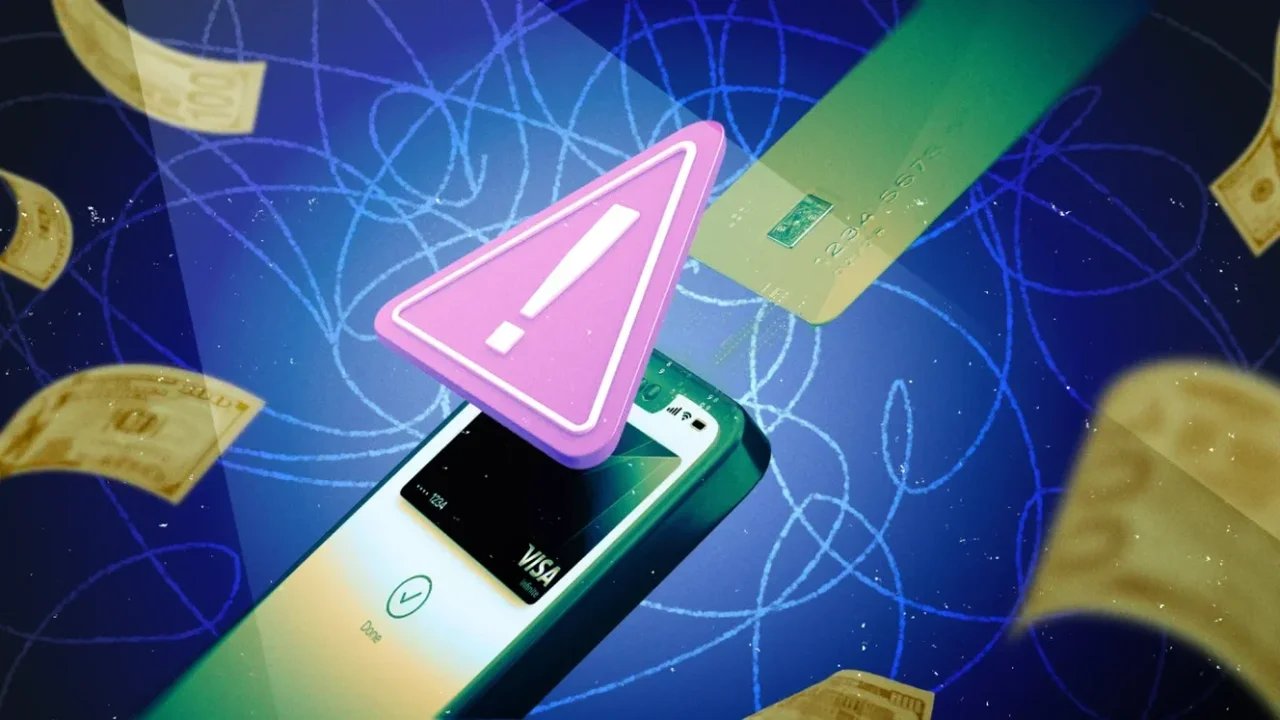
Online shoppers are being urged to stay alert for a new scam that imitates Apple and Amazon security notices. The fake pop-ups claim an account was used for an unauthorized $149.99 purchase and push users to call a support number immediately.
How the scam is designed
The alerts are crafted to look convincing, often appearing over a website and using urgent language to trigger a quick response. Once the number is called, scammers may try to persuade the person to install remote-access software, share login details, or pay a fee to "secure" the account.
Fraudsters also use a fake support website to make the warning seem more believable. The tactic relies on pressure, technical-sounding wording, and a charge amount that feels specific enough to appear real.
How to verify a real alert
Legitimate companies do not send account warnings through browser pop-ups. If something looks suspicious, the safest step is to open the official app or website directly and review account activity there.
For payment issues, users should contact their bank or card issuer through verified channels rather than calling a number shown in a pop-up. If a browser alert appears, close the tab immediately and avoid interacting with it further.
As digital commerce grows, stronger verification habits will play a central role in making online experiences safer and more resilient.