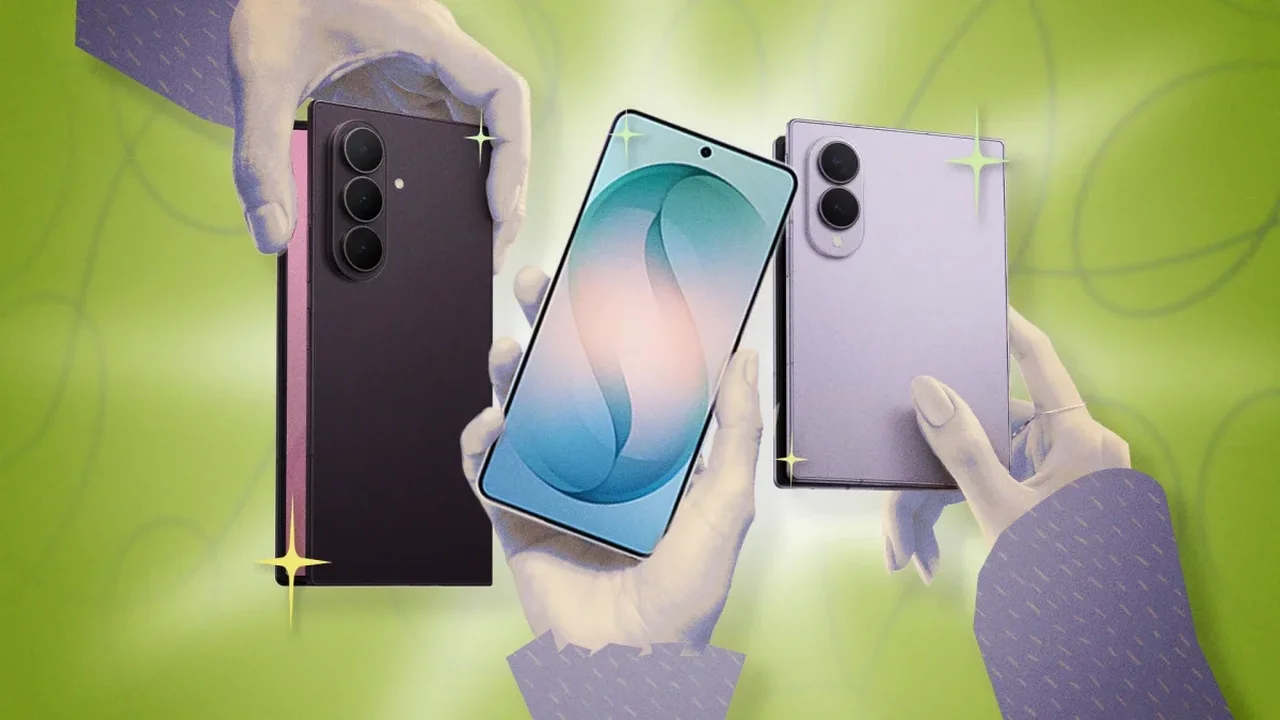
Samsung Galaxy phones stand out not only for their hardware, but also for the extra tools built into One UI. From automation to display tuning, these features can make everyday use faster, smoother, and more personal.
Make your phone work around your routine
Modes and Routines lets Galaxy users automate actions based on time, location, Wi-Fi networks, connected devices, or app activity. You can set the phone to switch into work, sleep, or focus settings without touching a thing.
Use the Edge Panel for faster access
The Edge Panel is more than an app shortcut bar. It can also hold favorite contacts, helping users reach key people with a simple swipe. Samsung also allows layout and transparency adjustments for a more tailored setup.
Personalize the display experience
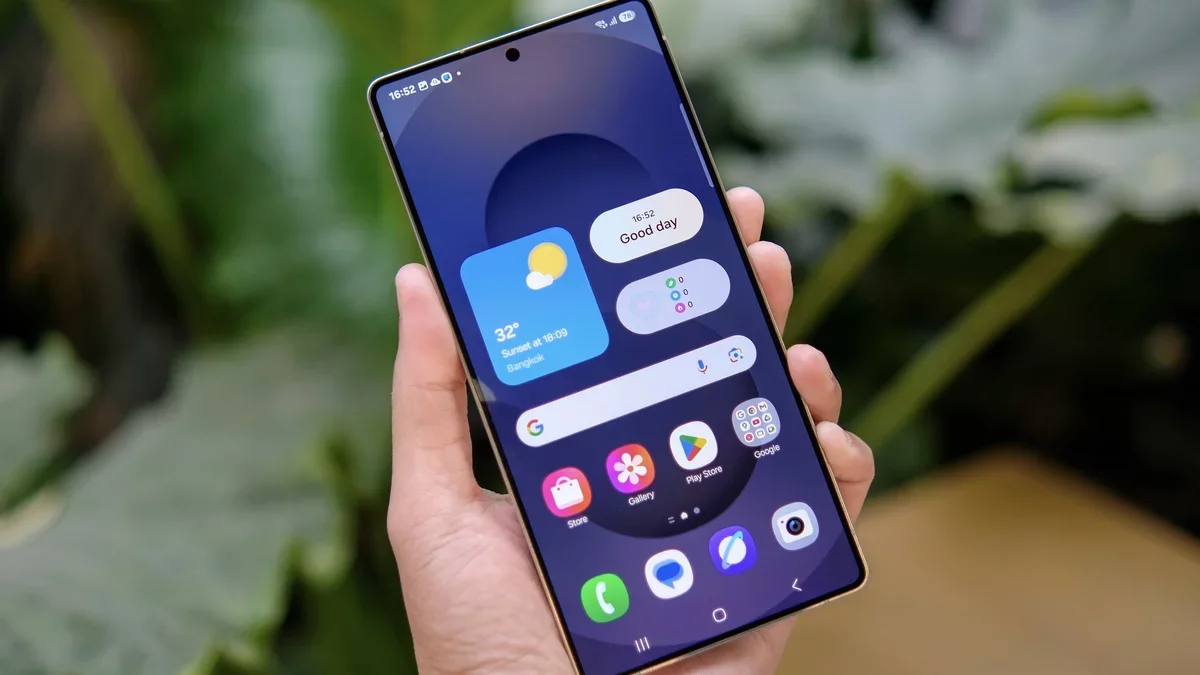
Galaxy devices offer several visual tools, including ambient wallpapers that adapt to weather and time, plus video brightness settings that enhance streaming quality. Users can also add lighting effects to notifications and customize the side button for camera, flashlight, or app shortcuts.
Improve comfort and multitasking
For larger screens, one-handed mode makes navigation easier, while split-screen multitasking helps two apps run side by side. Users can even adjust screen resolution to balance sharpness and battery life.
Explore hidden connectivity tools
Samsung's Wi-Fi diagnostics include a home inspection feature designed to help users understand signal strength across different rooms. It is a practical example of how mobile software is becoming more adaptive, intuitive, and useful in daily life. The future of smartphones is likely to be shaped by this kind of intelligent personalization.