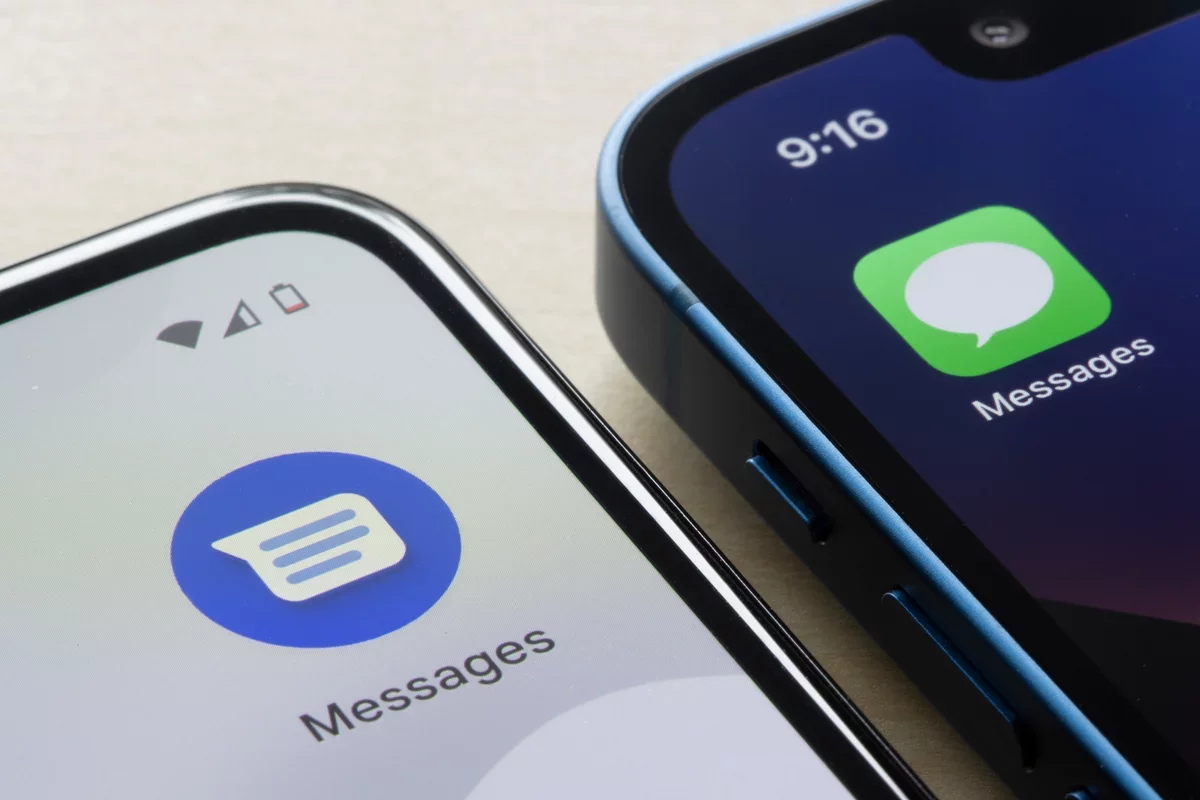
Google Messages includes practical tools that can make everyday conversations easier to organize, safer to manage and more convenient across devices. These ten features are worth exploring.
Coordinate plans with Google Keep
Start or select a shared Keep note from the compose menu to build a group checklist or collect ideas in one place. Updates sync for everyone sharing the note.
Enable enhanced scam protection
In Messages settings, open Protection & Safety and find Spam and scam protection to switch on enhanced protection. It uses AI to help identify suspicious conversations and links.
Schedule a message
To send a text later, write it, then touch and hold Send. Choose a suggested time or set a schedule that suits you.
Adjust swipe actions
Customize whether swiping a conversation archives or deletes it, or turn off either gesture to avoid accidental changes. Find the controls under Message settings and Swipe actions.
Star important messages
Save details such as dates or travel information by pressing and holding a message and selecting Star. You can find saved messages using the Starred filter.
Temporarily snooze a conversation
Mute a busy group chat without leaving it. Press and hold the conversation, choose Snooze, then select a duration such as one, eight or 24 hours.
Send individual messages to a group
Mass Text sends a message separately to each recipient, so replies come back to you rather than appearing in a shared group thread. Set it as the preferred group messaging option in Advanced settings.
Share your live location
Share real-time location from a conversation when coordinating a meetup or keeping trusted contacts informed. You can choose a time limit or, for specific contacts, share indefinitely.
Remove a message for everyone
For RCS conversations, Delete for everyone can remove a sent message from recipients' devices if they use a compatible, up-to-date app. The option is available for a limited time, which may vary.
Use Messages on a computer
Sign in to the Google Messages web interface to continue conversations in a browser and send files from your computer without first transferring them to your phone.
Together, these tools show how messaging can evolve into a more flexible hub for coordination, privacy and everyday communication.