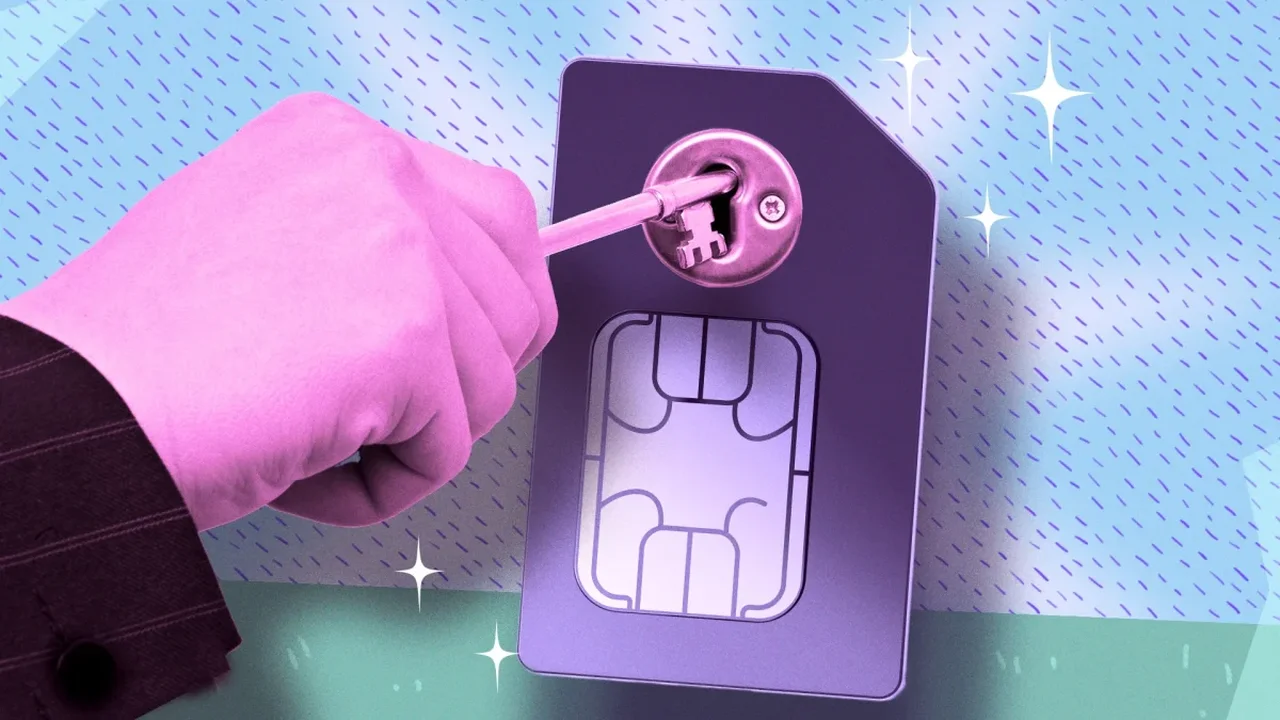
Your phone number can be used to recover accounts and receive verification codes, so protecting it adds an important layer of digital security. AT&T, Verizon and T-Mobile offer account settings that can restrict unauthorized SIM or eSIM changes and number transfers.
What the locks do
SIM protection blocks changes that move your number to another SIM or device. A port-out lock prevents your number from being transferred to a different carrier. Some providers also offer account PINs, though these may not block every change on their own.
Carrier settings
AT&T: Turn on Wireless Account Lock in the AT&T app or account settings. The feature restricts SIM and eSIM swaps, number transfers and other account changes. Access may depend on your account type and user permissions.
Verizon: Enable both SIM Protection and Number Lock in the My Verizon app. They cover SIM or device changes and transfers to another carrier, respectively.
T-Mobile: Turn on SIM Protection and add Port Out Protection for each line through T-Life. The account holder may need to manage or remove these settings.
Make account security a habit
These locks help prevent unauthorized changes made through a carrier, but they do not replace strong security for your carrier account. Use a unique password and, where available, multifactor authentication. Before changing phones or moving an eSIM, you may need to temporarily disable a lock; turn it back on afterward.
For sensitive accounts, consider using an authenticator app or passkey instead of relying on text-message codes. The FCC has directed wireless providers to offer account locks and notifications for SIM and number-transfer requests, though implementation can vary.
As carriers strengthen account controls, combining those protections with safer sign-in methods can make mobile numbers a less central point of failure in digital life.