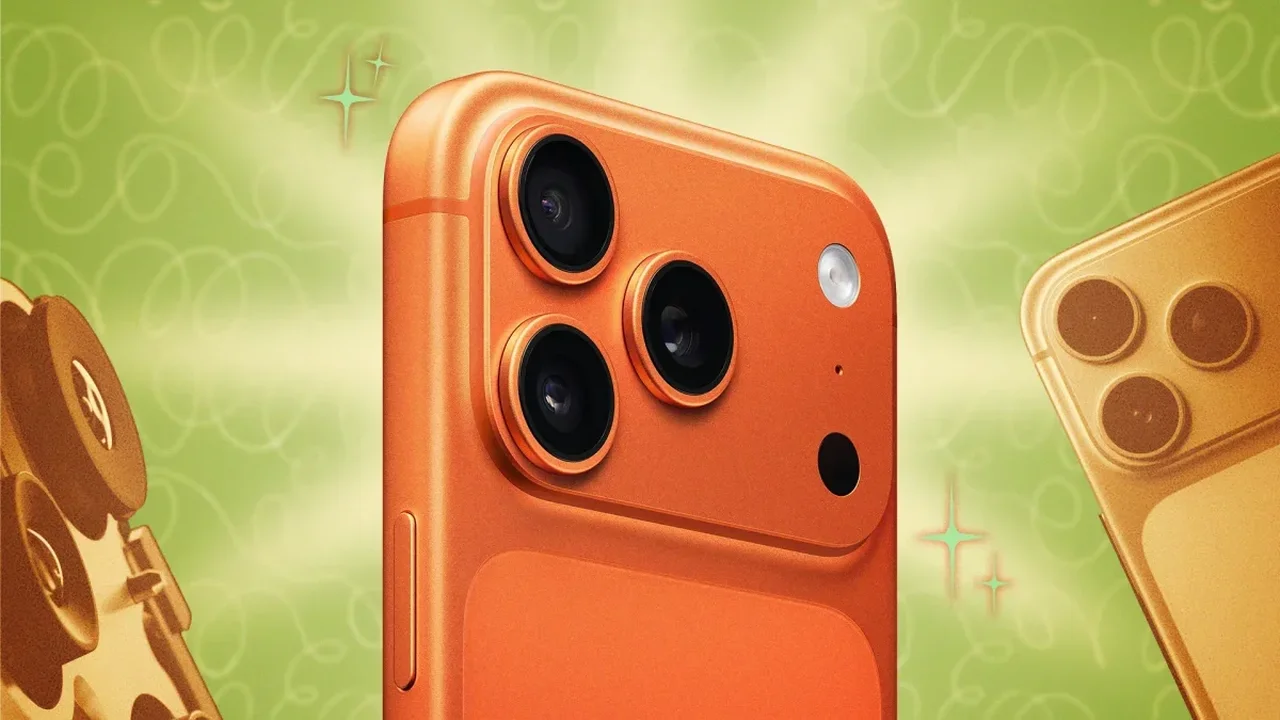
Apple's iPhone camera already delivers strong results out of the box, but a few quick adjustments can turn it into a far more capable creative tool. From sharper video to cleaner night shots, these settings help users get more from the device they carry every day.
Raise video quality
In Settings > Camera, users can switch recording to 4K and choose a frame rate that fits their needs. Lower frame rates save space, while higher ones create smoother motion for more polished clips.
Use ProRAW for richer photos
Compatible models can capture images in ProRAW, which preserves more detail than standard JPG files. That gives photographers greater flexibility in editing and printing, especially on Pro and Pro Max devices.
Reduce accidental camera launches
iPhone offers several ways to open the camera, including the Lock Screen and Control Center. Users who prefer a cleaner setup can disable the shortcuts they do not use and keep battery use more efficient.
Choose a preferred camera app
The Camera Control setting can be assigned to different photography apps, not just Apple's own Camera. This opens the door to third-party tools with manual controls such as shutter speed, ISO, and white balance.
Stabilize Night mode
A tripod can help Night mode reach longer exposure times, including the 30-second maximum on supported models. The result is more detail in low-light scenes and a steadier final image.
Frame group selfies better
Newer iPhones support a wider front-camera view without rotating the phone. That makes group selfies and vertical video easier to compose while keeping the device comfortably upright.
Keep settings in place
With Preserve Settings, users can stop the camera from resetting preferences every time it closes. Options include Night mode, exposure, Live Photo, and ProRAW controls.
Improve sharing compatibility
Apple's default formats are efficient, but switching to Most Compatible can make photos and videos easier to open across different devices and platforms.
Use the grid for composition
The built-in grid and level tools help align subjects and balance shots more precisely, which is especially useful for everyday photography and social content.
Record pro video to external storage
On recent Pro models, an external SSD can store high-end video files directly through USB-C. This is especially useful for ProRes recording and larger projects that need more space.
As iPhone camera tools continue to evolve, everyday users may gain even more control over mobile photography and video in the years ahead.