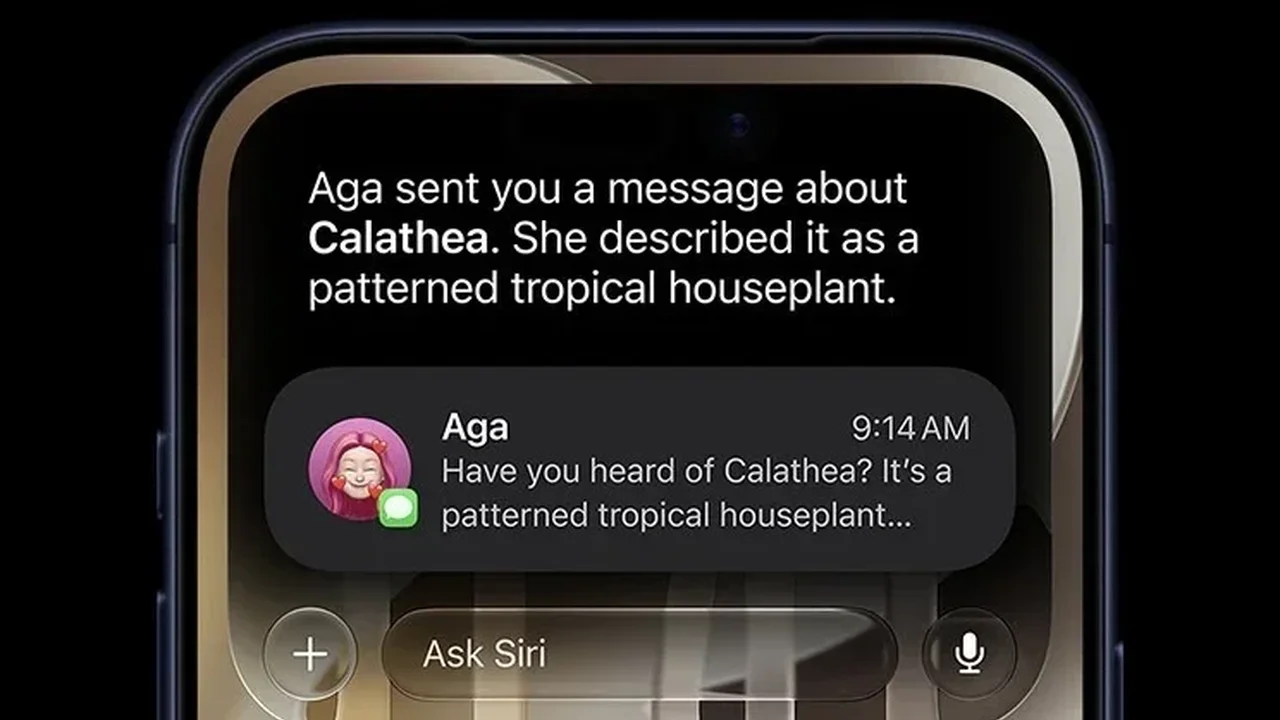
Apple's next-generation Siri is moving closer to public use, bringing a more capable AI assistant experience to compatible devices. The feature is expected to arrive with iOS 27 and macOS 27, but eligible users can already test it through the current beta builds.
Which devices support Siri AI?
To try the new assistant, your device must support Apple Intelligence. On iPhone, that means iPhone 15 Pro and newer. On Mac, all M-series models compatible with macOS 27 can participate. Apple also lists supported iPad, Vision Pro, and newer device families with specific chip requirements.
Some advanced functions, including voice-related controls, are limited to select hardware such as the iPhone 17 lineup, iPhone Air, certain iPads with M4 and 12GB of RAM, Macs with M3 and 12GB of RAM, and the M5 Vision Pro.
How to join the waitlist
First, install the latest beta version of iOS 27, iPadOS 27, or macOS 27 on a compatible device. Then open Settings on iPhone or iPad, or System Settings on Mac, and go to Apple Intelligence & Siri. From there, select Try the new Siri (Beta) to join the waitlist.
Access is not immediate. Apple appears to be rolling out invitations gradually, so approval may arrive within minutes or take several days. Some users may also choose to enroll in the Apple Developer Program to potentially speed up access.
For Mac users, early beta testers have also explored Terminal-based shortcuts, though availability can change as the software evolves. As Apple refines Siri AI, the assistant could become a more natural and useful part of everyday device interaction, shaping the next phase of personal computing.