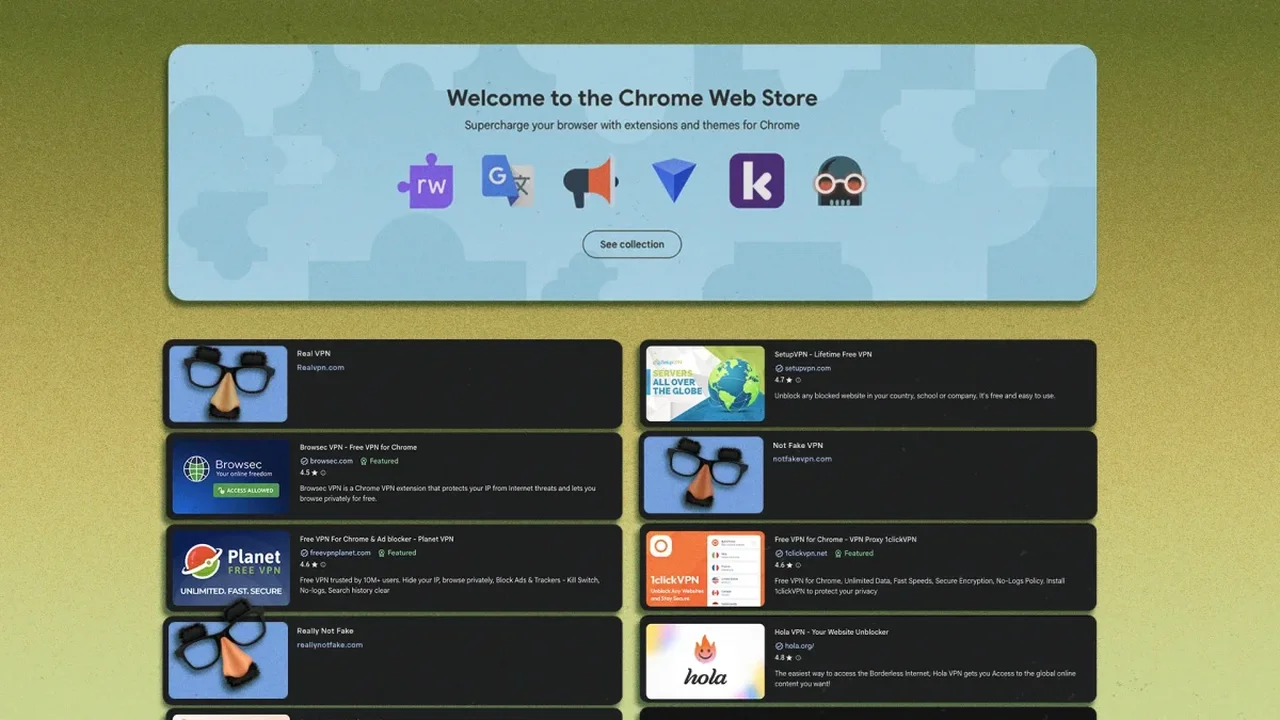
Some Chrome users are encountering pop-ups that look like urgent browser update notices, but security researchers say they may actually be tied to malicious extensions. These alerts can claim that access is blocked or that the browser will stop working unless an update is installed immediately.
How the scam works
The deceptive messages often mimic Chrome's branding and push users toward downloading files such as .vbs or .exe scripts. In several cases, the activity has been linked to browser add-ons that were originally presented as useful tools, then later used to deliver harmful code from remote servers.
Reports indicate that similar behavior has appeared across Chromium-based browsers, including Brave and Opera. One extension connected to the issue was removed from the Chrome Web Store, showing how trusted add-ons can be turned into delivery channels after gaining user confidence.
How to stay protected
Experts recommend avoiding any update prompt that appears inside a webpage or extension pop-up. The safer approach is to check browser status directly through the settings menu and review installed extensions regularly. Removing unnecessary add-ons can also reduce exposure to hidden scripts.
As browsers continue to evolve, stronger extension oversight and smarter user habits could make everyday web browsing more secure and resilient in the future.